ProDriver77
Members
-
Joined
-
Last visited
Everything posted by ProDriver77
-
ProDriver77 replied to Lostranger's topic in 1990 to Present Legacy, Impreza, Outback, Forester, Baja, WRX&WrxSTI, SVXNot saying it's a definite, but I had the same issue years ago with a 1986 Chevy Cavalier with a 4-speed manual. It was stuck in gear and wouldn't release. Towed it to a transmission shop who found the clutch release bearing seized up, thus causing fingers on the pressure plate to collapse and lock the clutch disc in an "engaged' position. Cost me about $600 for a new clutch kit installed. That was in 1997. Good luck!
-
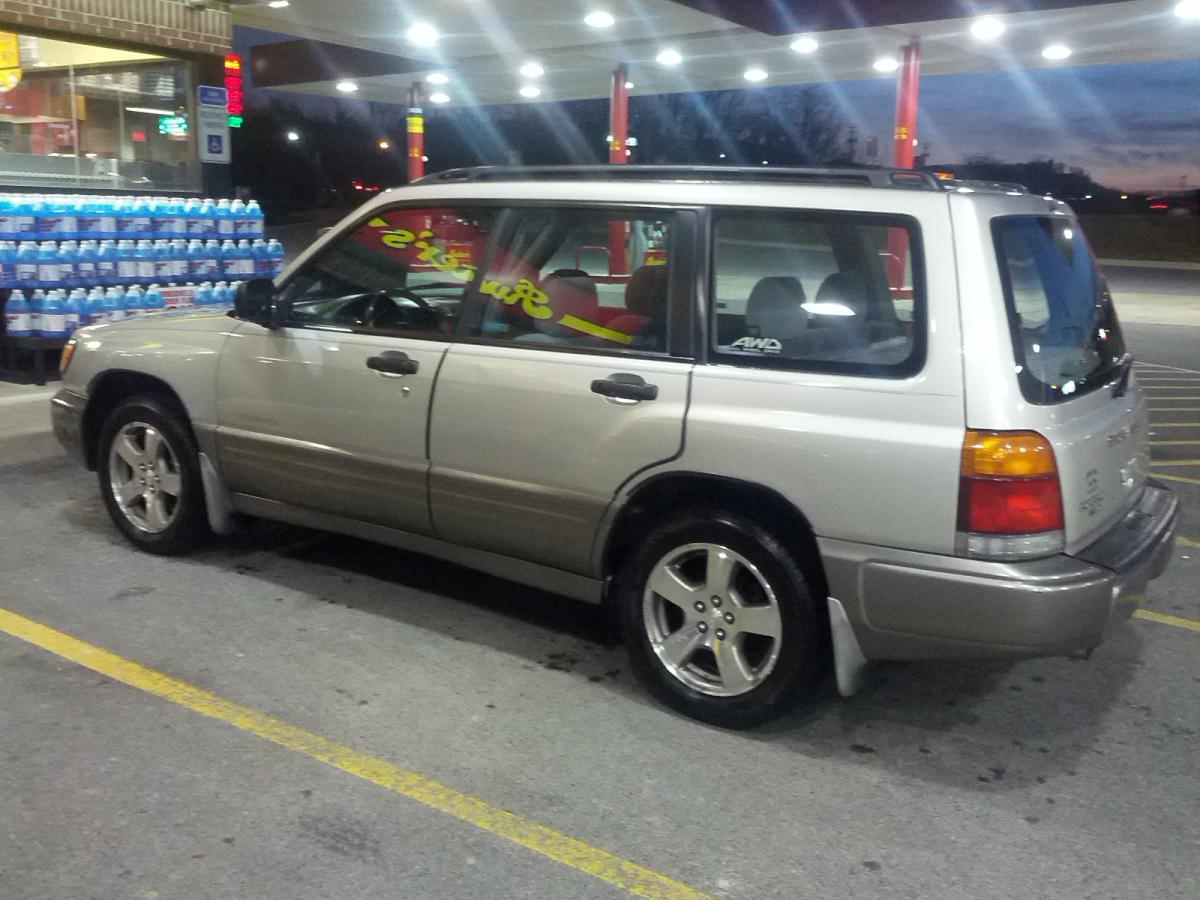
ProDriver77 replied to Red92's topic in 1990 to Present Legacy, Impreza, Outback, Forester, Baja, WRX&WrxSTI, SVXMy 1999 Subaru Forester S
-
-
-
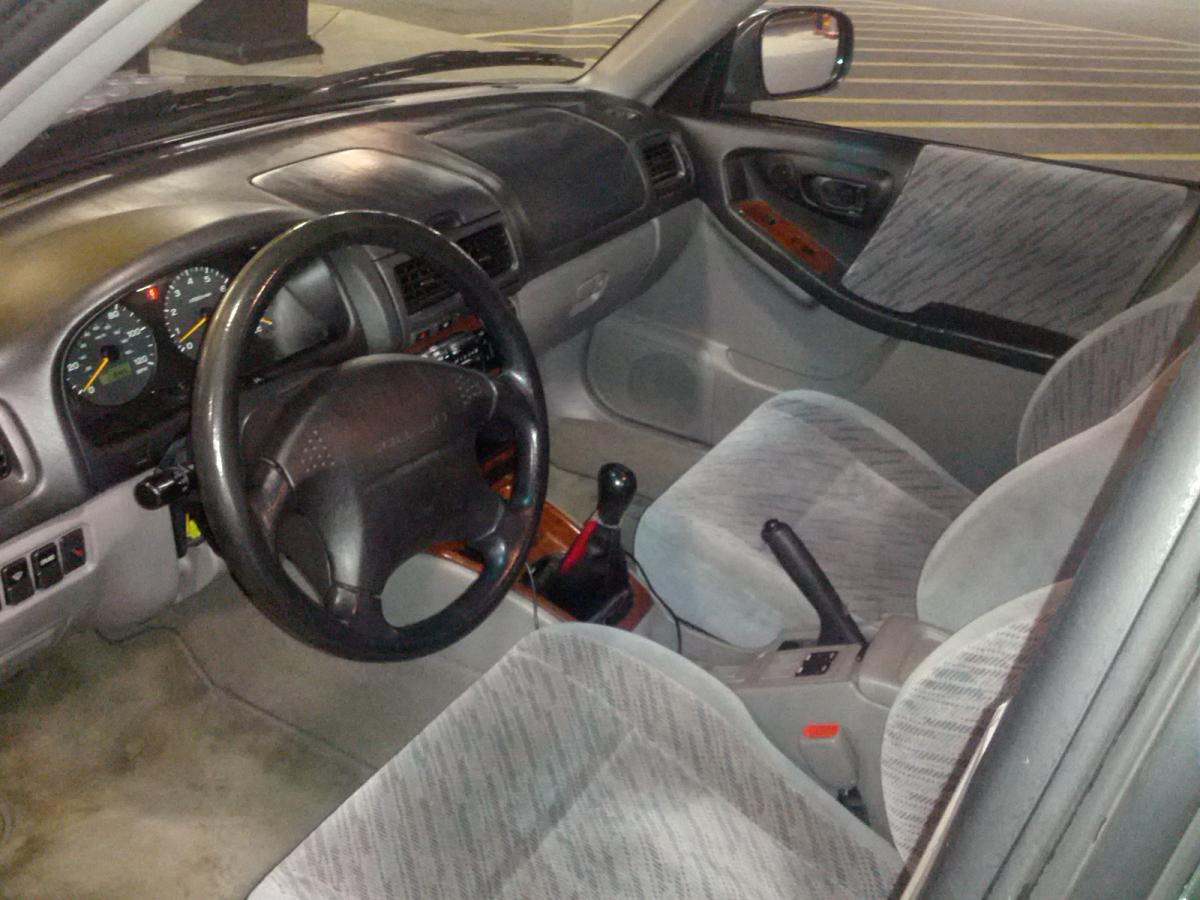
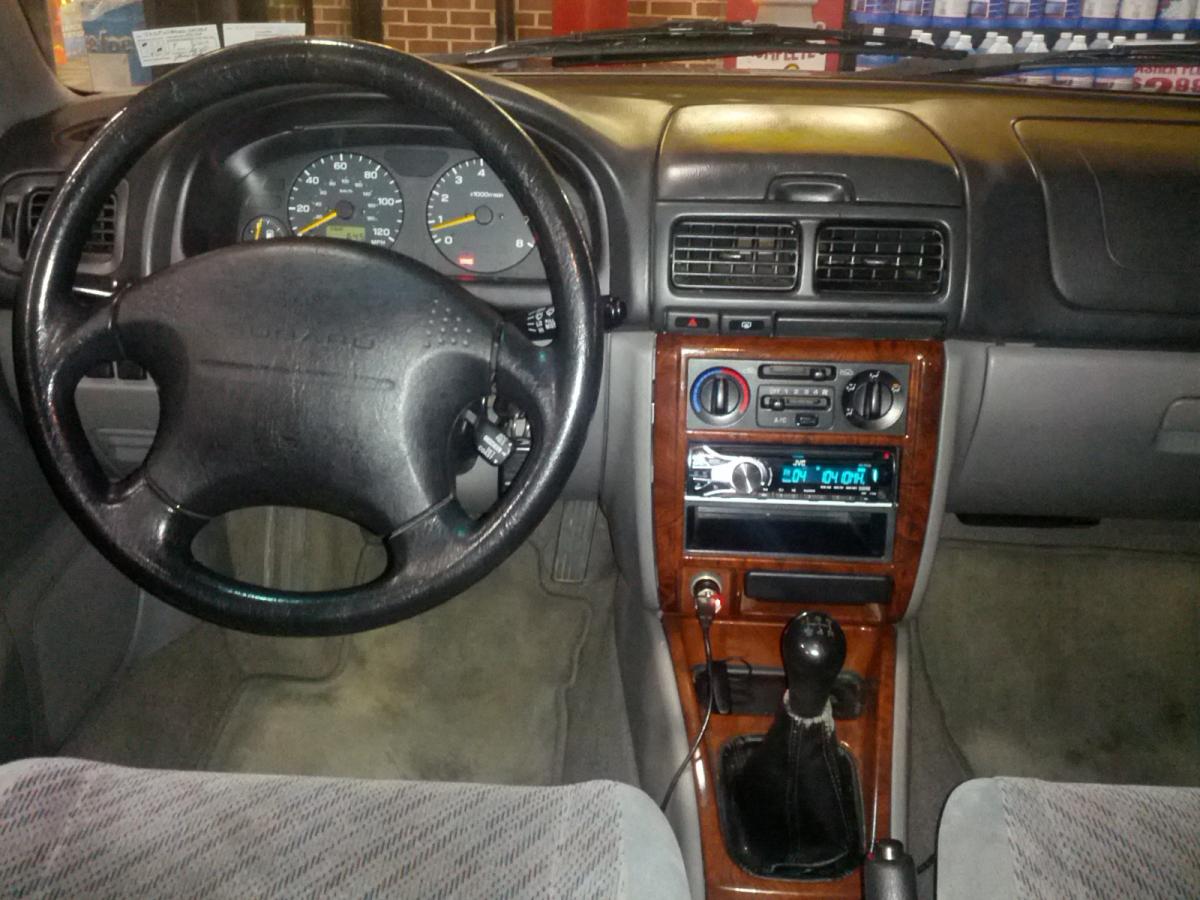
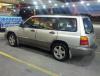
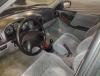
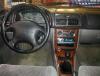
Just purchased by 1st Subaru, a 1999 Forester S 5MT, on March 9th with 203,xxx miles on her for $1700 as a cheap runaround 2nd car. It was very well maintained mechanically by the previous 2 owners. Interior is still in great shape. Paint is OK, but has some dings and scuffs on the bumper, as well as a small rust spot on the right-rear fender I'll be repairing as soon as it warms up enough. My other vehicle is a 2004 Saturn Vue. While the Saturn is a great family car for my wife and our 3 rugrats; the Subaru is my typical daily driver and I honestly find myself enjoying the drive in Scooby more than driving Black Beauty (my wife's name for the Vue). I'm also a member on SubaruForester.org, using the same screen name. Glad to be aboard, and look forward to the discussions with all of you. Sincerely, Matt