OldBlue97
Members
-
Joined
-
Last visited
Everything posted by OldBlue97
-
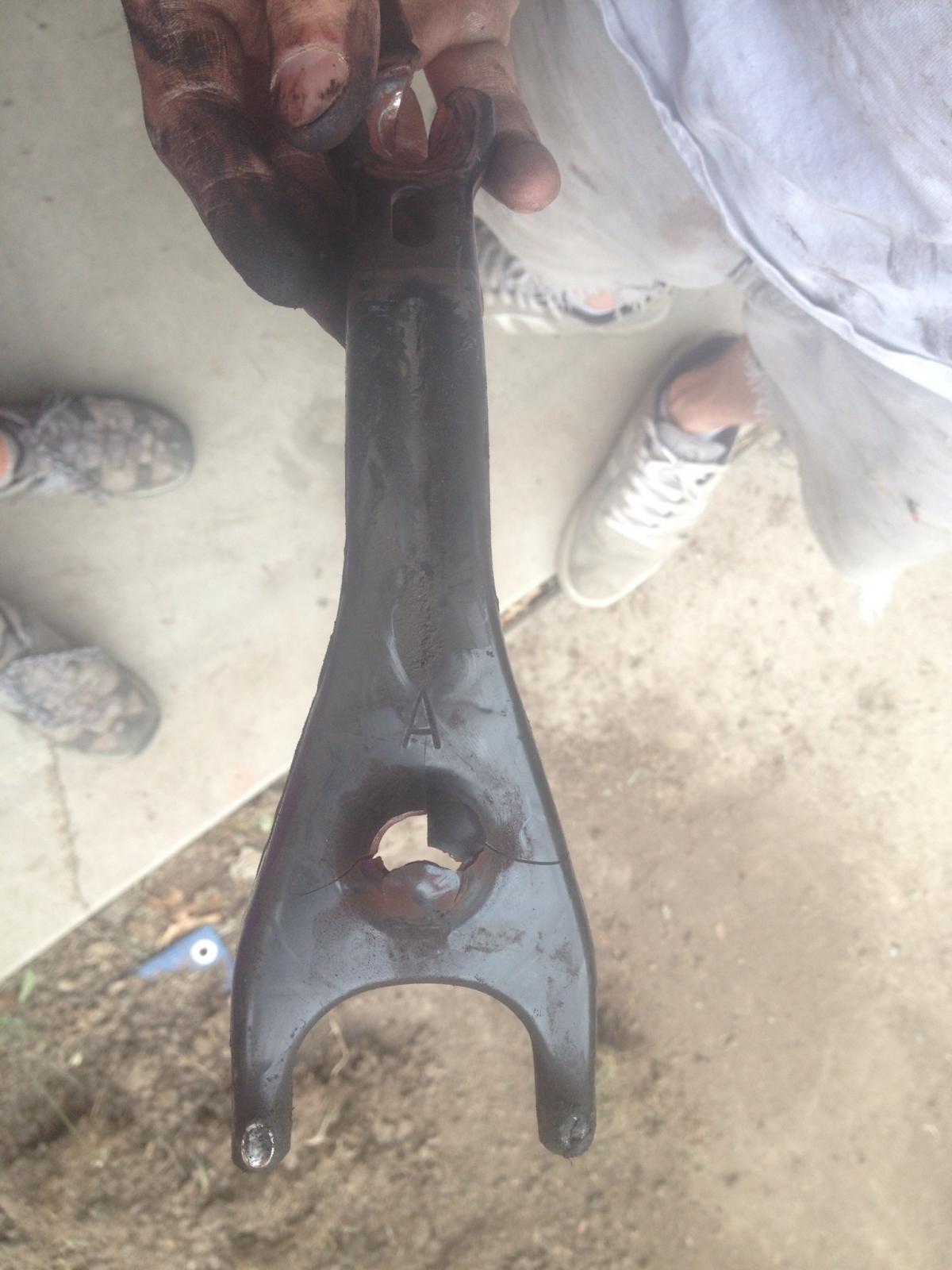
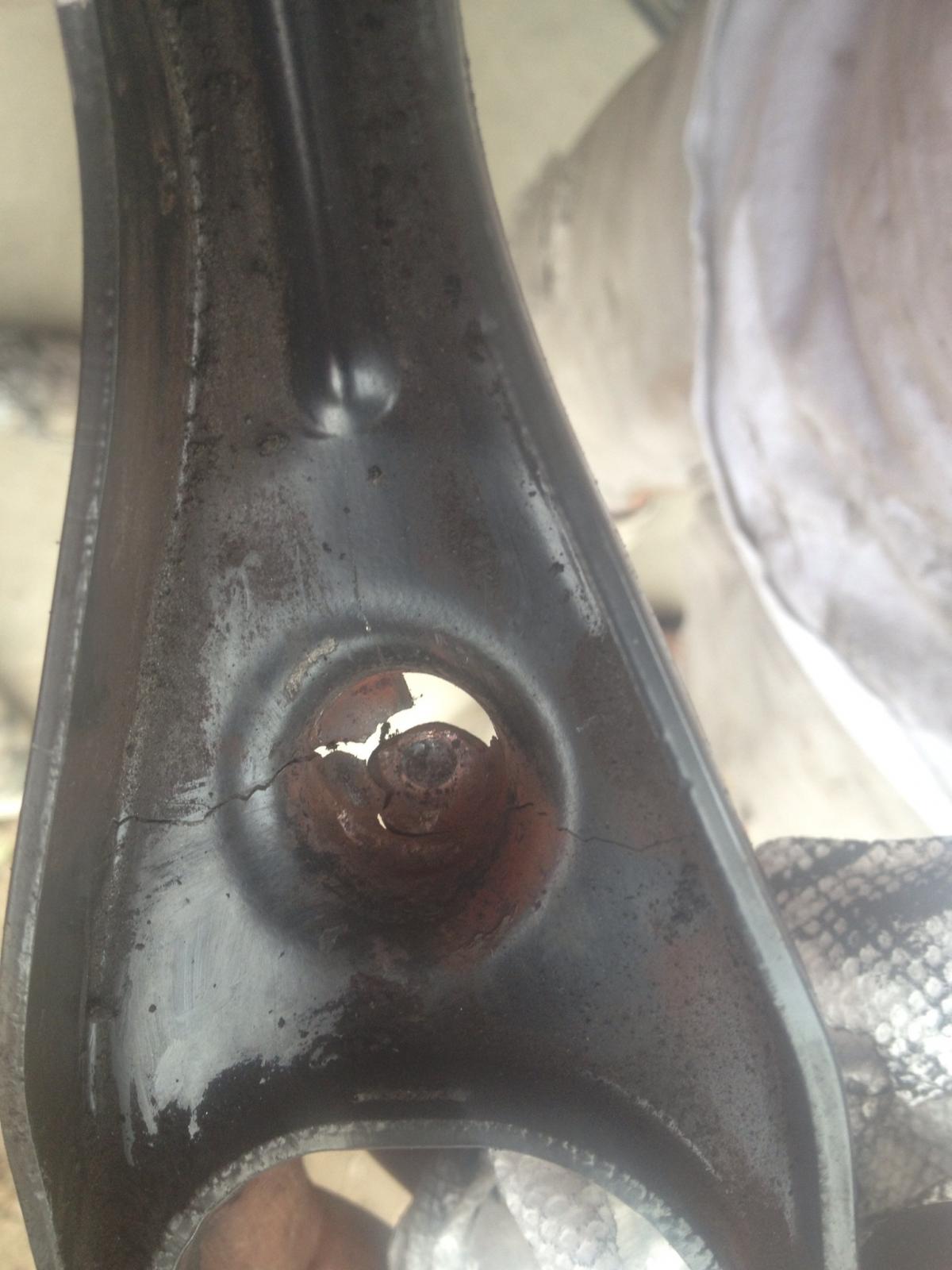
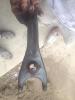
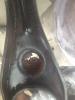
OldBlue97 replied to OldBlue97's topic in 1990 to Present Legacy, Impreza, Outback, Forester, Baja, WRX&WrxSTI, SVXProject complete! Thank you everyone for the help. As you can see from the pictures it was absolutely the clutch fork. Everything is back in working order and running great!
-
OldBlue97 replied to OldBlue97's topic in 1990 to Present Legacy, Impreza, Outback, Forester, Baja, WRX&WrxSTI, SVXHow far apart will I have to separate the engine and transmission in order to replace the fork? Can it be done without pulling the front axels?
-
Have a 97 impreza outback sport 2.2, 218,900 miles, manual transmission. Beginning of the week all gears shifted as normal with some grinding going into reverse. Clutch also seemed to be grabbing very early. Starting on Wednesday it became increasingly difficult to shift to any gear and while idling in 1st car violently shakes. Got home, tightened the clutch cable, drove to work Thursday no real problems. Clutch pedal was stiff and I could only push it 3/4 of the way in, but I could shift. On the way home again I could no longer shift. Friday morning, still unable to shift and now when I try it makes a low humming noise (almost like a cat purring). Had to rev match to work this morning since I had no other option. Have a new clutch cable on the way, but not sure that's the whole problem. Clutch was replaced in October 2010. Has anyone had this problem? Is it the clutch cable? Is it more than just the clutch cable or something totally different? Thanks!!!