Skip to content
View in the app

A better way to browse. Learn more.

Ultimate Subaru Message Board

A full-screen app on your home screen with push notifications, badges and more.

To install this app on iOS and iPadOS
  1. Tap the Share icon in Safari
  2. Scroll the menu and tap Add to Home Screen.
  3. Tap Add in the top-right corner.
To install this app on Android
  1. Tap the 3-dot menu (⋮) in the top-right corner of the browser.
  2. Tap Add to Home screen or Install app.
  3. Confirm by tapping Install.

subbygirlpr

Members
  • Joined

  • Last visited

  1. Trust me is worth fixing it! I had a car just like this one, and sold it last year practically new... I mean it will last for a long time! the lady that bough it was delighted on how great conditions a 10 year old car was!
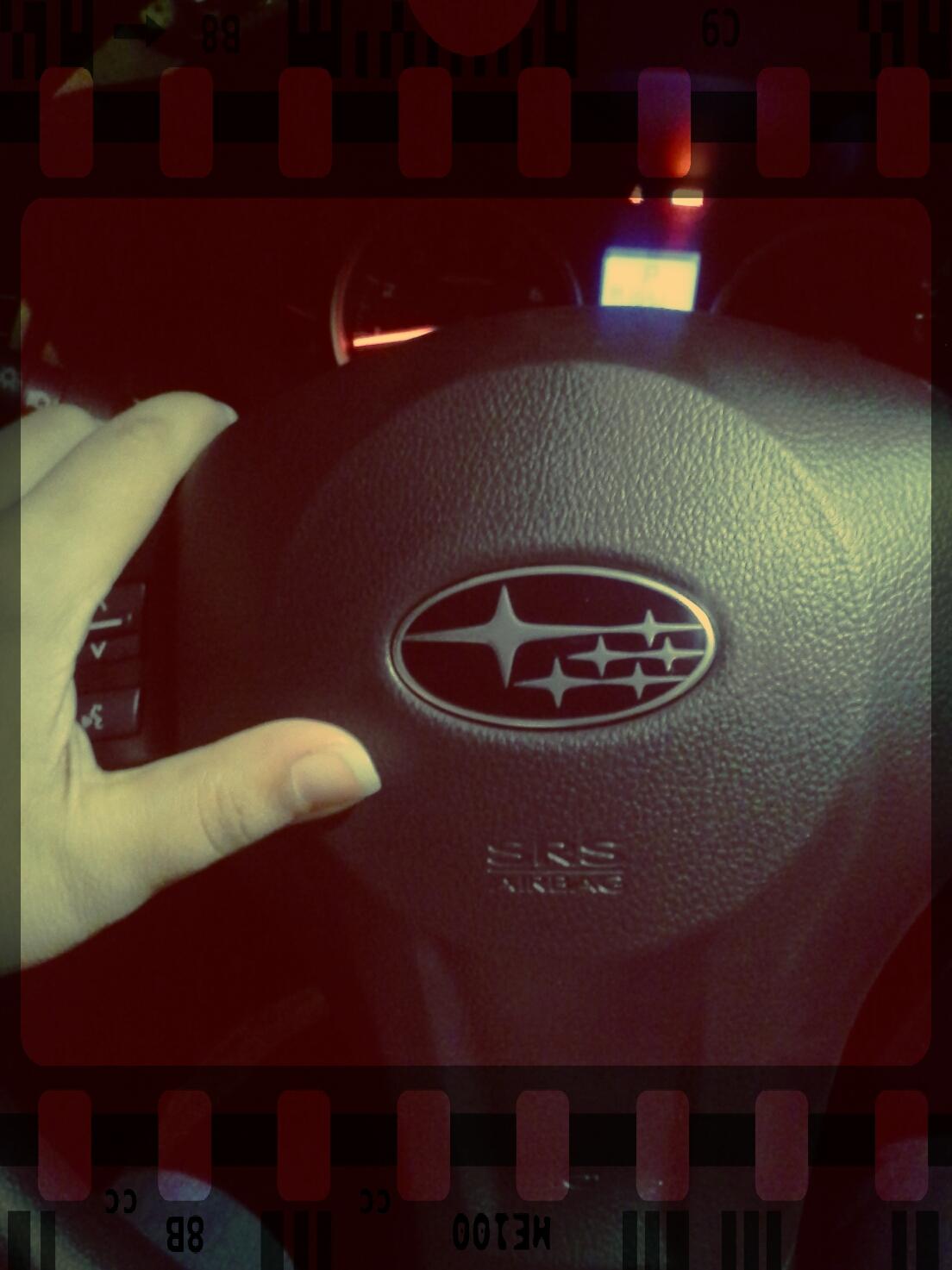
  2. Just passed by to say hello!! Had an Impreza Outback Sport LE back in 2002. Sold it last year and got me an XV Cross Trek!!! Loving it!!! Once Subaru, Always Subaru!
Account

Navigation

Search

Search

Configure browser push notifications

Chrome (Android)
  1. Tap the lock icon next to the address bar.
  2. Tap Permissions → Notifications.
  3. Adjust your preference.
Chrome (Desktop)
  1. Click the padlock icon in the address bar.
  2. Select Site settings.
  3. Find Notifications and adjust your preference.
