Skip to content
View in the app

A better way to browse. Learn more.

Ultimate Subaru Message Board

A full-screen app on your home screen with push notifications, badges and more.

To install this app on iOS and iPadOS
  1. Tap the Share icon in Safari
  2. Scroll the menu and tap Add to Home Screen.
  3. Tap Add in the top-right corner.
To install this app on Android
  1. Tap the 3-dot menu (⋮) in the top-right corner of the browser.
  2. Tap Add to Home screen or Install app.
  3. Confirm by tapping Install.

MLHoenig

Members
  • Joined

  • Last visited

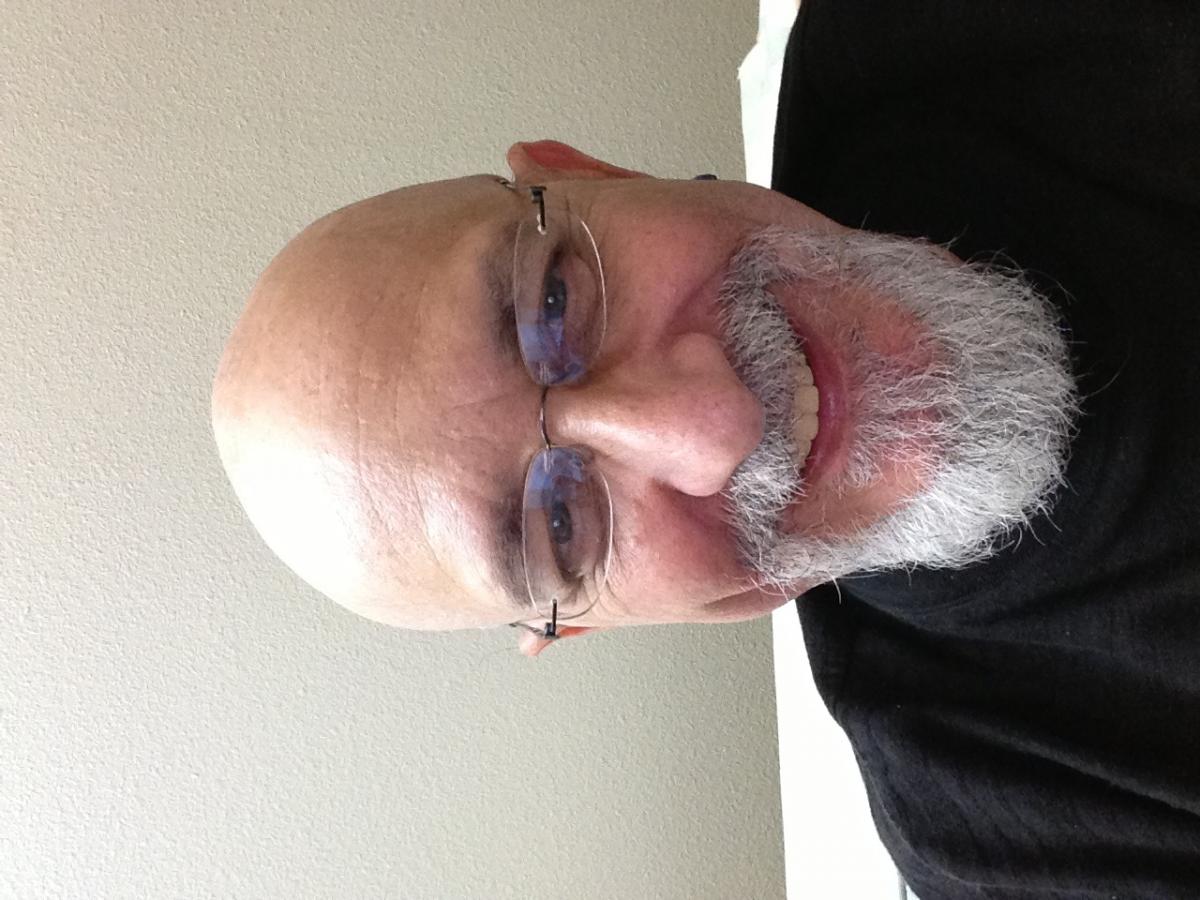
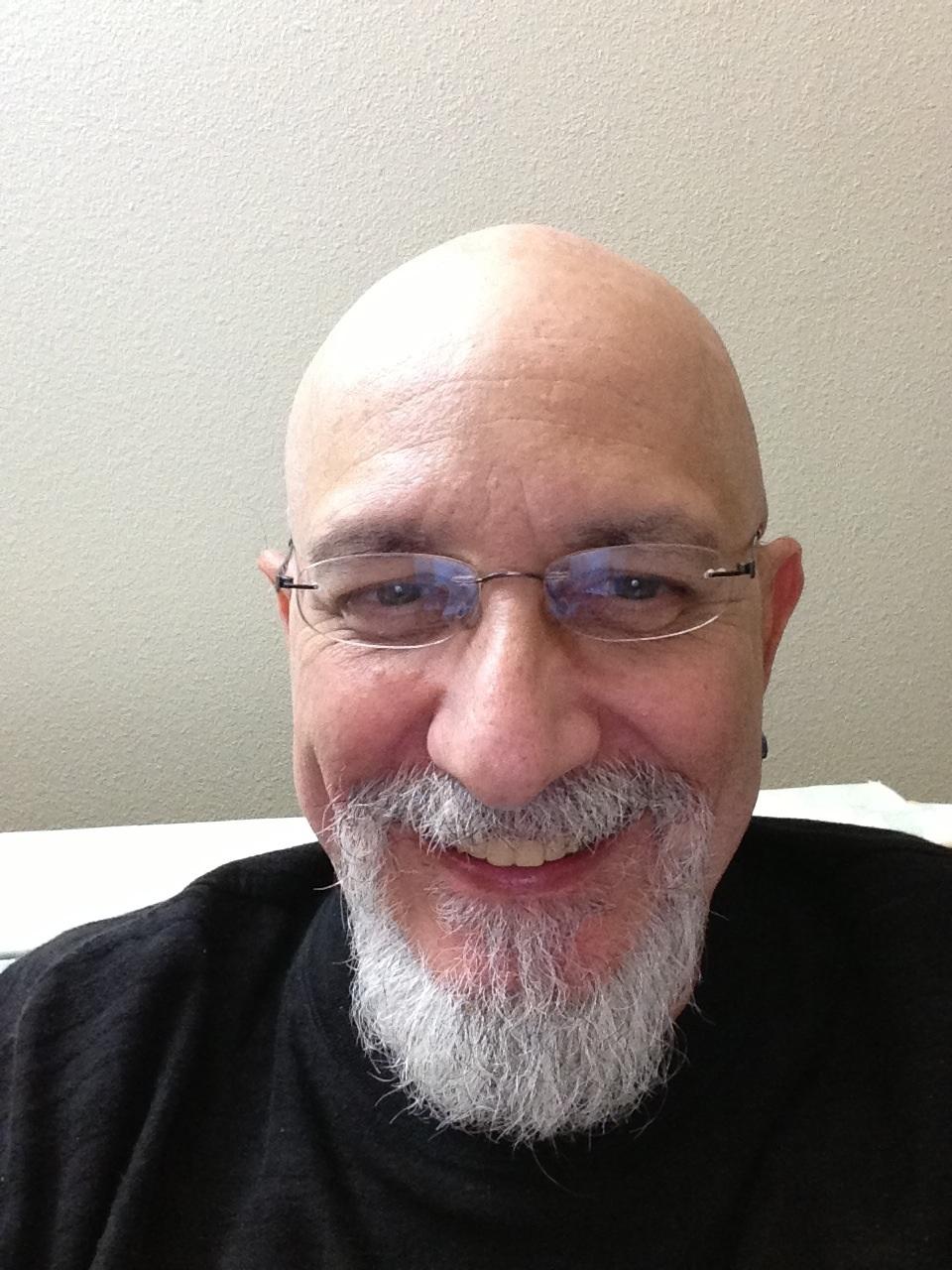
  1. Thought it might be appropriate to check in again, since my first was moved out (thanks, 777!) to a better place. As the subject says, Nebraska is home these days, but I grew up a few miles from the Dallas Cowboys' home in Arlington, Texas... I'll be on a Greyhound bus from Omaha tomorrow afternoon to Cleveland, Ohio, Saturday morning to pick up my first Subaru: a well-worn but CarFax approved '04 L.L. Bean. Happy to be here, and certain to find lots of great people with plenty of advice!

Account

Navigation

Search

Search

Configure browser push notifications

Chrome (Android)
  1. Tap the lock icon next to the address bar.
  2. Tap Permissions → Notifications.
  3. Adjust your preference.
Chrome (Desktop)
  1. Click the padlock icon in the address bar.
  2. Select Site settings.
  3. Find Notifications and adjust your preference.