Skip to content
View in the app

A better way to browse. Learn more.

Ultimate Subaru Message Board

A full-screen app on your home screen with push notifications, badges and more.

To install this app on iOS and iPadOS
  1. Tap the Share icon in Safari
  2. Scroll the menu and tap Add to Home Screen.
  3. Tap Add in the top-right corner.
To install this app on Android
  1. Tap the 3-dot menu (⋮) in the top-right corner of the browser.
  2. Tap Add to Home screen or Install app.
  3. Confirm by tapping Install.

EW@sh

Members
  • Joined

  • Last visited

Everything posted by EW@sh

  1. http://www.mttechsuba.com/used-subaru-loyale-parts/1985-1994-loyale/ They have a power antenna in stock, I believe.
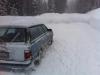
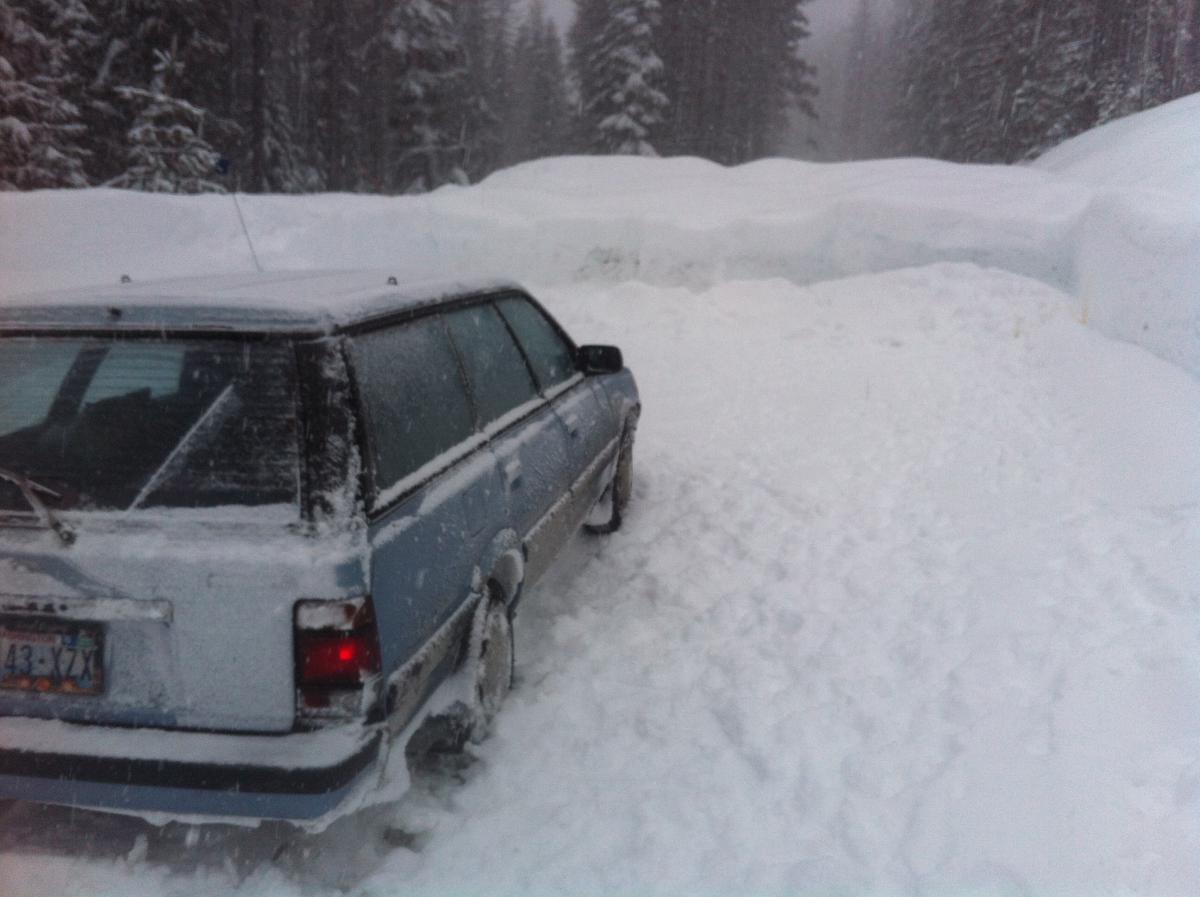
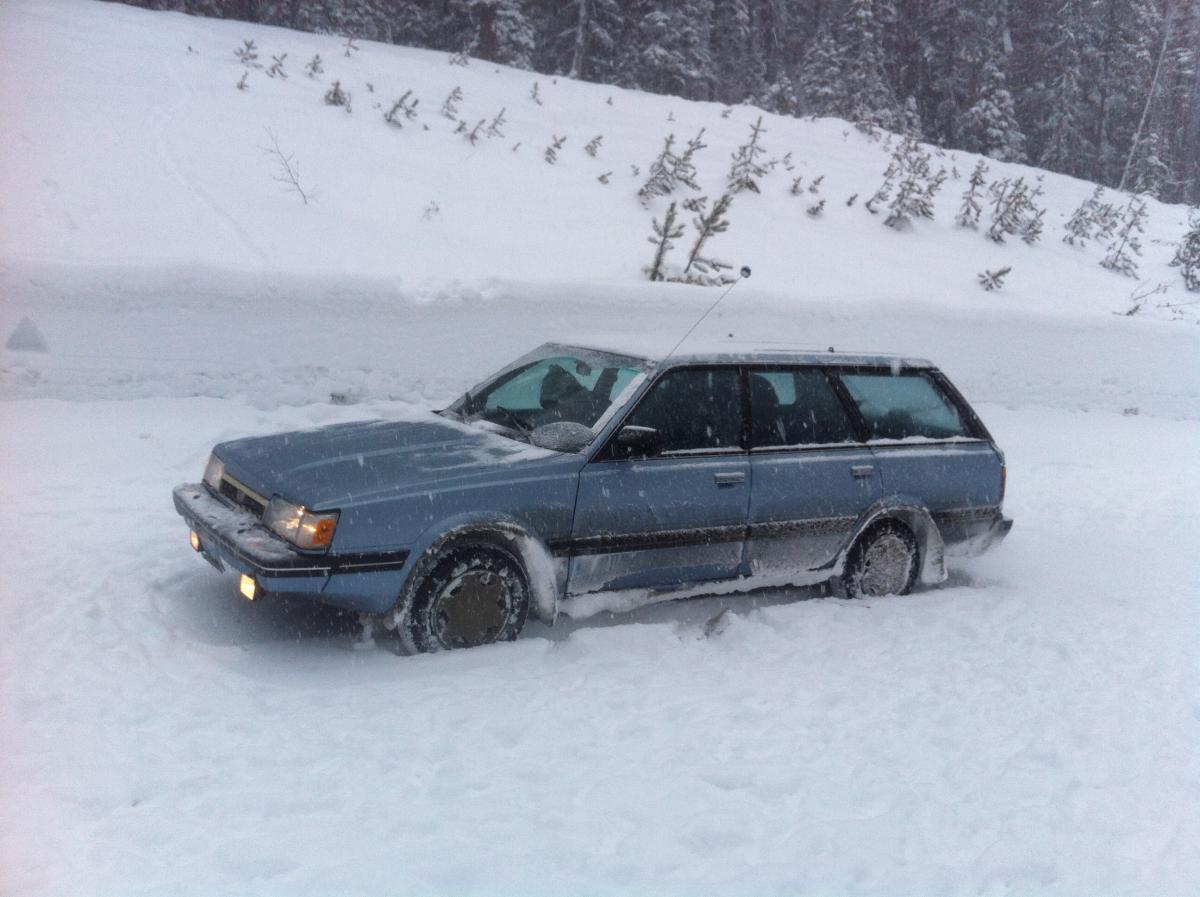
  2. I've had my gl for a couple weeks. What a fun car.
  3. It's for an '87 ea82. I'm a noob and trying to educate myself.
  4. Anybody have a link or can post a pic? Much appreciated.
  5. Anybody have a link or can post a pic? Much appreciated.
  6. I'm going to look at (and hopefully buy) a 1987 gl. I'm not familiar with these cars. Always wanted one, and now I need a car and found this. What should I be looking for? Low coolant levels? Certain areas of rust? Etc? Any advice or a link to a sticky is much appreciated. Thanks!
Account

Navigation

Search

Search

Configure browser push notifications

Chrome (Android)
  1. Tap the lock icon next to the address bar.
  2. Tap Permissions → Notifications.
  3. Adjust your preference.
Chrome (Desktop)
  1. Click the padlock icon in the address bar.
  2. Select Site settings.
  3. Find Notifications and adjust your preference.