Leone 101
Members
-
Joined
-
Last visited
Everything posted by Leone 101
-
My page is 1991 leone u guys can check it out leave comments n suggestions karuri u can link me for advices also
-
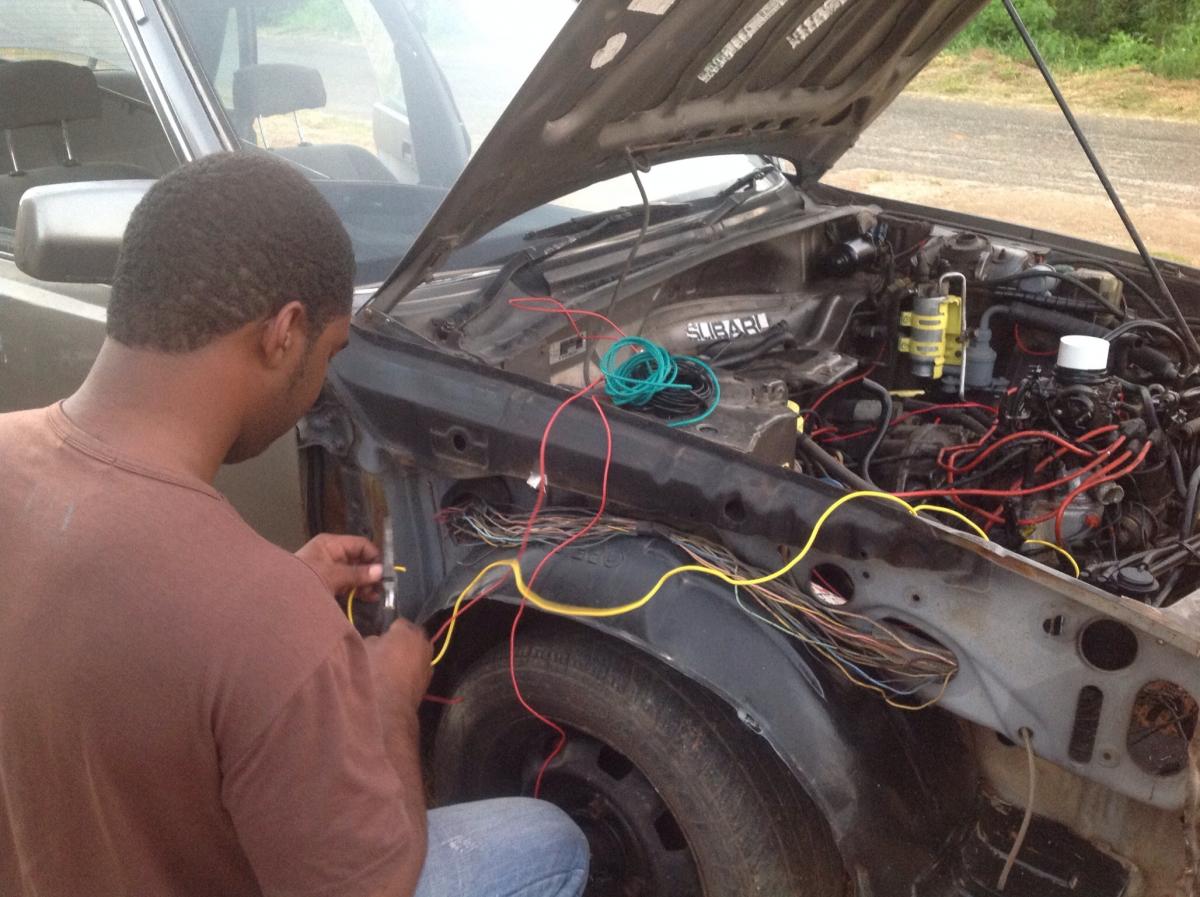
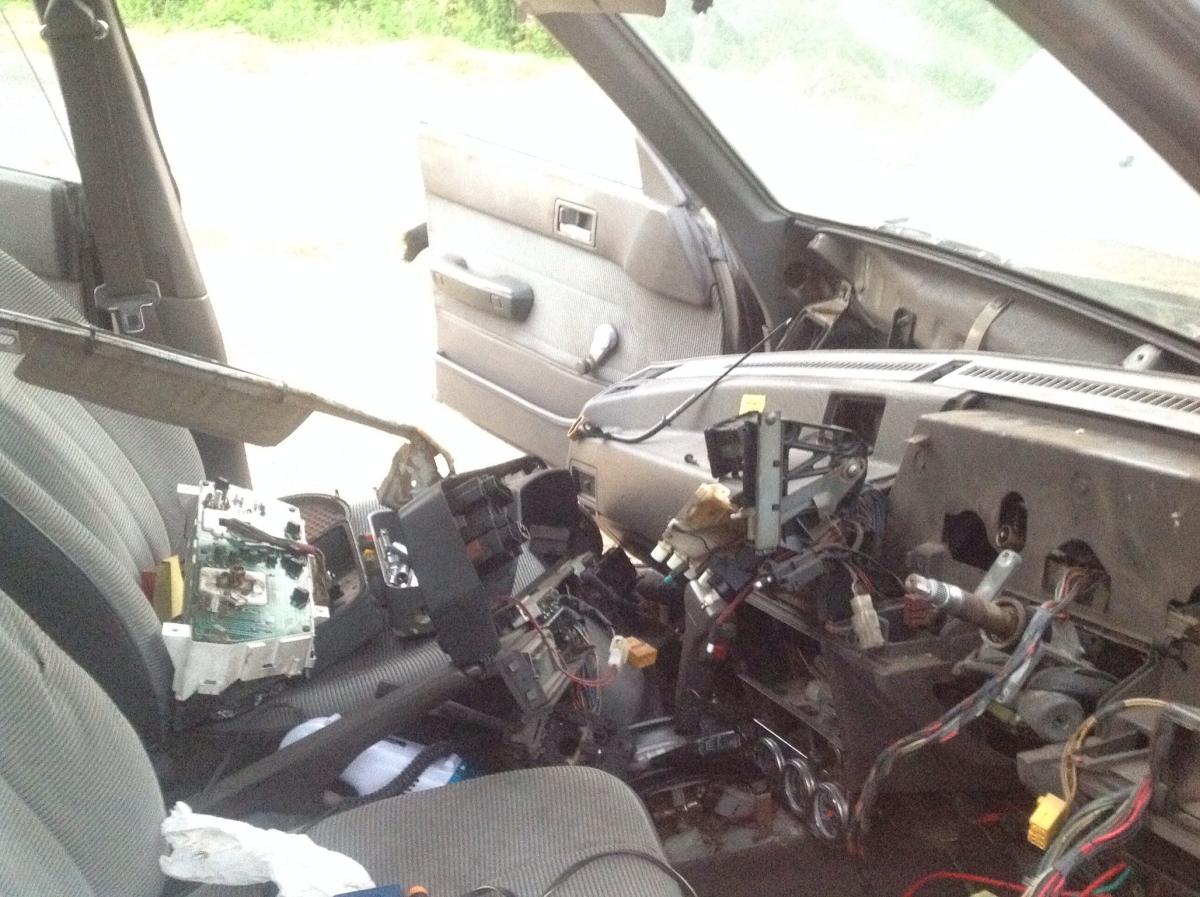
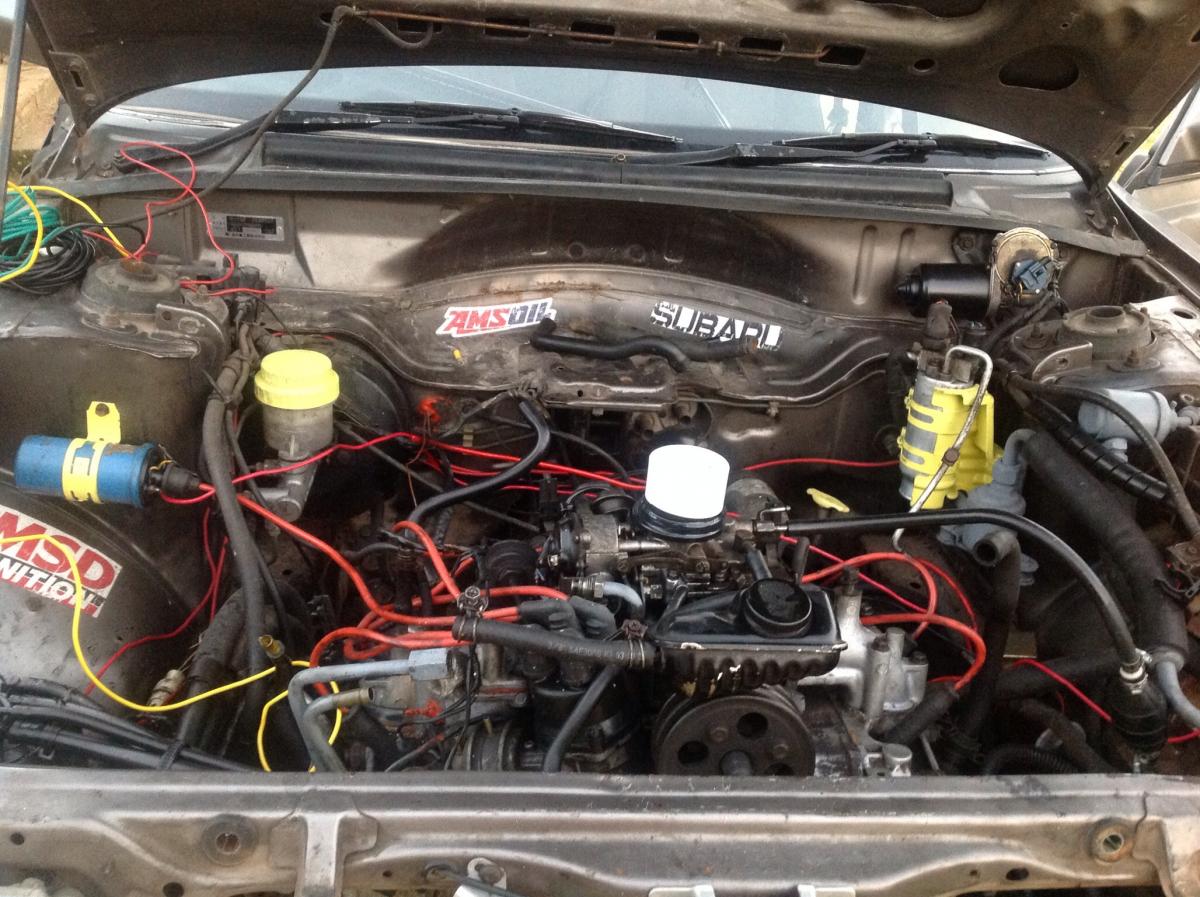
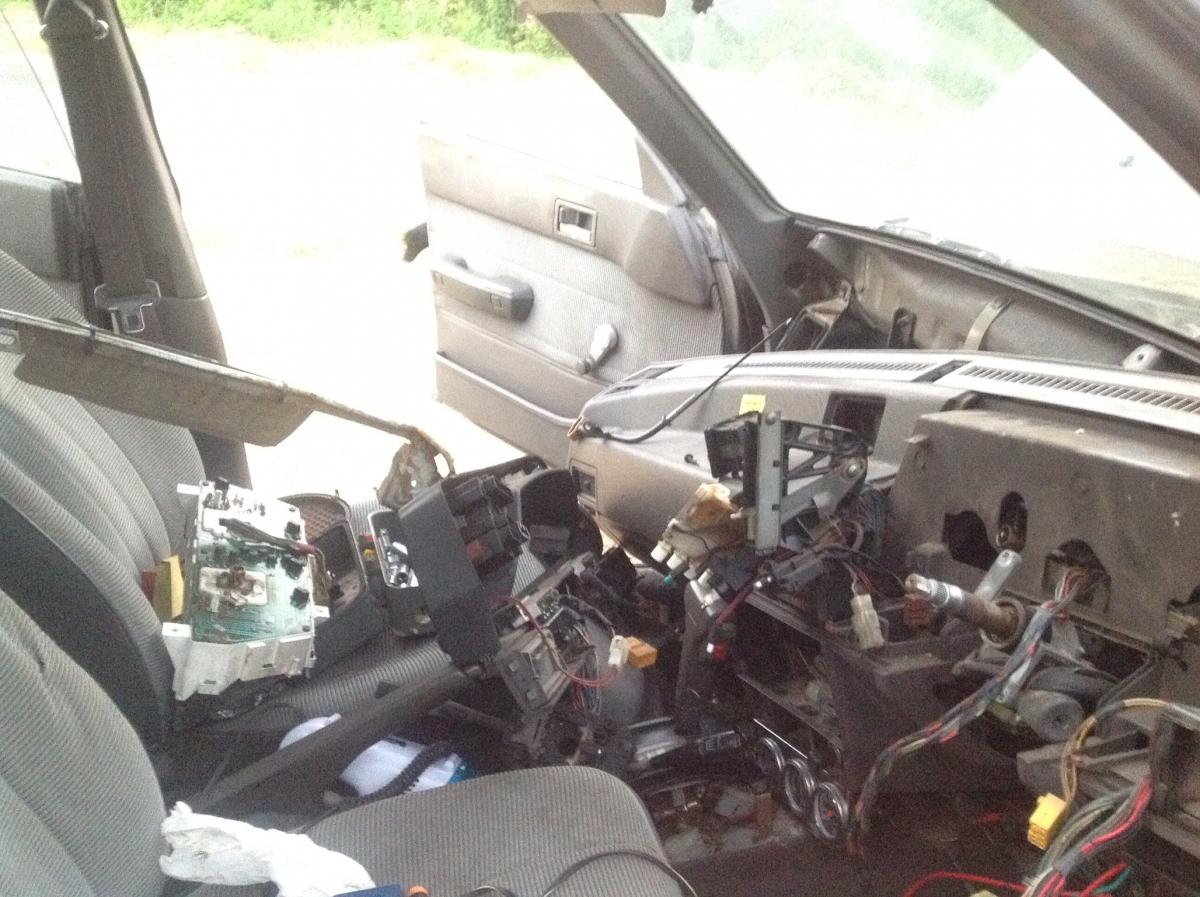
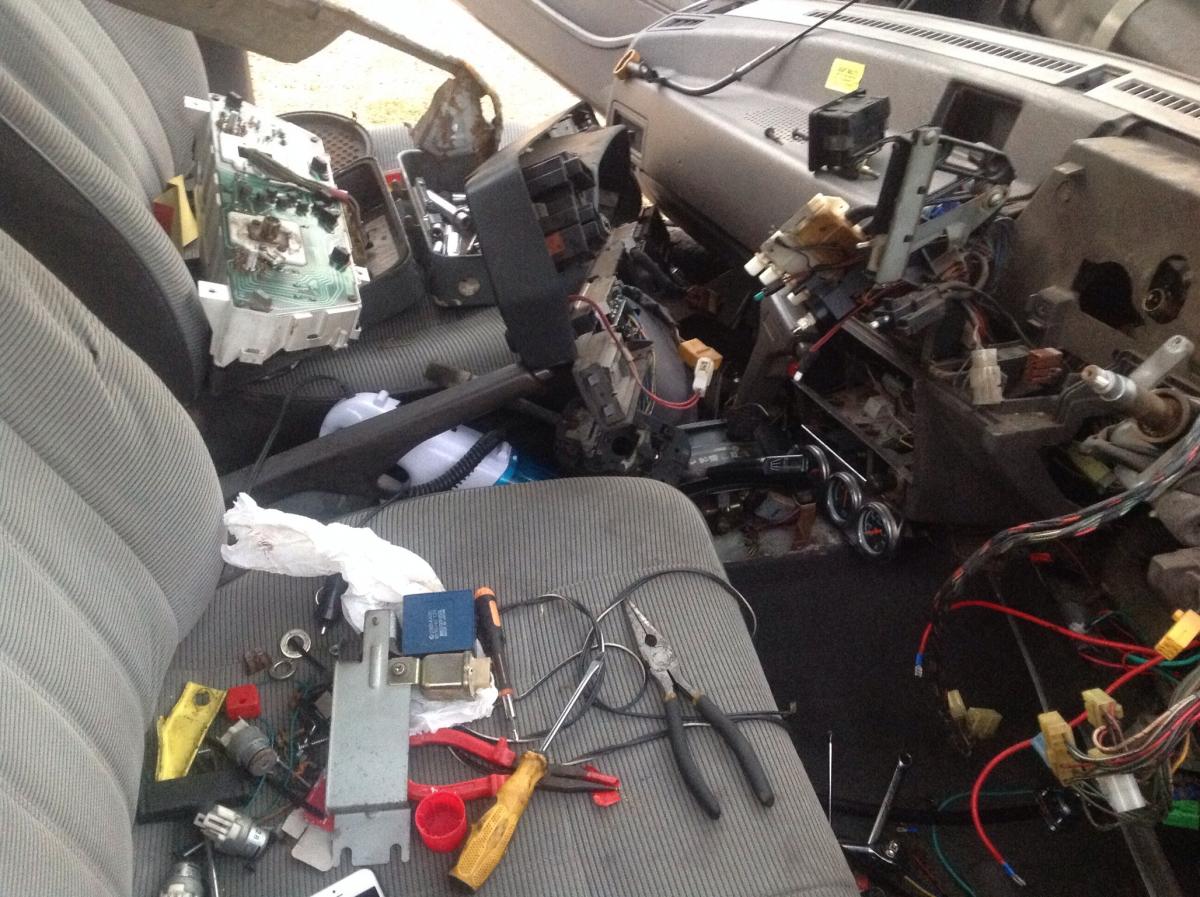
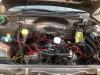
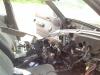
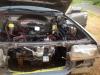
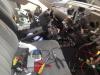
Re wireing all lights circuits the horn circuit. The best part was setting it up like a racing machine a real track car with the fuel pump, starting circuit and ignition have there individual switch n push start button. Gonna have to resize more pics tho
-
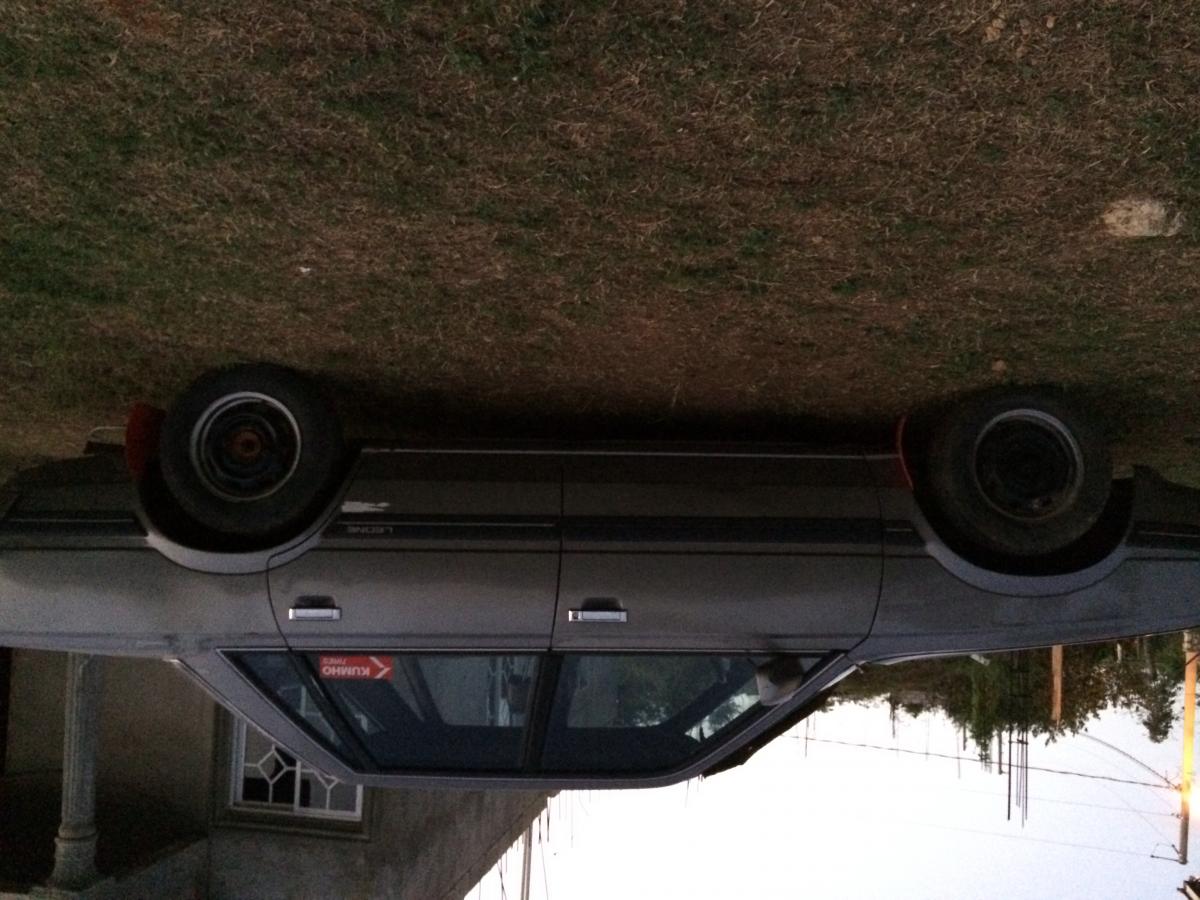
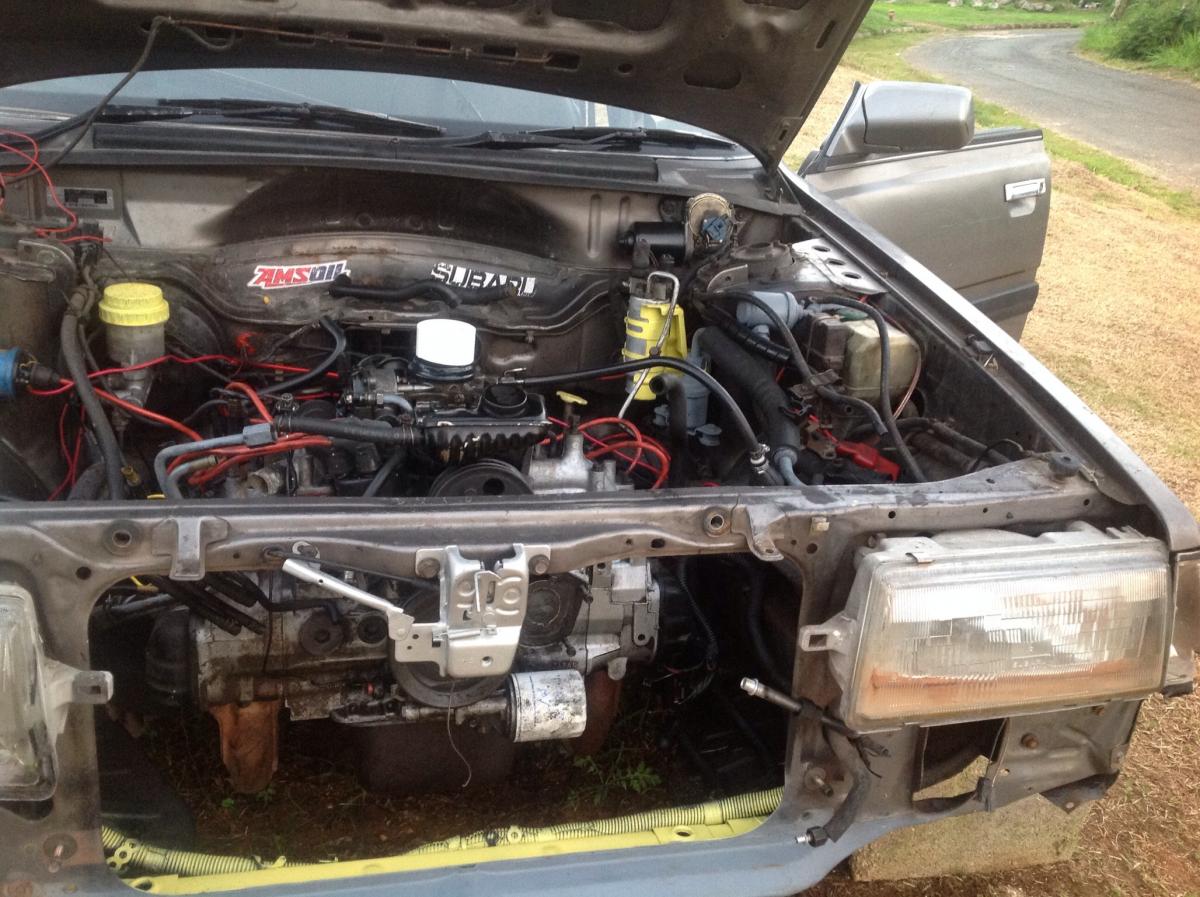
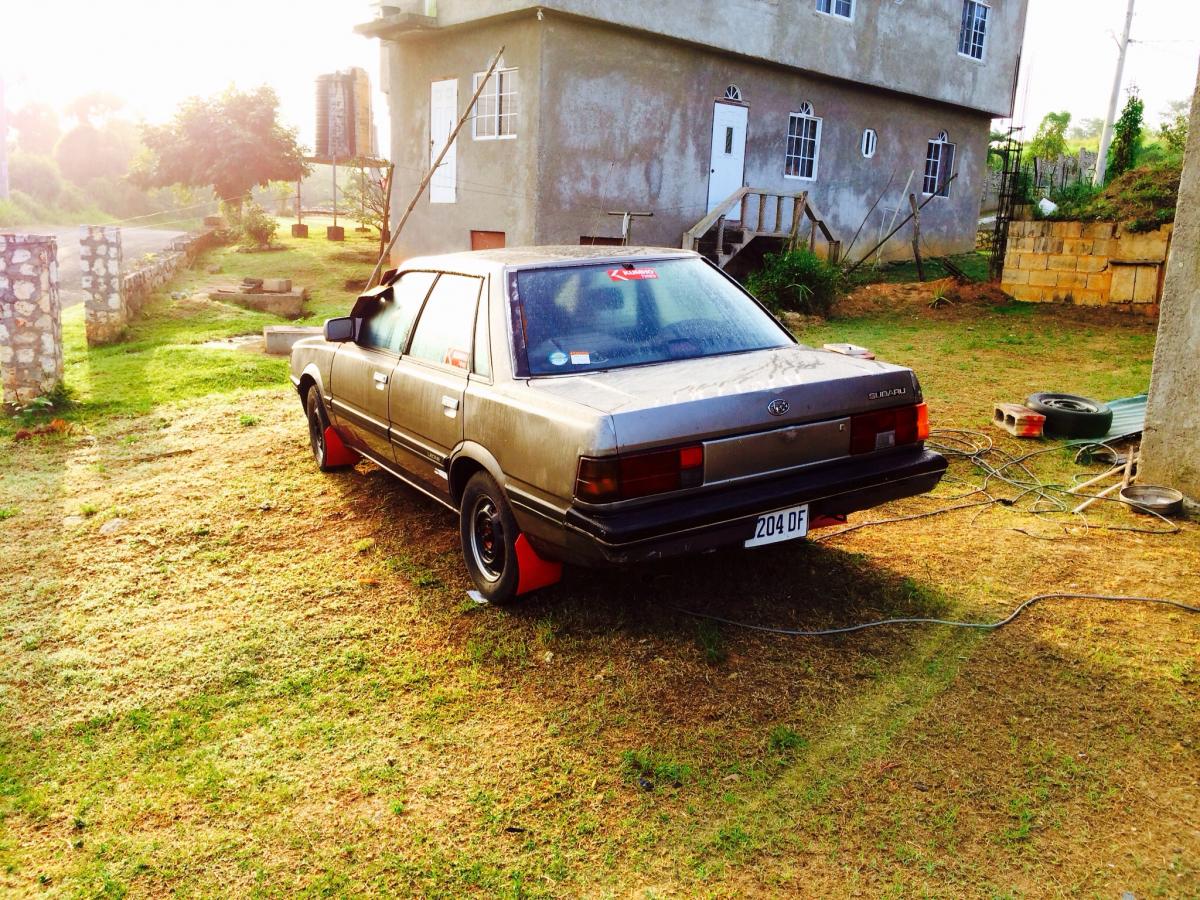
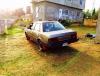
I am currently restoring a 1991 leone sedan given to me by a friend, I've gone thru it from front to back all electronics and mechanicals my self as am a auto technician, with my wife as my prentice lol I will be taking it to the body shop for works and spraying soon. But first I need some more info in the engine swap and conversions before the body shop. Will try to post more pics by weekend ????
-
Hey karuri sup am new n from Jamaica. It seems we have both the same leone project going on, I have a 1991 sedan tho with a 1.6 ea swapping out with a EJ15. Mine has full electronic auto transmission tho with 4wd will post pics soon