Transformer
Members
-
Joined
-
Last visited
-
Thanks for all the input!
-
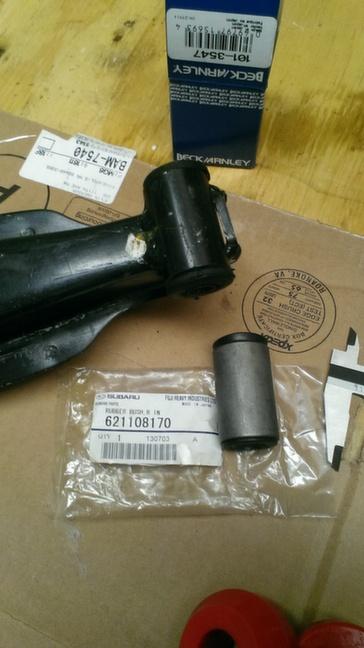
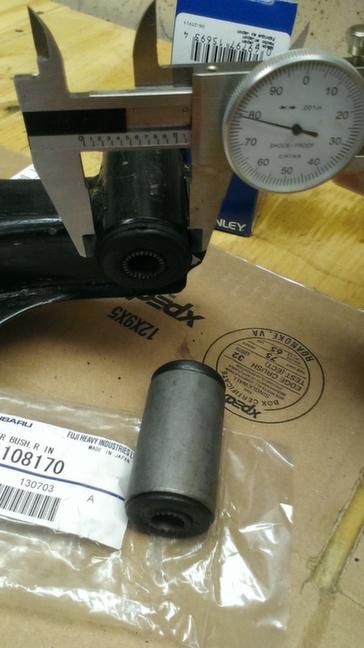
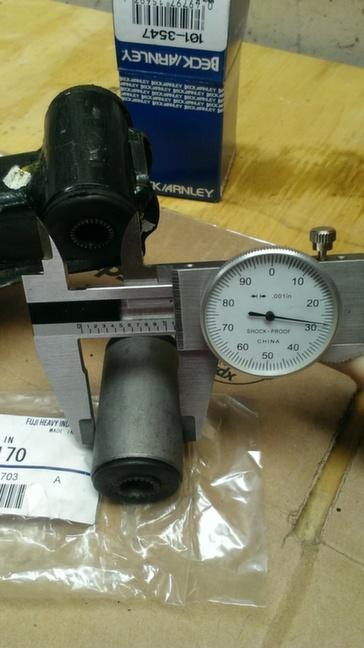
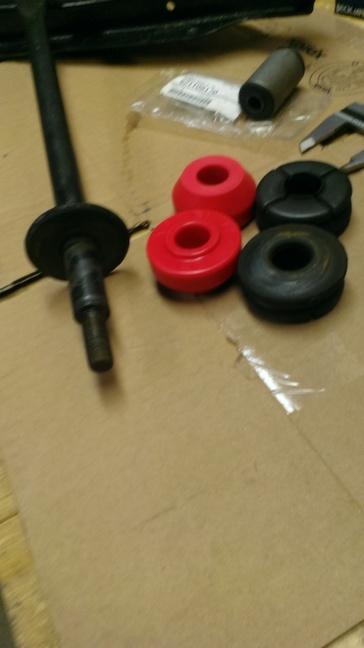
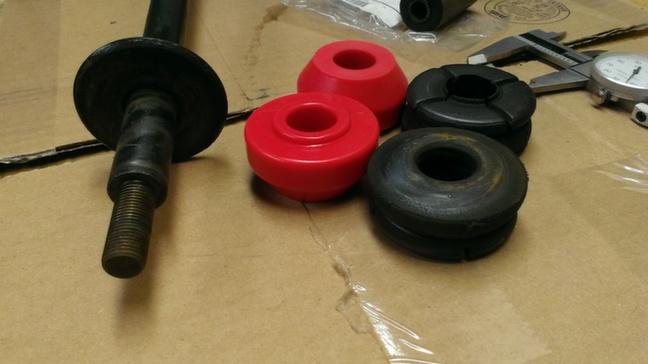
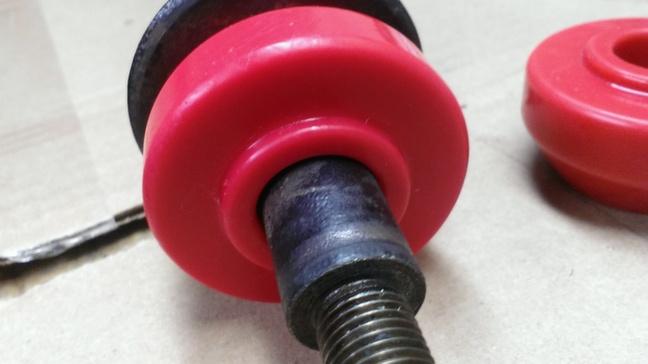
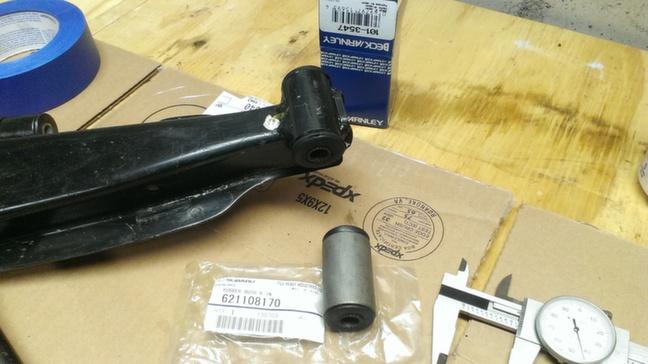
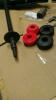
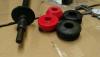
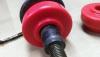
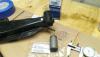
OK, I'm looking for a little input from anyone that has replaced all there control arm bushings. I picked up some control arm bushings from o'reilly: part # 101-3547 Beck/Arnley that have a metal sleeve on them. Do I press the rubber bushing out of this into the control arm or is it designed to be re-welded onto the arm. Pictures show there is only .050 difference on the O.D. The package inside the box was a oem Subaru parts bag part # 621108170. Also I have purchased a set of polyurethane strut rod bushings I will be installing. I got them from energy suspension for a 1973 Plymouth Barracuda # 5.7109 (found this info on another post) I supplied some pictures for documentation.And to finish it off I picked up a set of Moog ball joint part # K9081. Any help or input would help me out! Thanks
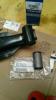
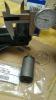
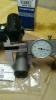
-
-
Hi everyone, I looking for a LDS for my car it has 3.9 ratio currently. Does anyone out there have one laying around or know a site I could purchase one from? Thanks,
-
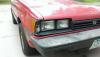
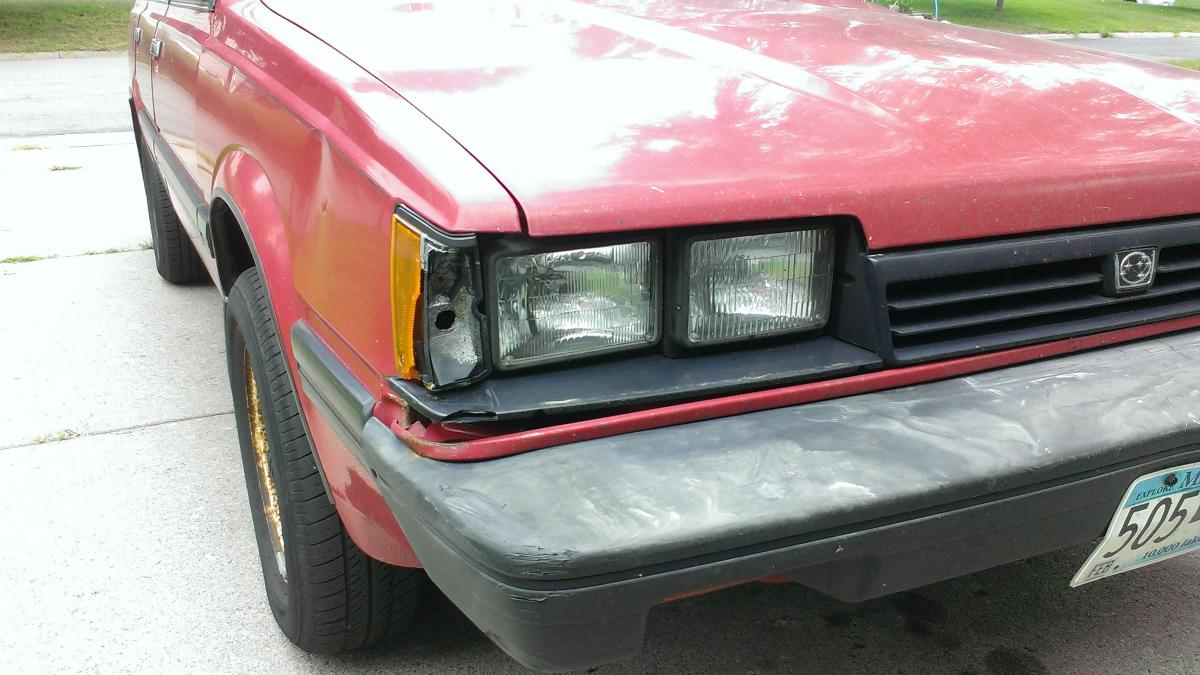
Im looking for a new headlight bezel and turn signal.if anyone has a lead on one let me know. Thanks