Bradleysf5trinidad
Members
-
Joined
-
Last visited
-
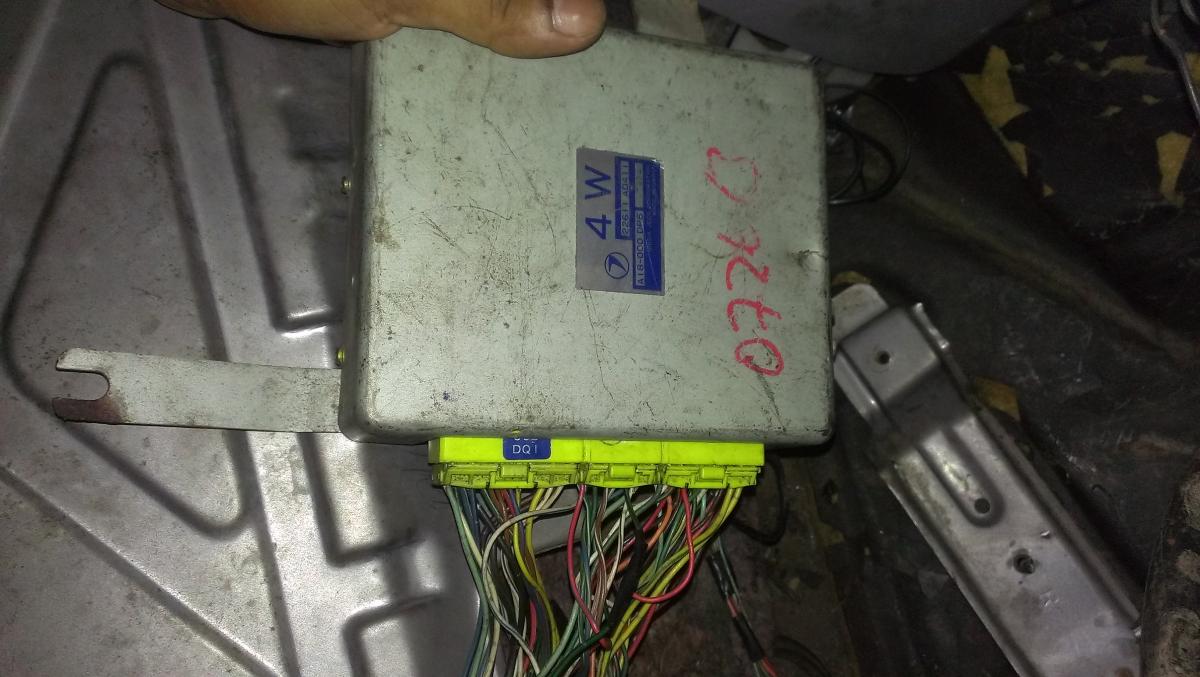
Hello and thank you in advance for all of your help and suggestions. I've bought an old sf5 that's been swapped and had a host of problems that i've been trying to sort out on my own. The car hasn't had a good life and it shows. 2 years ago its been swapped with a gc8 wrx motor mated to a type ra 4.44 close ratio box and differential. It works for the most part but it's never had a working speedo. Lots of other things work. It's got rpms, temp, fuel, outside temp. It has no check engine light and the obd port has no power to it. My issue is that it gets speed cut. The gear box has the three wire speed sensor, I've got a manual forester gauge cluster and manual forester 4W 3 plug ecu. I need help fixing the speedcut. i would like to wire the speed sensor directly to where the signal needs to go. I've tried sending the speed sensor signal to the ecu and it has no effect. also tried a different ecu because i had that option and it didn't work either. I've tested the speed sensor output and the sensor works well, the issue is the correct wiring of the speed signal to supposedly the gauge cluster. In trinidad we get international versions of japanese cars as well as roll on roll off jdm versions. I believe this car is an international version that was a automatic when stock.