mark.crowson
Members
-
Joined
-
Last visited
Everything posted by mark.crowson
-
-
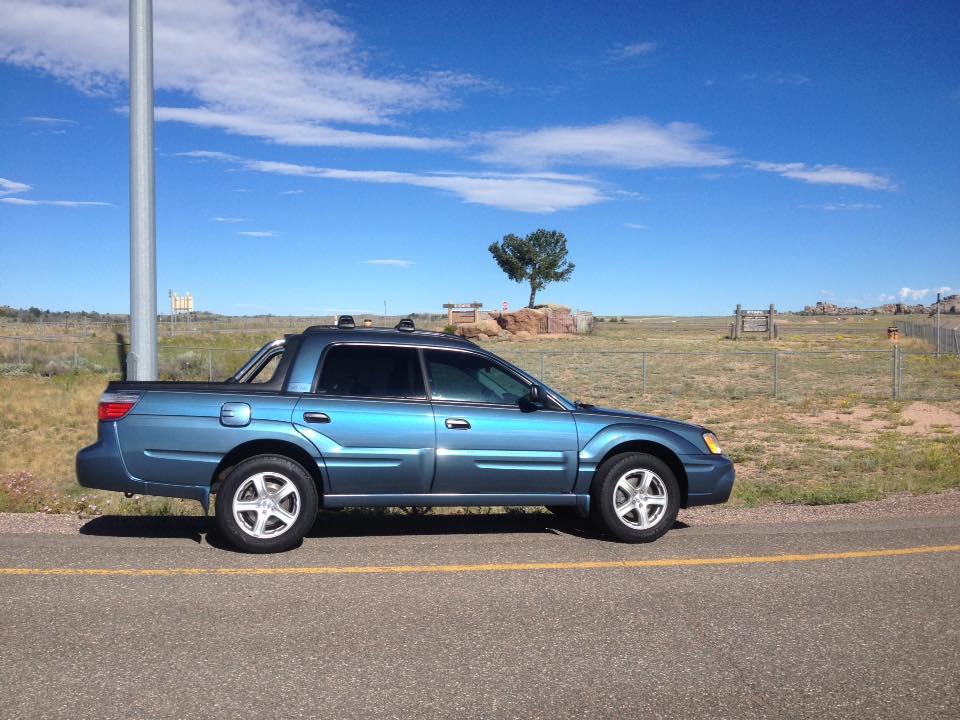
Waxgelman, I haven't had mine long, so others might provide more expertise. I went with the Sport model instead of Turbo because everyonevis in agreement it seems the turbos have oiling issues. I didn't care as much about year as about mileage. So far love my LO-mileage sport.
-
Thanks, guys. The Baja had <59k when i bought it in Eugene a few weeks ago. The drive home was close to 2k. Came w great maint records -- already had timing belt and head gasket replaced. The interior is pristine. I paid top dollar, but it has to be one of the best Bajas on the road. The goal is to keep it that way. The color was available in '05. I'm sure because there is an '05 for sale at my local Subaru dealership here in Kansas City and its the same color... pretty weird coincidence.
-
mark.crowson replied to sailcat's topic in 1990 to Present Legacy, Impreza, Outback, Forester, Baja, WRX&WrxSTI, SVXthe ABS light on my '06 Baja comes and goes. on one day; off the next
-
I bought an excellent 2006 Baja Sport from Kendall Subaru in Eugene in July 2015. I'm in Kansas now, but relocating to WA in Sep 2015. I hope to keep this car forever, so simple repairs and especially preventative maintenance stuff i can do myself will be my main interests.