

Geo57a
Members
-
Joined
-
Last visited
Everything posted by Geo57a
-
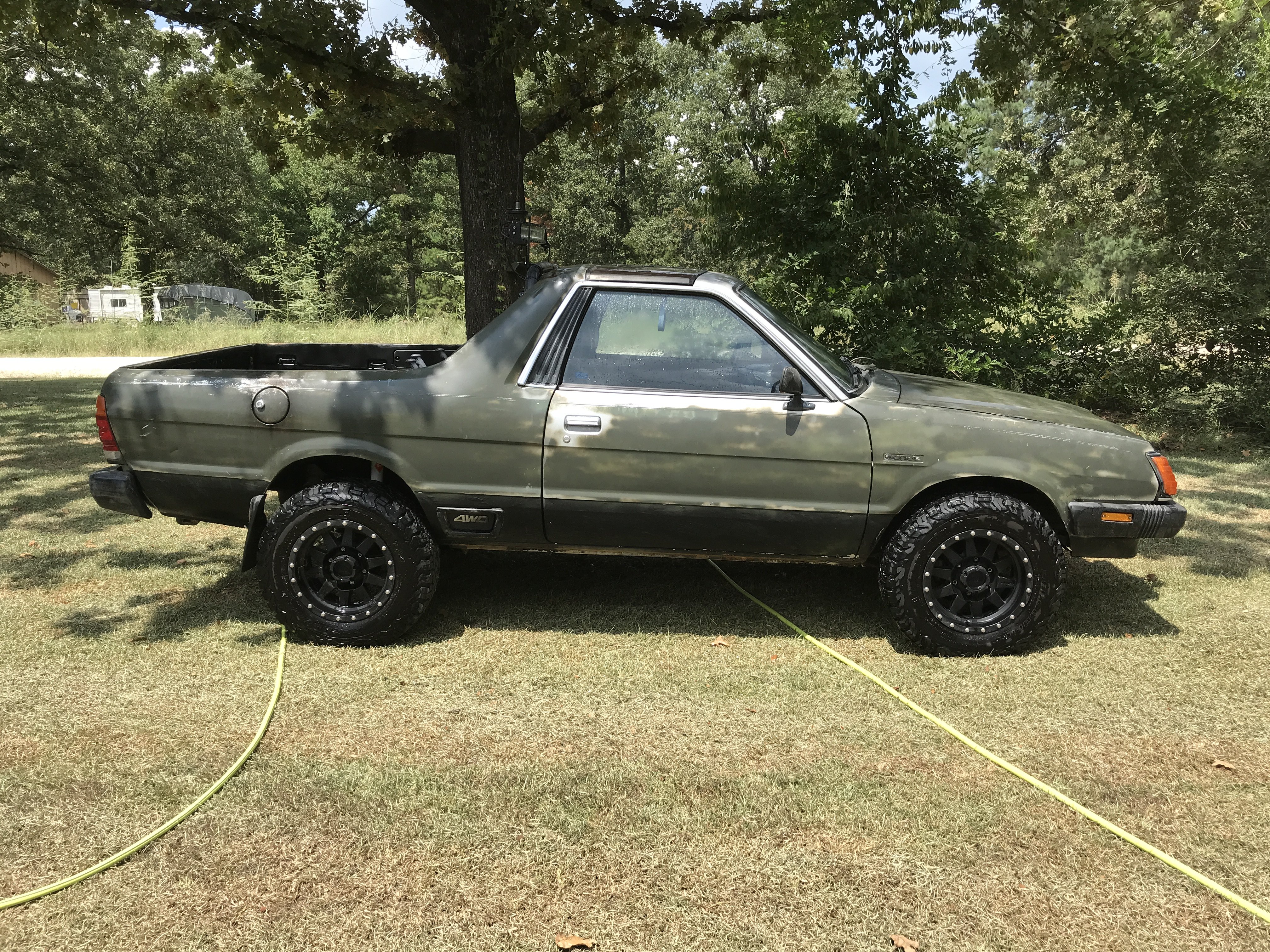
Thanks, I'll see if I can track down bratsrus1. I've already installed a 2" Anderson lift kit, and 15" Toyota wheels so hopefully clearance won't be a problem. Lots of great help here. I couldn't have gotten as far as I have without the tips. I did find a factory shop manual online that has also been lots of help.
-
Hi, I recently bought an 82 Brat GL. I have ordered a 2" lift from ADF. I plan to re-drill the hubs to accept the 6 lug wheels. I am also planning on buying 15" wheels, and running 205-75-15 Generla Grabbers. I notice the original wheels have quite a bit of negative offset. I don't want the tires sticking out any more than they have to, but I don't want to rub on the fender liner either. Any advice offered would be much appreciated. I am not opposed to running smaller wheels, but there isn't much in the way of on/off road tires. I would like to use the car to drive to my deer lease (2hours) and then on the lease off road.