ccooney11286
Members
-
Joined
-
Last visited
-
Thank you! It helps a lot!
-
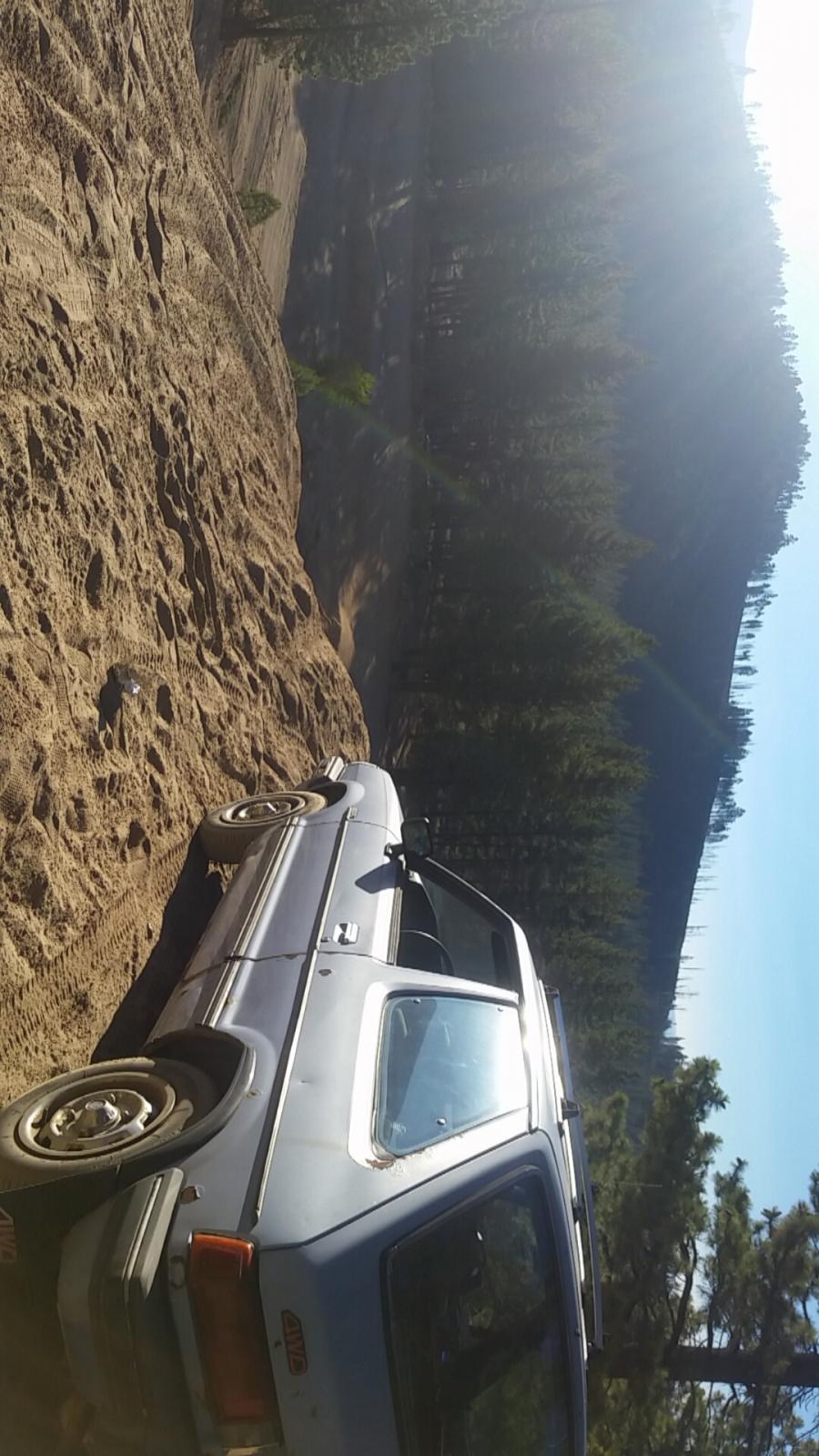
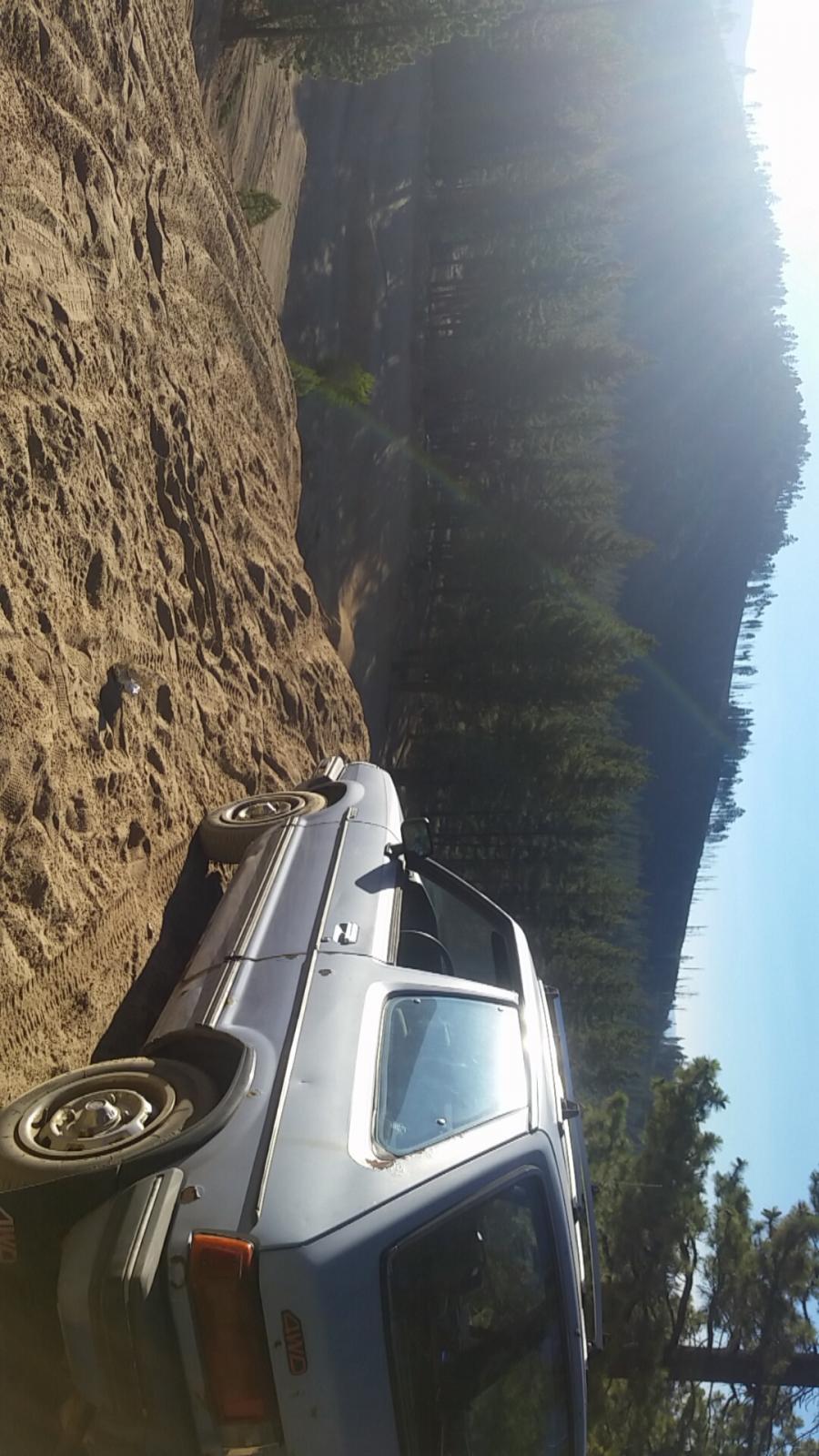
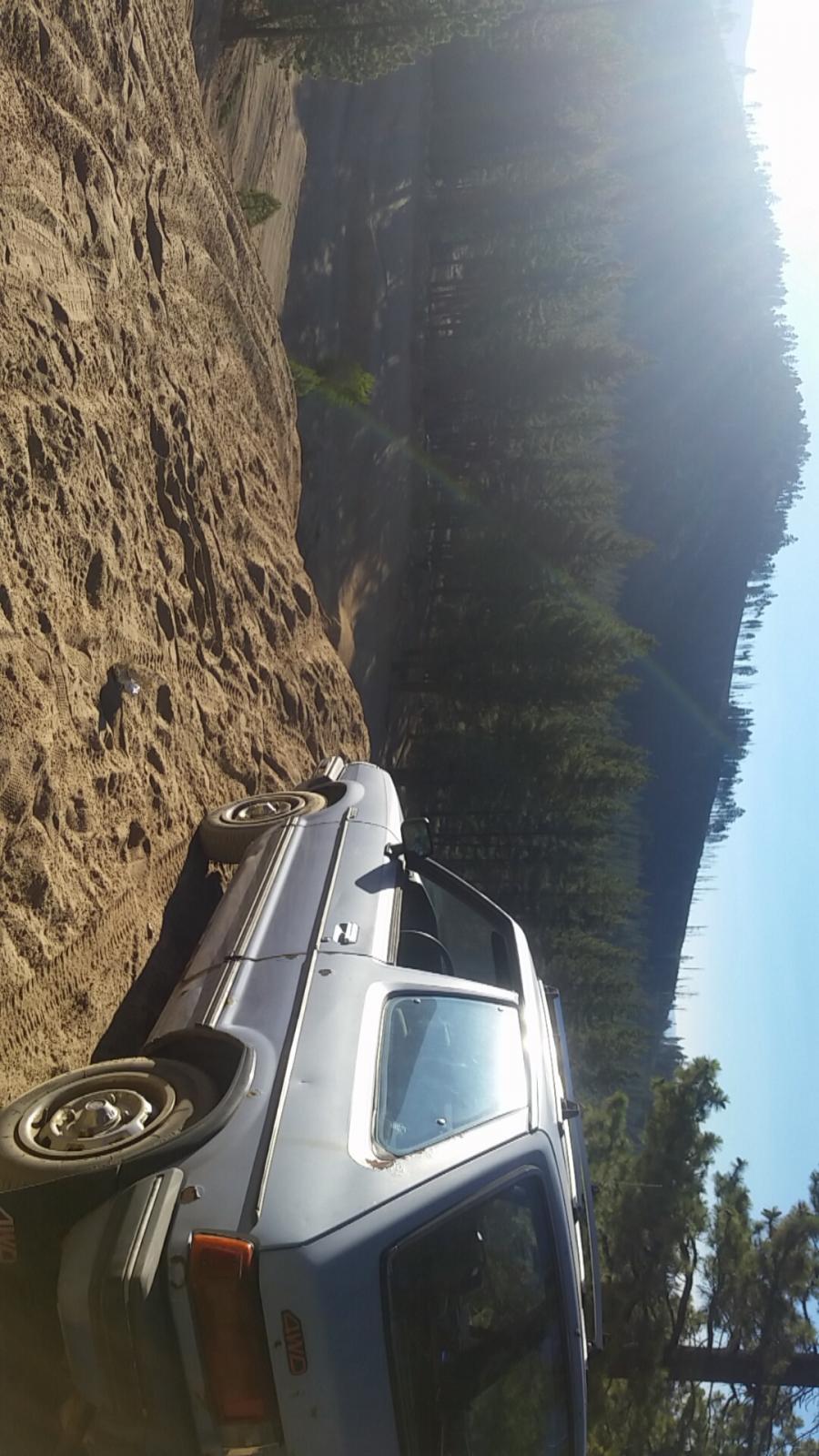
What's up everyone, In the near future I am going to drill my hubs for the toyota 6 lug conversion. Any suggestion for wheels? Thanks!(for a 1983 Subaru GL 2 door hatch.)
 What's up everyone! I have an 83 subie GL hatchback 2 door, and the first mod I want to do to it is get bigger tires. The cheapest and most effective way is to drill 4 holes to make it fit toyota 6 lug wheels. Any suggestions for wheels/ liftkits? Any help would be great thanks!
 What's up everyone! I have an 83 subie GL hatchback 2 door, and the first mod I want to do to it is get bigger tires. The cheapest and most effective way is to drill 4 holes to make it fit toyota 6 lug wheels. Any suggestions for wheels/ liftkits? Any help would be great thanks!Haha that's awesome I might do itmy project car is a 1983 Subaru GL 2 door, and my plans are to lift it, put bigger tires on, a snorkel and a bull bar, and maybe a new back bumper to start. If anybody has an idea of the least expensive parts etc that would be great. I am 16 and I love these old subi's and plan on making mine suitable for many adventures to come. Thanks for any help!