Bruek
Members
-
Joined
-
Last visited
Everything posted by Bruek
-
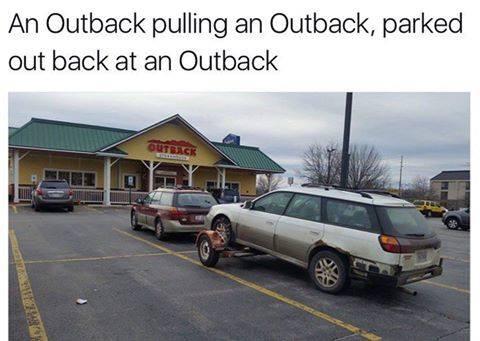
Bruek replied to Red92's topic in 1990 to Present Legacy, Impreza, Outback, Forester, Baja, WRX&WrxSTI, SVXApologies if this has already been posted.
-
Bruek replied to Red92's topic in 1990 to Present Legacy, Impreza, Outback, Forester, Baja, WRX&WrxSTI, SVXApologies if this has already been posted.
-
My beloved 81 has been parked behind the barn for 15 years. Was running when I parked it. Life went on and she has been ignored. Would rather see her go to more use than the junkyard. Will sell parts if no one is interested in the entire car by March 1. There is rust underneath otherwise everything is straight. Crack in windshield. I am in the Dayton Ohio area.