Skip to content
View in the app

A better way to browse. Learn more.

Ultimate Subaru Message Board

A full-screen app on your home screen with push notifications, badges and more.

To install this app on iOS and iPadOS
  1. Tap the Share icon in Safari
  2. Scroll the menu and tap Add to Home Screen.
  3. Tap Add in the top-right corner.
To install this app on Android
  1. Tap the 3-dot menu (⋮) in the top-right corner of the browser.
  2. Tap Add to Home screen or Install app.
  3. Confirm by tapping Install.

Burtenglewood

Members
  • Joined

  • Last visited

Everything posted by Burtenglewood

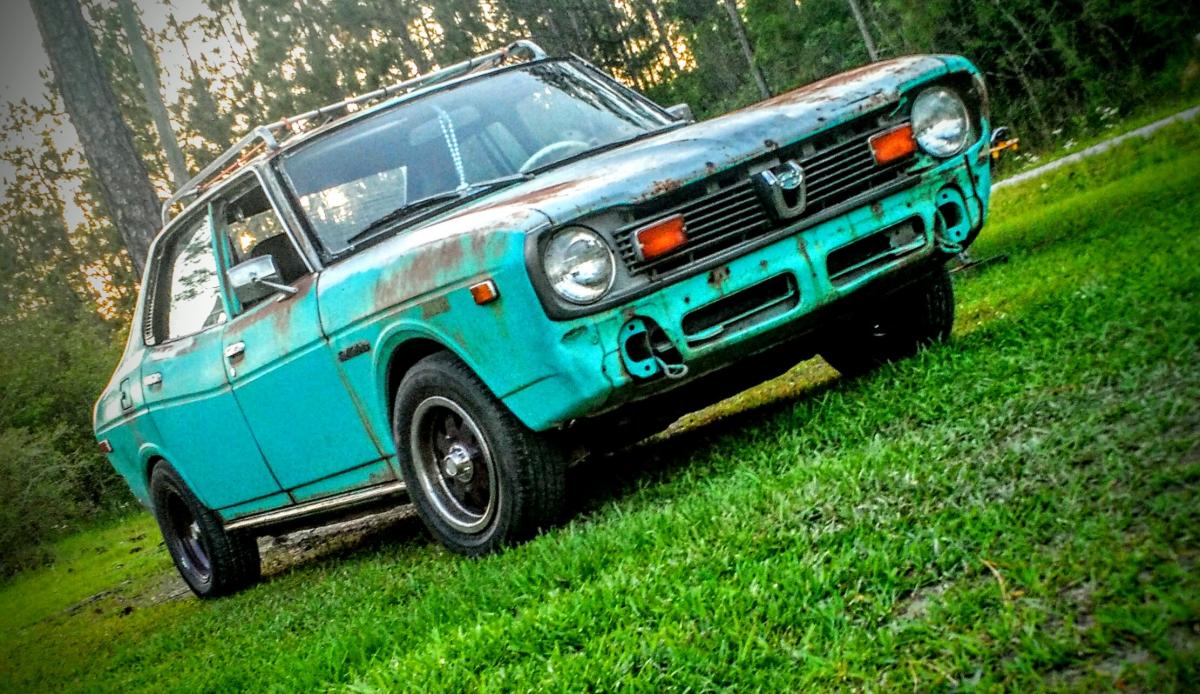
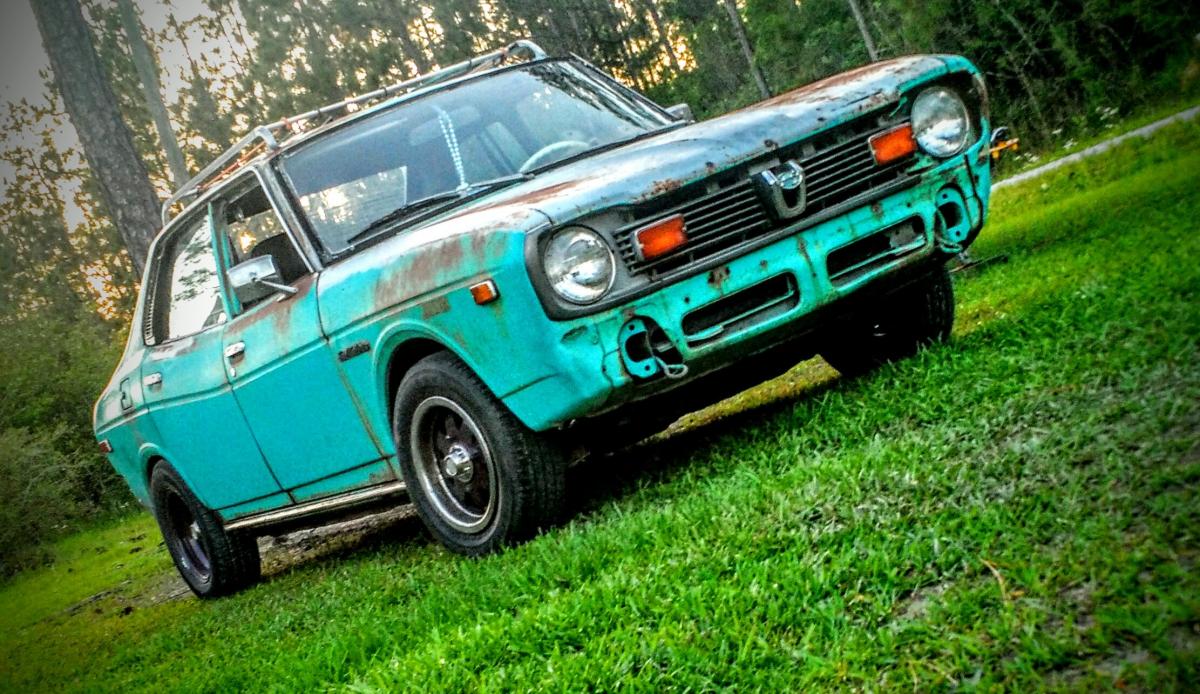
  1. I got this from the people who had it since brand new 100% complete as well and living on the coast in missippi it is definitely an eye catcher, people constantly ask what it is and few even go as far as would i sell it then get mad when i laugh and asked if they was serious lovely lookin car
  2. Im second owner of my 76 4 door dl got it 100% original for a 100 dollar bill. Currently gettin complete resto

Account

Navigation

Search

Search

Configure browser push notifications

Chrome (Android)
  1. Tap the lock icon next to the address bar.
  2. Tap Permissions → Notifications.
  3. Adjust your preference.
Chrome (Desktop)
  1. Click the padlock icon in the address bar.
  2. Select Site settings.
  3. Find Notifications and adjust your preference.