
Googlefluff
Members
-
Joined
-
Last visited
Everything posted by Googlefluff
-
Yeah, there will always be the ones that get away. Thanks for the advice, I'll try not to become an alcoholic, heh
-
I've had an '84 GL sedan as my daily for four years now. It's been a great car but it's at the point of having more issues than I can take care of. Blown shocks, electrical problems, bad synchros, a very substantial rust problem, and it's FWD so parts are scarce and demand is low. And I'm in Canada so those last two problems are even worse. The EA81 is in decent shape and the interior is nearly perfect, but I can't part it out myself. Is there any demand a car like this? The last thing I want is for it to get scrapped. Any advice would be appreciated!
-
A cigarette lighter uses the car's 12V electrical system to generate the heat to light the cigarette. The point of 12V accessories is specifically to work with car cigarette lighters, as that was the only place to plug anything into a car until like 10 years ago. I have a dashcam plugged into my '84 GL, no modifications required. One of those USB adapters should work no problem. Enjoy your Subaru!
-
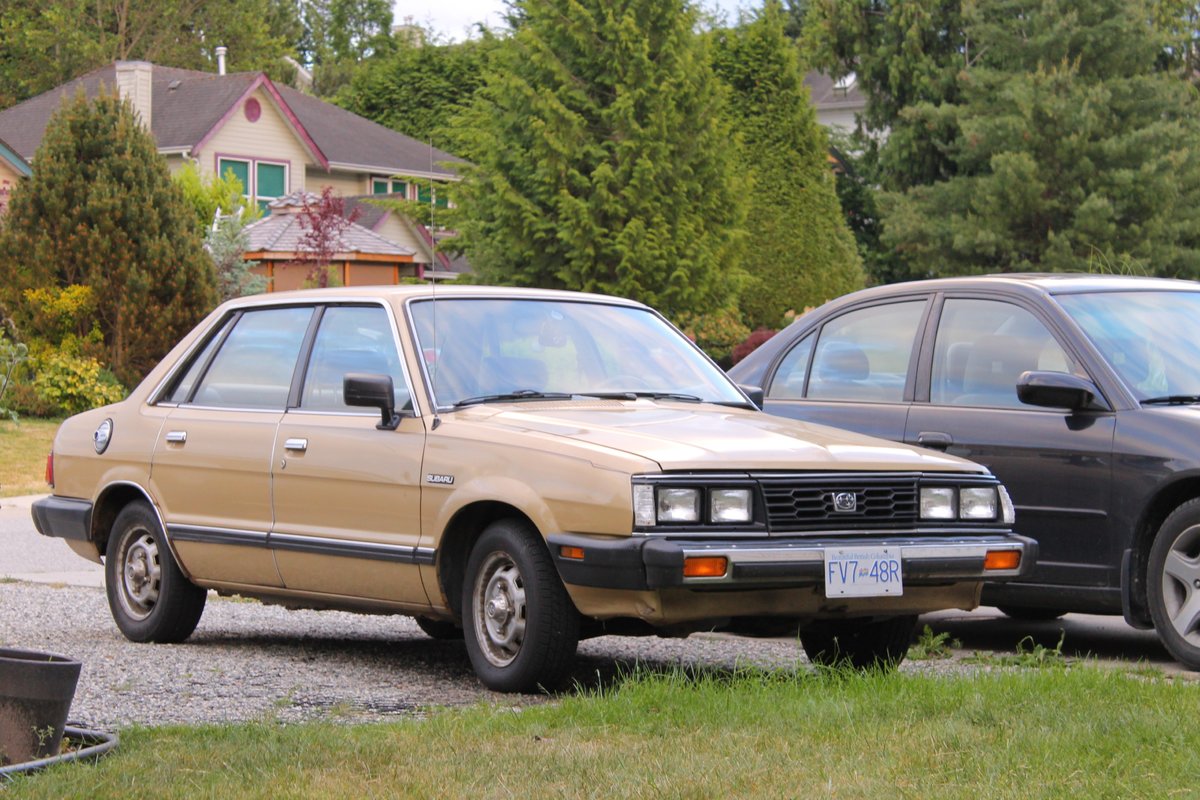
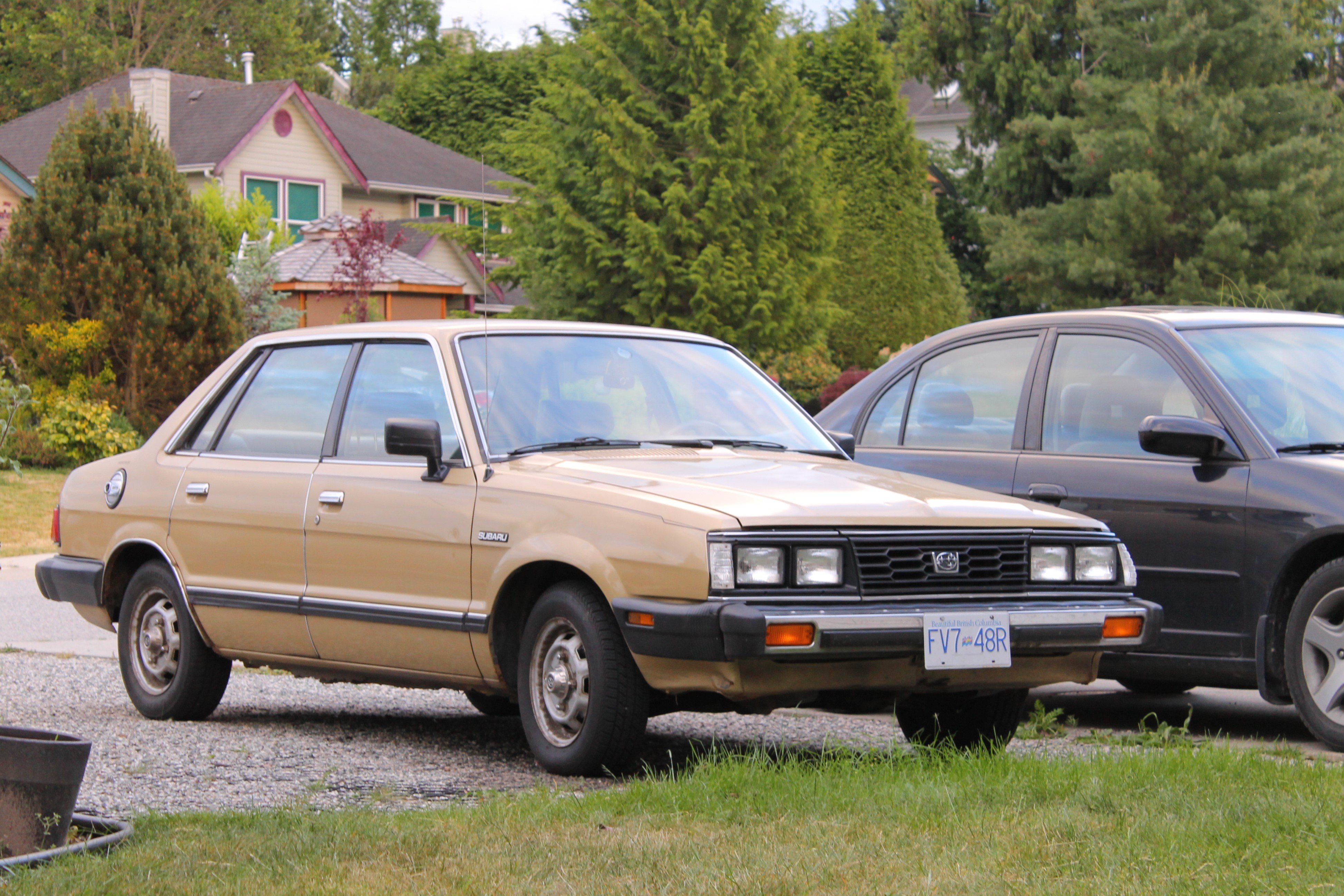
New to the forum! I picked up my first Subaru in April: '84 GL sedan. It's the definition of poverty-spec and I assume one of very few FWD models anyone bothered to keep going this long. There's some rust along the rockers and a few other kinks still to work out, but it's exactly my kind of car and I'm enjoying it so far. It's one-owner and 100% original, with plans to keep it that way.