JOHN_BOY_BRAT
Members
-
Joined
-
Last visited
Everything posted by JOHN_BOY_BRAT
-
Yeah maybe the old 12v and see what happens method... I'm going to leave the BRAT dash in so need wire up the clocks to work with the legacy loom... not too worried about lights etc.. as going to be rewired anyway... Let the fun begin...
-
It's very possible that's what they did... As for the wiring.... I need everything regards wiring previous owner was a DIY DAVE and God knows what they have done there are ends of wires everywhere (I have the diagram for the legacy) think I may get a 1800 gl haynes manual I'm thinking they will be the same.
-
They stoped in the UK in 94 from what iv looked into they didn't change much from late 80s... chassis is having thicker box section welded into it once I get engine box and subframes lined up
-
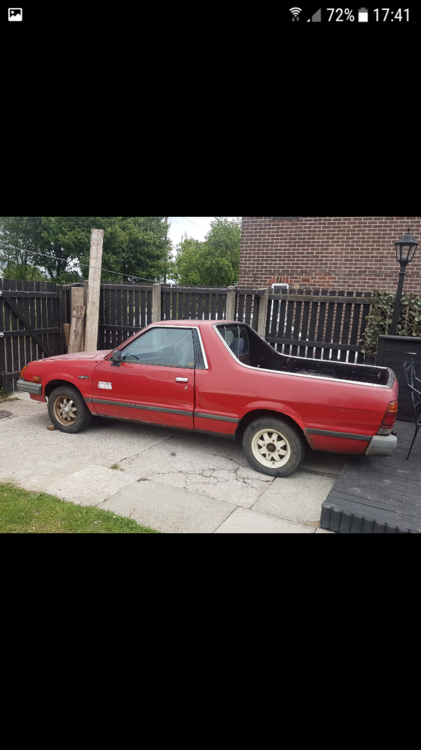
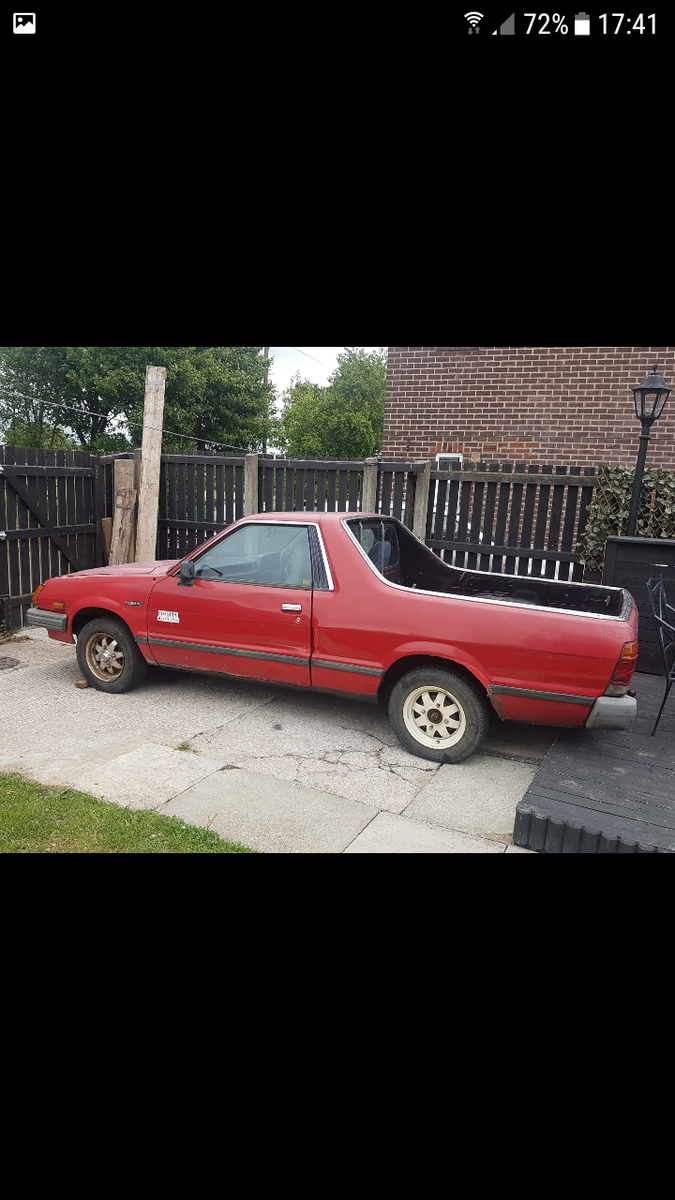
So I got myself a 1994 Subaru Brat (RHD) with an EA81 engine and in the process of swapping in a Legacy Twin Turbo.. :-) Would any of you fine people have a wiring diagram for the Brat (Is it the same as the 1800 gl?) Thanks in advance John