

DesertFox
Members
-
Joined
-
Last visited
Everything posted by DesertFox
-
That sounds wonderful right about now, especially since we haven’t taken our inaugural summer vacation yet. Unfortunately I wouldn’t be able to get out there for another month or so, but that’s definitely the best option. Thank you so much for your help and advice! You rock.
-
I would be eternally grateful and my life’s work would be complete. Someone help the poor boy out.
-
You’d think, but I’ve called like eight junkyards so far here in Utah and no joy.
-
Just stumbled across these guys: http://get-primitive.com/wheels-rally-race-street/466-bratbrumbygl-wheels.html They claim to be compatible with the 4x140. Think it’s worth checking out?
-
Thanks for the support! I’ve got four to roll on, just feel a little nervous daily driving an older car without a spare. Most of the junkyards I’ve called won’t acknowledge the existence of the Brat, which is a shame. I’ll keep my eyes open and keep everyone updated on the project!
-
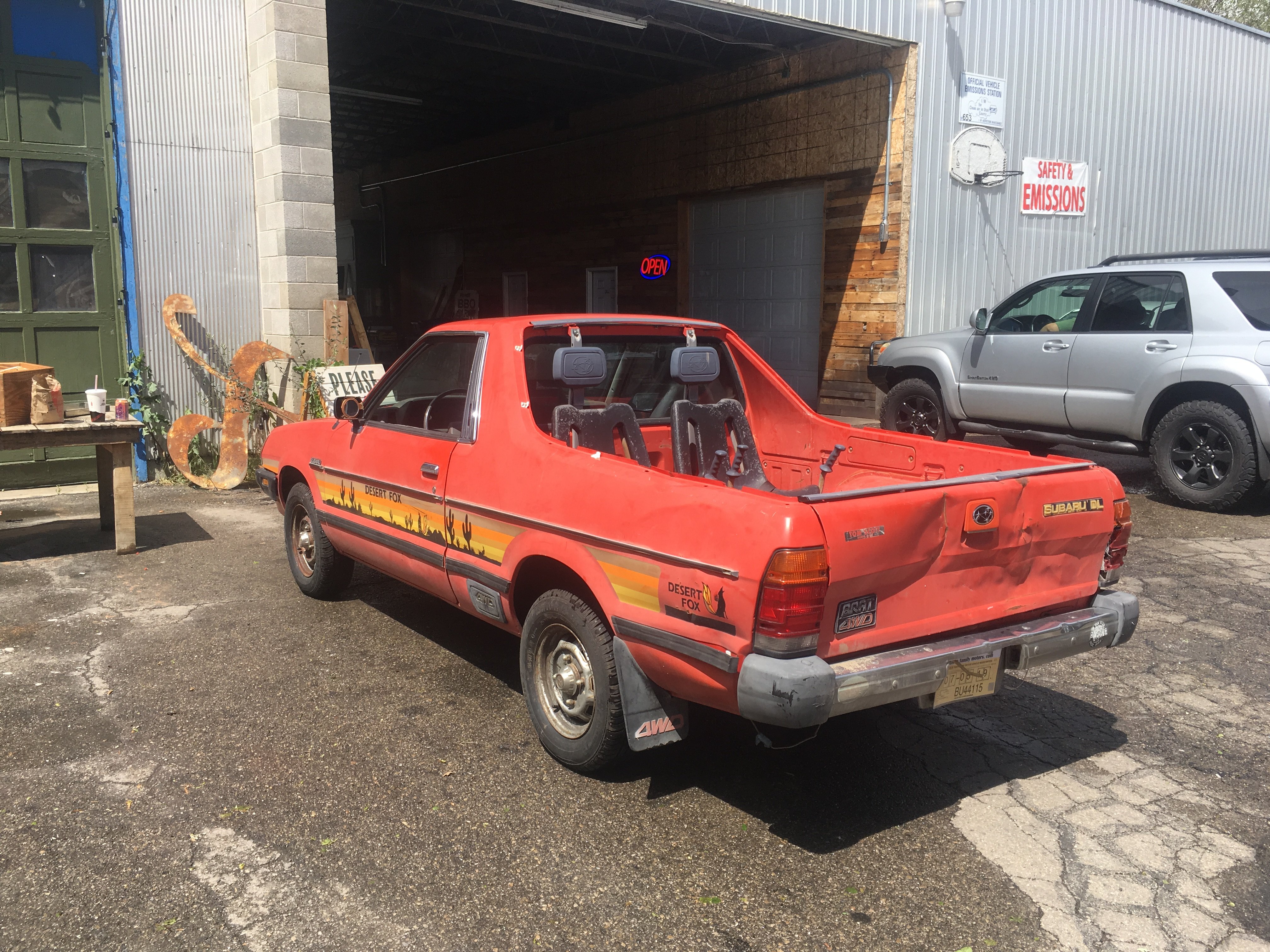
Just bought an 82 Brat and I’m stoked! Unfortunately it’s missing the spare tire. I visited a few local shops to no avail. I realize I should just pony up and do a 5 lug conversion but I want to do as faithful a restoration as possible. Any advice on compatible wheels and where they can be found?