Mike_321
Members
-
Joined
-
Last visited
Everything posted by Mike_321
-
Worked perfectly mate! Thanks heaps!!
-
I tried filling up the oil filter then using a pump to push oil into the centre hole of the oil filter adapter ( where the oil filter screws on ) to get some oil in the line from the sump to the adapter to help build up the pressure but still no luck. It’s not blocked when I was pumping the oil into the hole it was flowing.
-
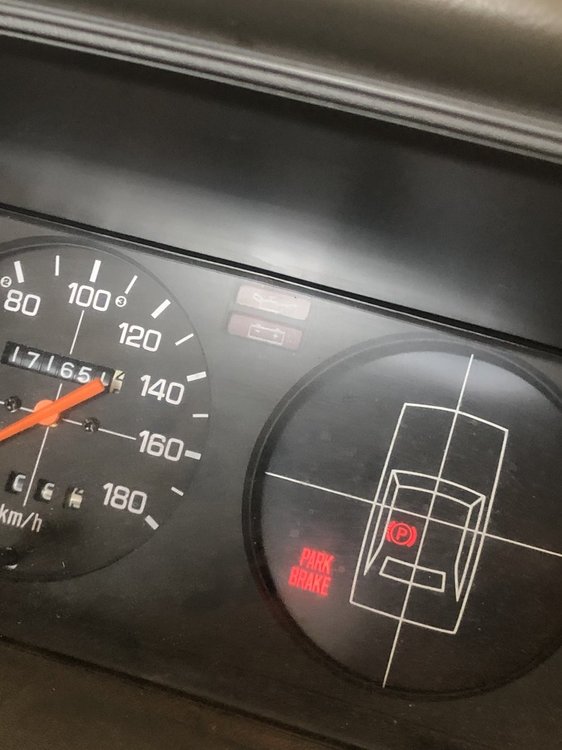
Hey, I’ve got a 1991 Subaru brumby with 170,000kms, it’s been running awesome no issues at all but I recently changed the oil and left it draining for a few hours ( I normally drain it then fill it up straight away) anyways then I came back and filled it up and started it but my engine oil light is now on. so after turning on/off the car within a few seconds to build up the oil pressure it still wasn’t going away which has never happened before. So I took off the oil filter and it was bone dry! Pretty sure I need to prime the oil pump now to get the pressure back up but I’ve got no idea how to prime it. Any help on how to prime it would be much appreciated. Thanks!