Skip to content
View in the app

A better way to browse. Learn more.

Ultimate Subaru Message Board

A full-screen app on your home screen with push notifications, badges and more.

To install this app on iOS and iPadOS
  1. Tap the Share icon in Safari
  2. Scroll the menu and tap Add to Home Screen.
  3. Tap Add in the top-right corner.
To install this app on Android
  1. Tap the 3-dot menu (⋮) in the top-right corner of the browser.
  2. Tap Add to Home screen or Install app.
  3. Confirm by tapping Install.

SamJM

Members
  • Joined

  • Last visited

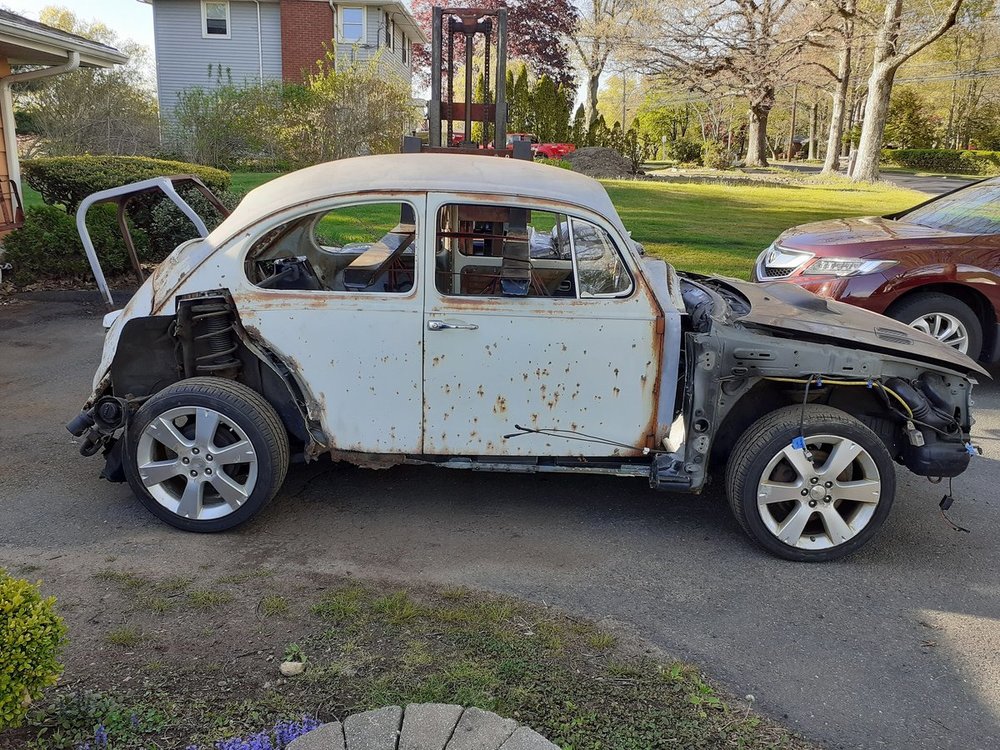
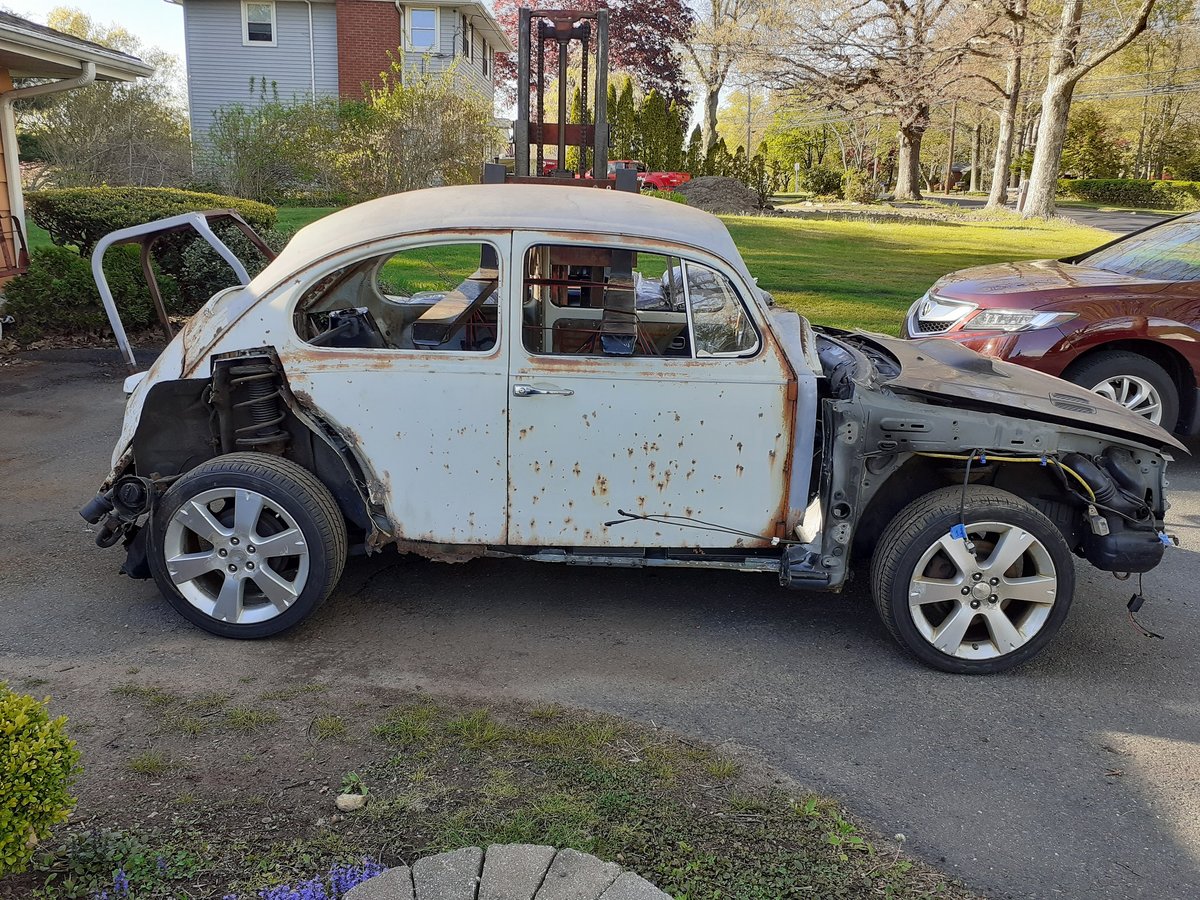
  1. This is where my build currently sits, figured I'd share it. It's a 1967 Beetle dropped on a 1998 Subaru Impreza NA 2.2 chassis. I had the shorten the pan about 5 inches and the suspension is a bit wide in the rear. There were a handful of routes I could have take th avoid that like cutting the body in half or lowering the shock towers and putting shorter shocks in, but I want the beetle to have as many off the shelf parts as possible so if something breaks I can easily find it. The front end is not staying like that, I'm going with a full fiberglass front but I'm not going to touch all that until I have the back sorted. The build is also getting uploaded on youtube if you want to follow along:
Account

Navigation

Search

Search

Configure browser push notifications

Chrome (Android)
  1. Tap the lock icon next to the address bar.
  2. Tap Permissions → Notifications.
  3. Adjust your preference.
Chrome (Desktop)
  1. Click the padlock icon in the address bar.
  2. Select Site settings.
  3. Find Notifications and adjust your preference.