-
91 loyale timing belt issue
What are the best ones to get?
-
91 loyale timing belt issue
O k thank you guys
-
91 loyale timing belt issue
Ok they are napa brand belts so I will try that. I am also going to replace the idler and tensioner because I noticed abnormal play in the idler pulley. Guess I should have mentioned that
-
91 loyale timing belt issue
Thank you for the input. I'm fairly new to these engines
-
91 loyale timing belt issue
-
91 loyale timing belt issue
Yes and so is the idler pulley
-
The Awesome Older Generation Picture Thread
- 91 loyale timing belt issue
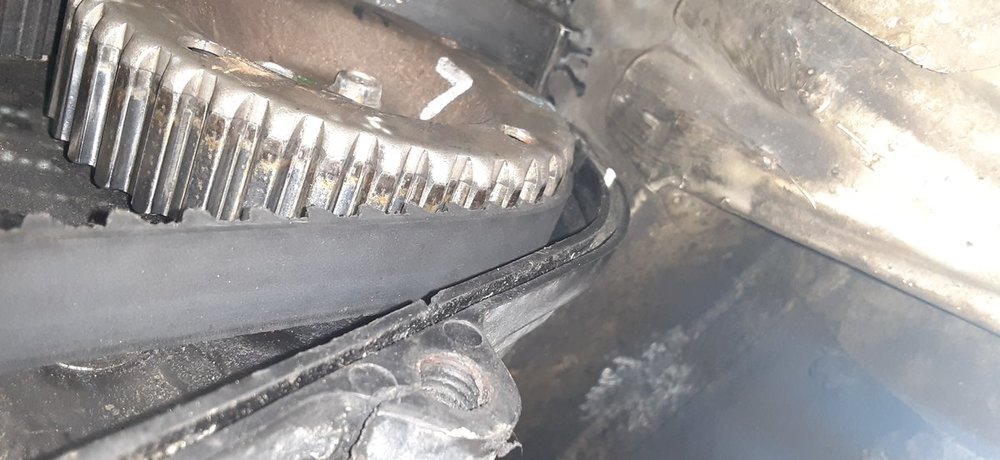
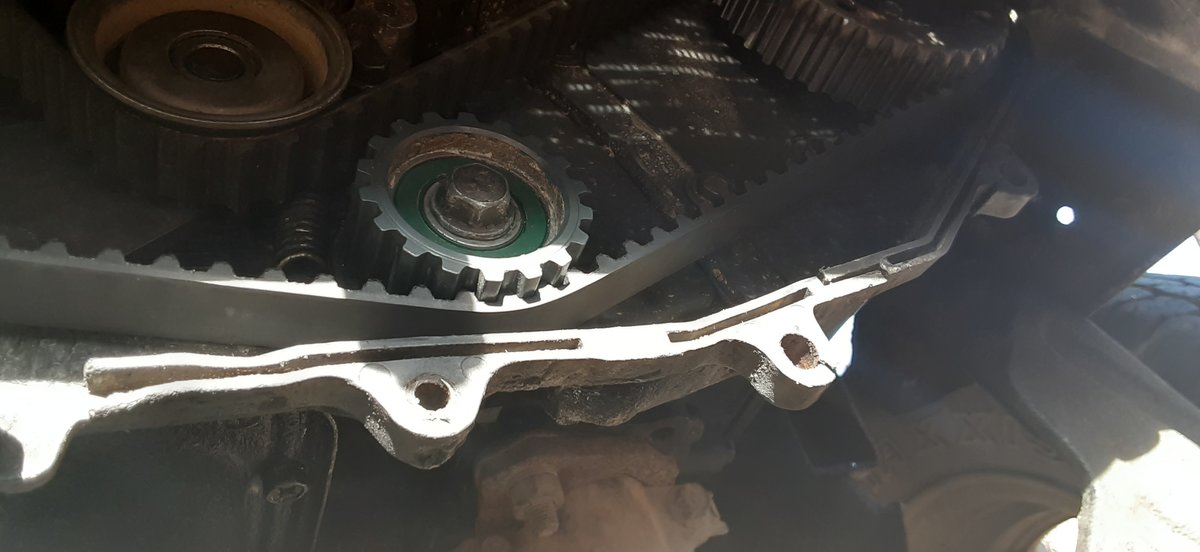
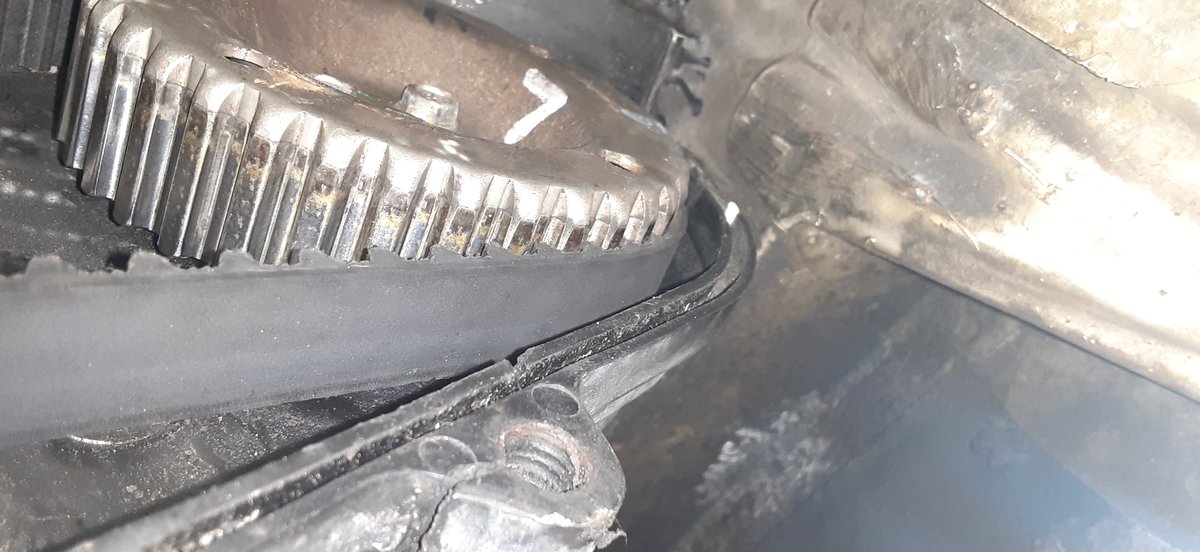
It is like this on all of the pulleys on the drivers side and not quite as bad on the passenger side- 91 loyale timing belt issue
- 91 loyale timing belt issue
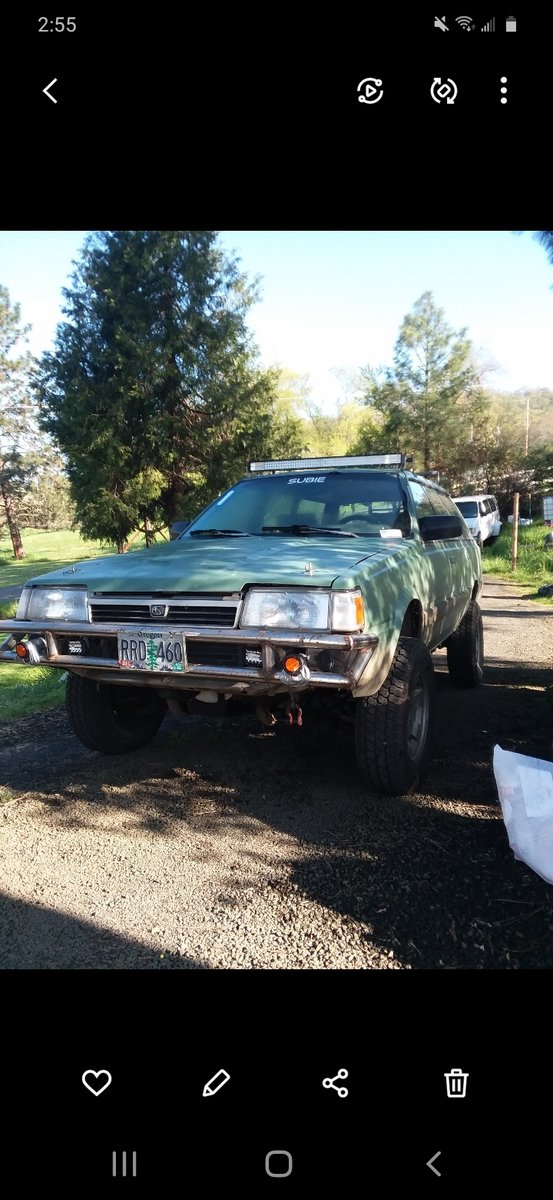
I have a 91 subaru loyale with the ea82. The timing belts wont stay on the pulleys properly. Any ideas as to why would be great I cant seem to figure it out. I will try to add some pics of what I'm talking about - 91 loyale timing belt issue
Account
Navigation
Search
Configure browser push notifications
Chrome (Android)
- Tap the lock icon next to the address bar.
- Tap Permissions → Notifications.
- Adjust your preference.
Chrome (Desktop)
- Click the padlock icon in the address bar.
- Select Site settings.
- Find Notifications and adjust your preference.
Safari (iOS 16.4+)
- Ensure the site is installed via Add to Home Screen.
- Open Settings App → Notifications.
- Find your app name and adjust your preference.
Safari (macOS)
- Go to Safari → Preferences.
- Click the Websites tab.
- Select Notifications in the sidebar.
- Find this website and adjust your preference.
Edge (Android)
- Tap the lock icon next to the address bar.
- Tap Permissions.
- Find Notifications and adjust your preference.
Edge (Desktop)
- Click the padlock icon in the address bar.
- Click Permissions for this site.
- Find Notifications and adjust your preference.
Firefox (Android)
- Go to Settings → Site permissions.
- Tap Notifications.
- Find this site in the list and adjust your preference.
Firefox (Desktop)
- Open Firefox Settings.
- Search for Notifications.
- Find this site in the list and adjust your preference.