Double D
Members
-
Joined
-
Last visited
Everything posted by Double D
-
That looks like a good avenue to pursue. Another friend suggested BAT and I am leaning towards that. Thanks for the suggestion!
-
The interior is in very good shape. I don't have any engine photos but it is 100% original. I think my dad only had to have a engine temperature sensor and batteries changed on this car.
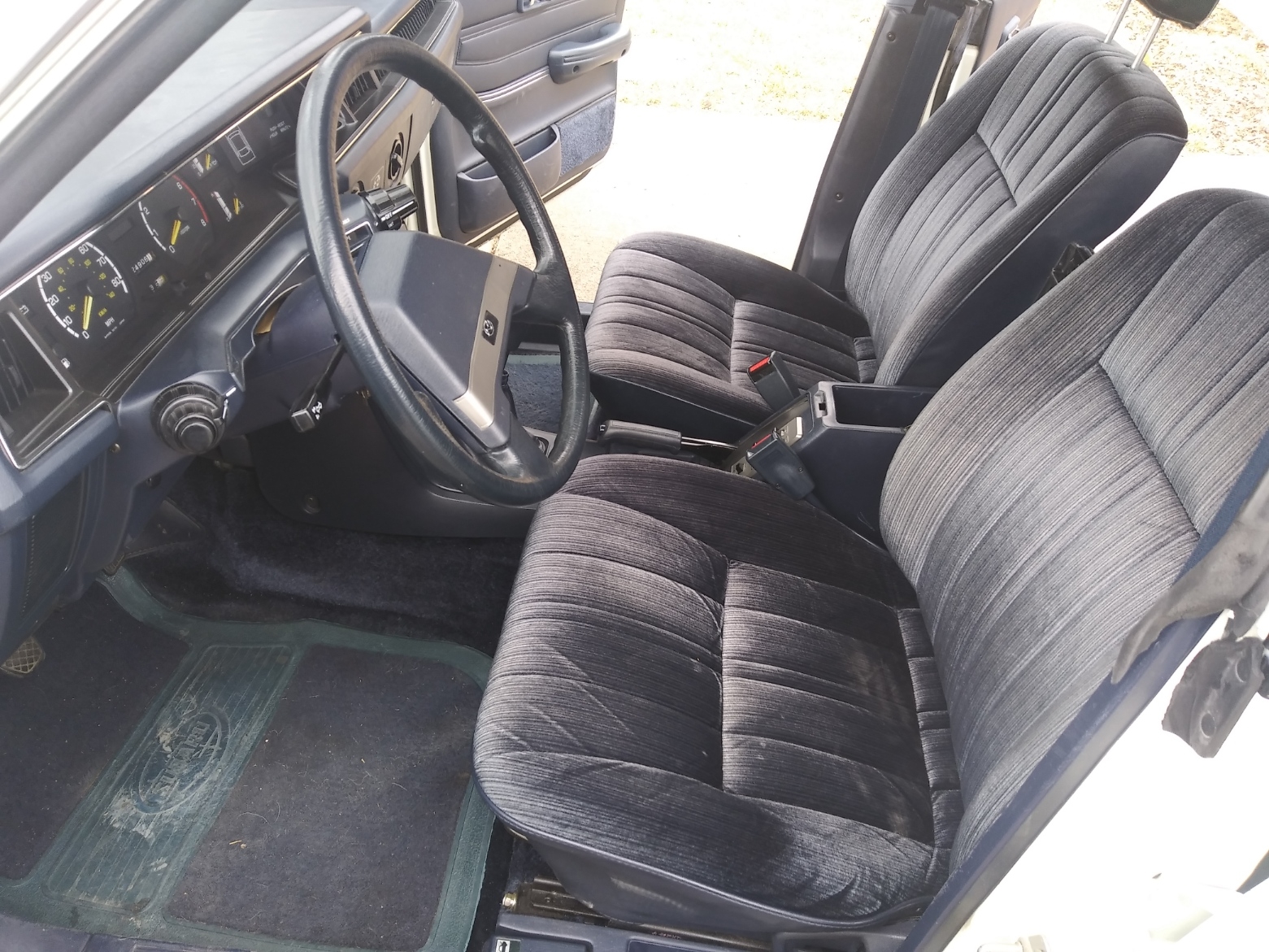
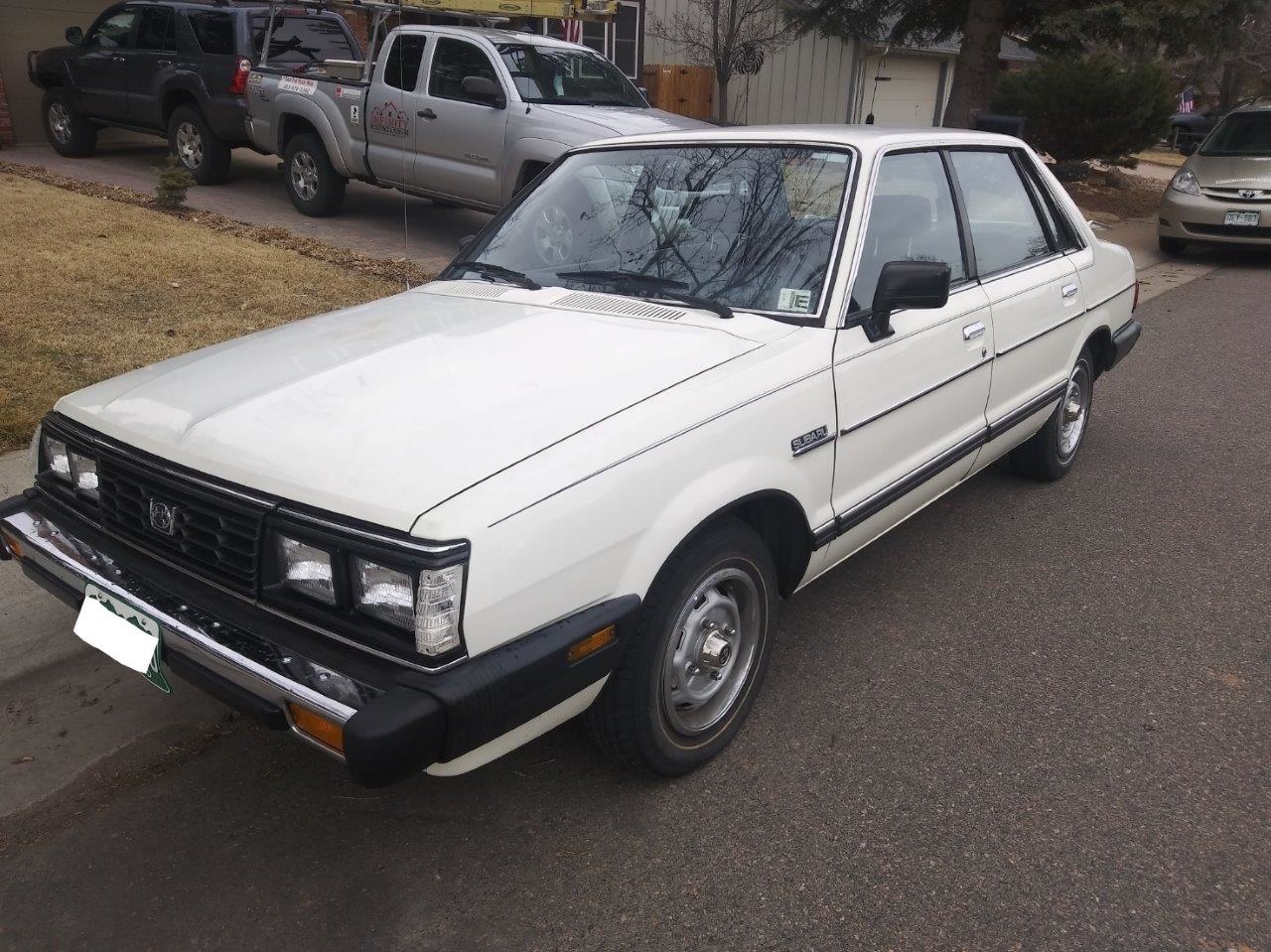
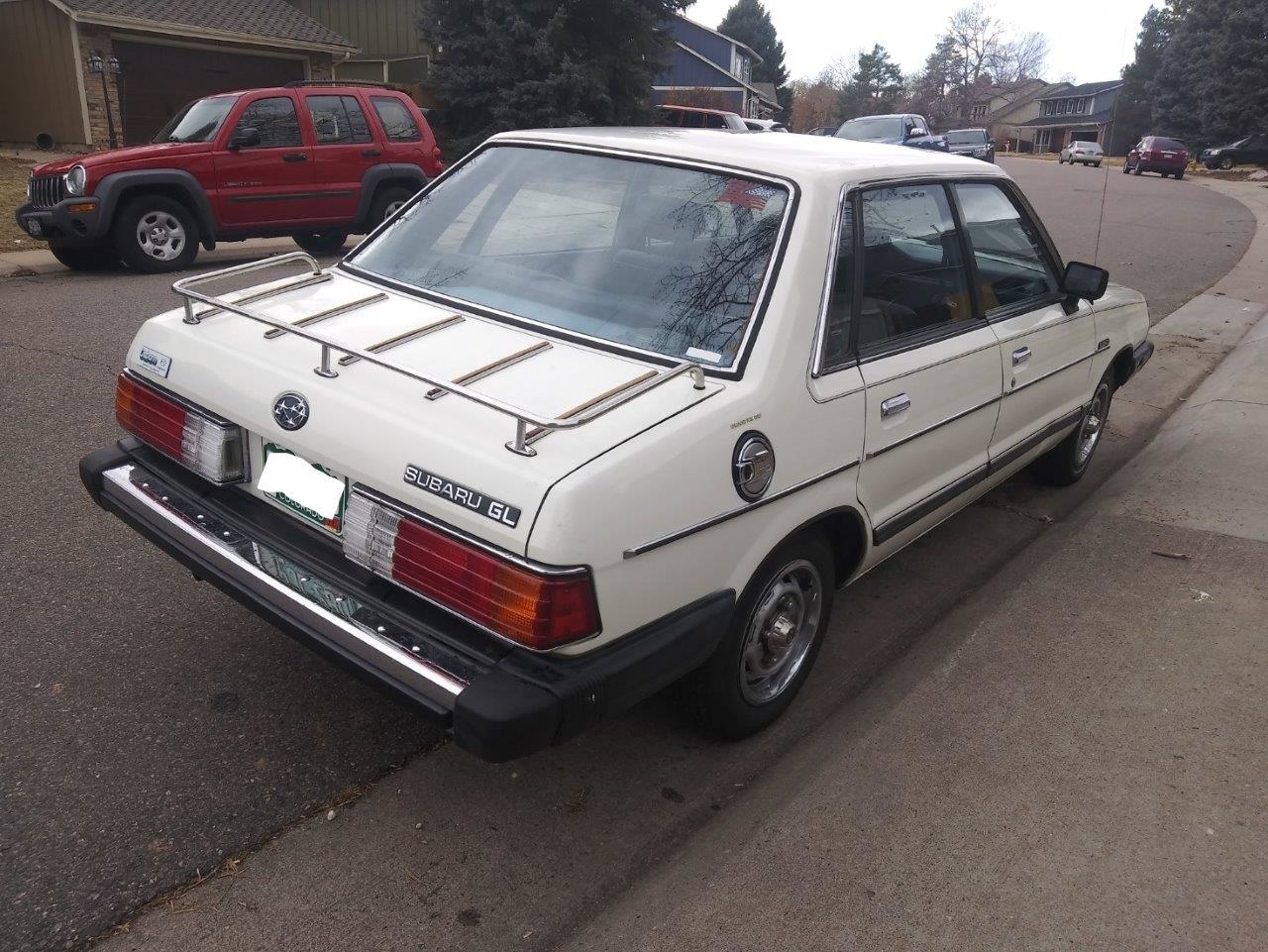
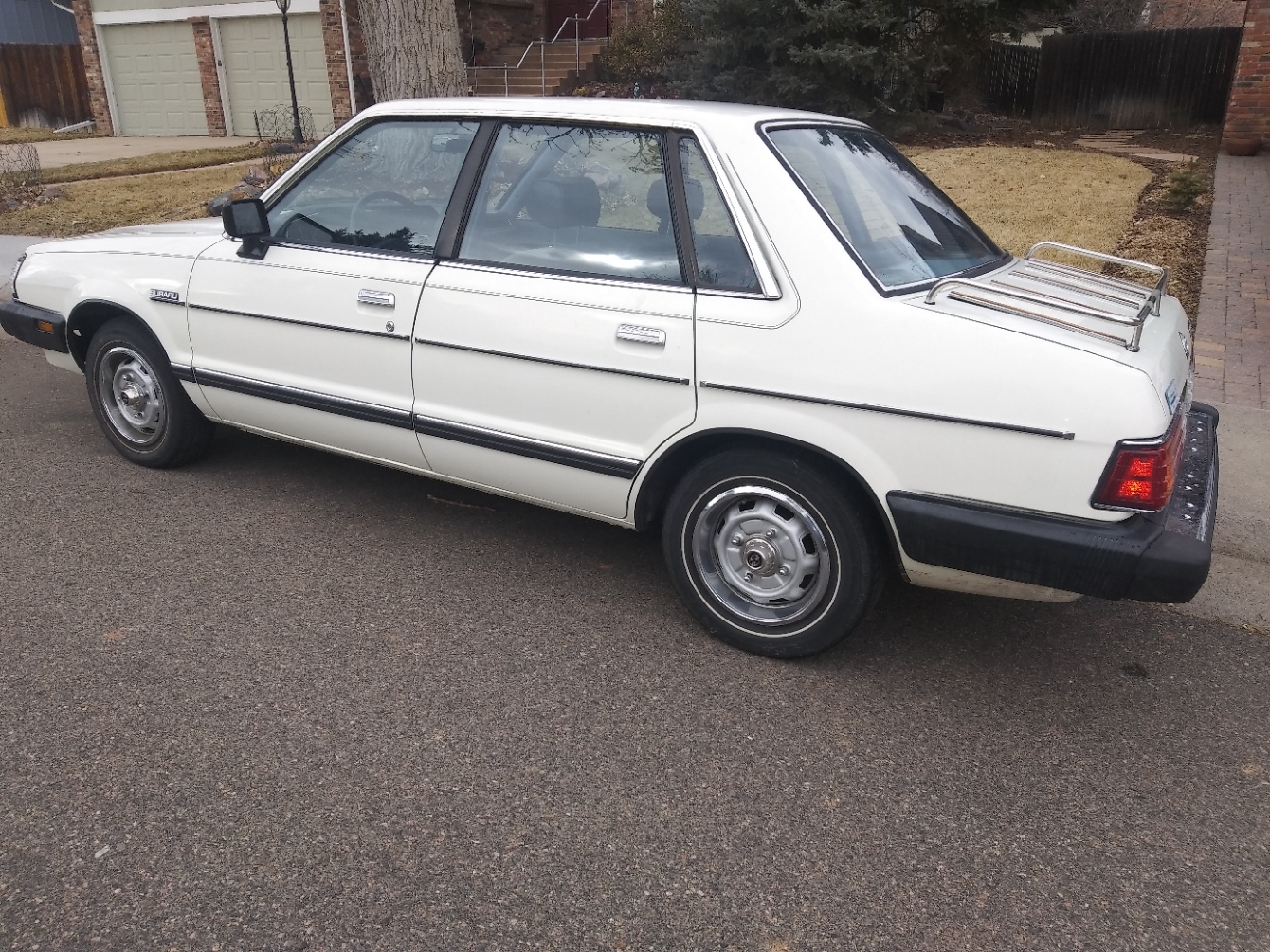
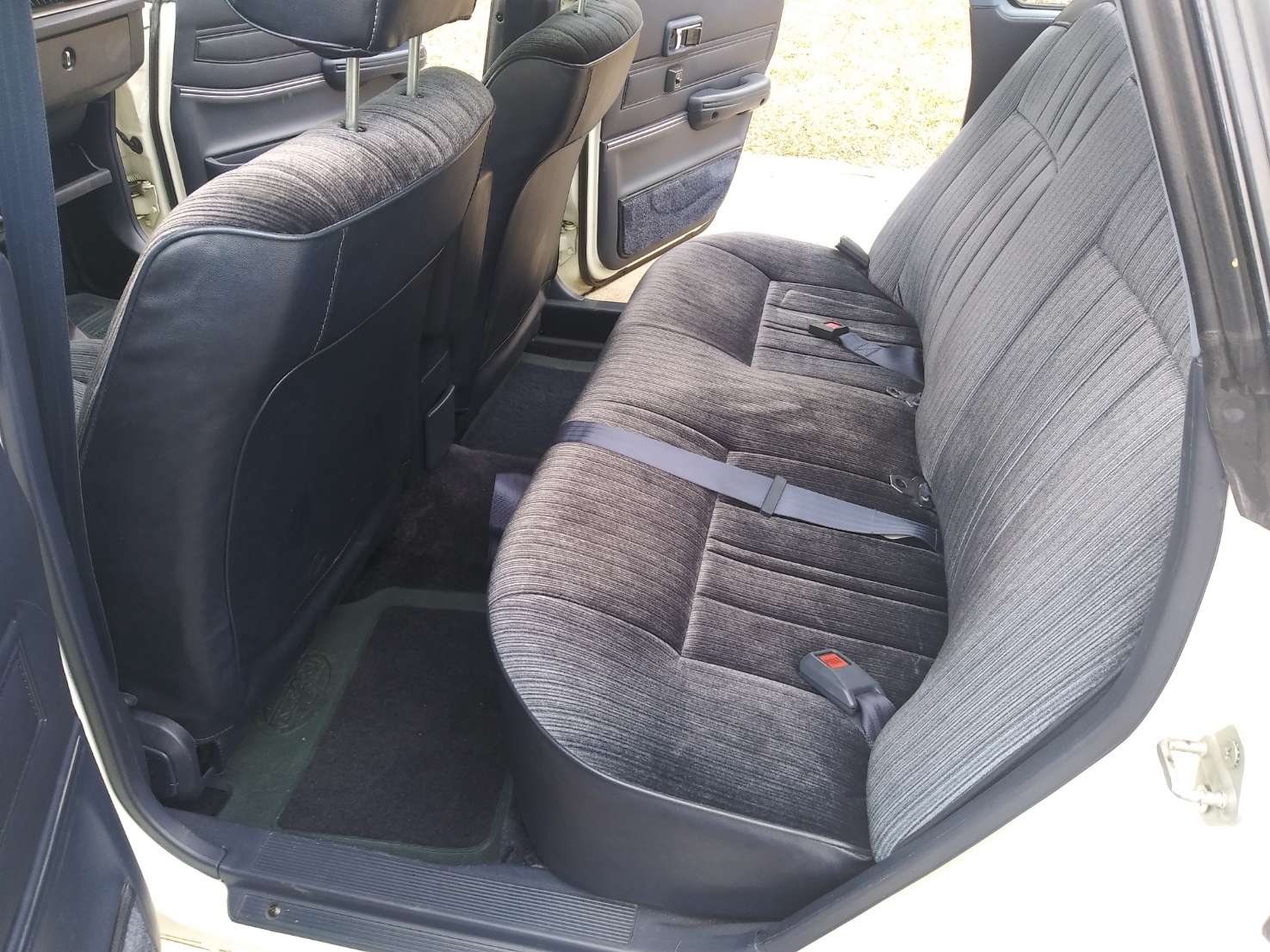 Thanks for the condolences and your reply.Thanks for the condolences and the reply.My mom passed away and she had a 1984 GL she was the original owner of a nice little '84 GL that she garaged since it was new. It has less than 25K miles on it. That is right, less than 25,000 miles. It is a 4 door sedan with a 5 speed manual transmission and a 1.8 liter engine and has never been in an accident. The interior and exterior are both in very good shape and I have all documents to substantiate the low mileage. TIA for your replies.