aaron7
Members
-
Joined
-
Last visited
-
aaron7 replied to croak's topic in Historic Subaru Marketplace-for 50s-70's parts only all others use other marketplacesI appreciate the help, thanks!
-
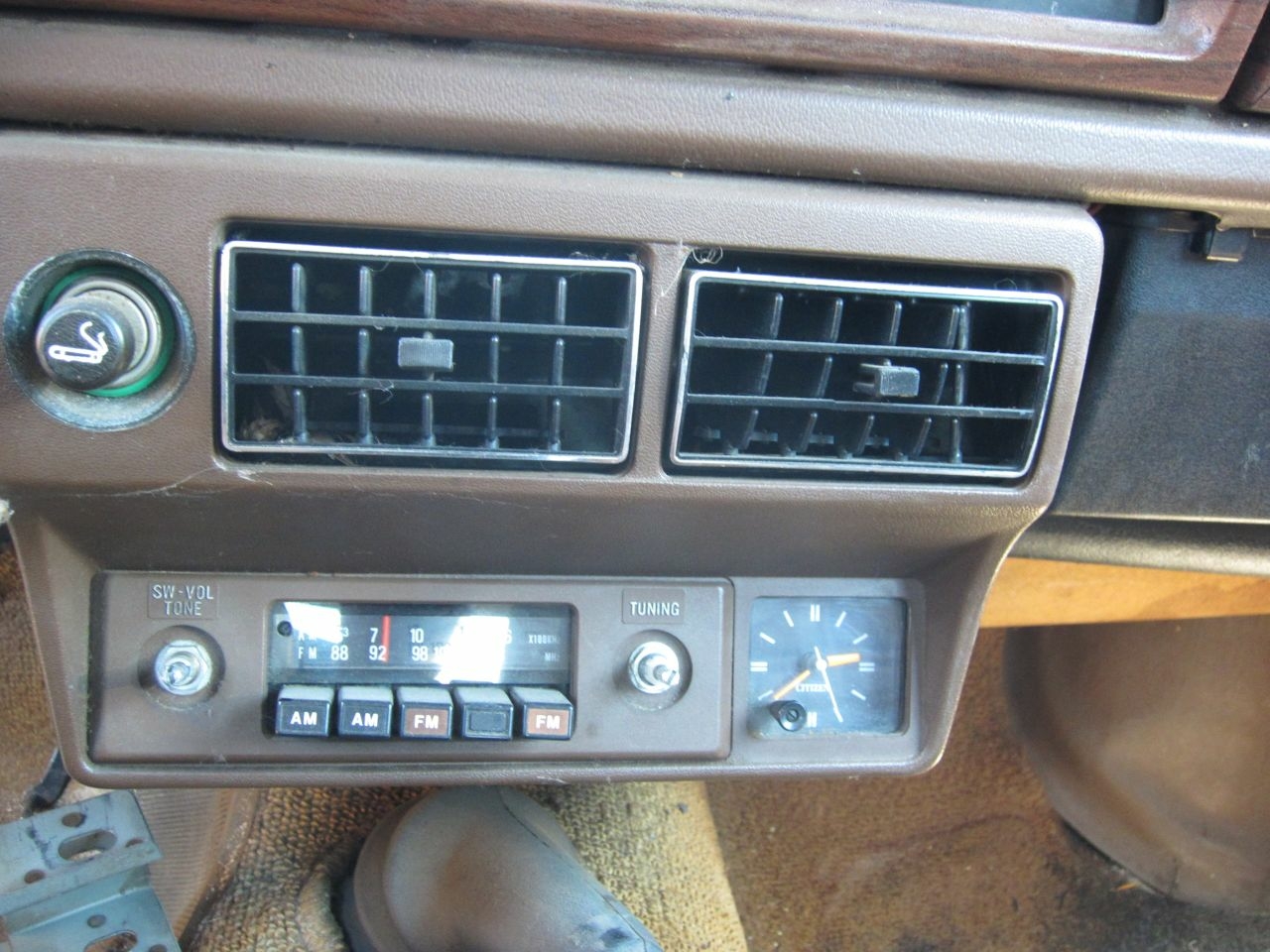
aaron7 replied to croak's topic in Historic Subaru Marketplace-for 50s-70's parts only all others use other marketplacesThat's awesome! Really appreciate it. Wasn't sure what years/trims it might have been used in. Saw this 79 GL had one very similar but with reversed knobs.
-
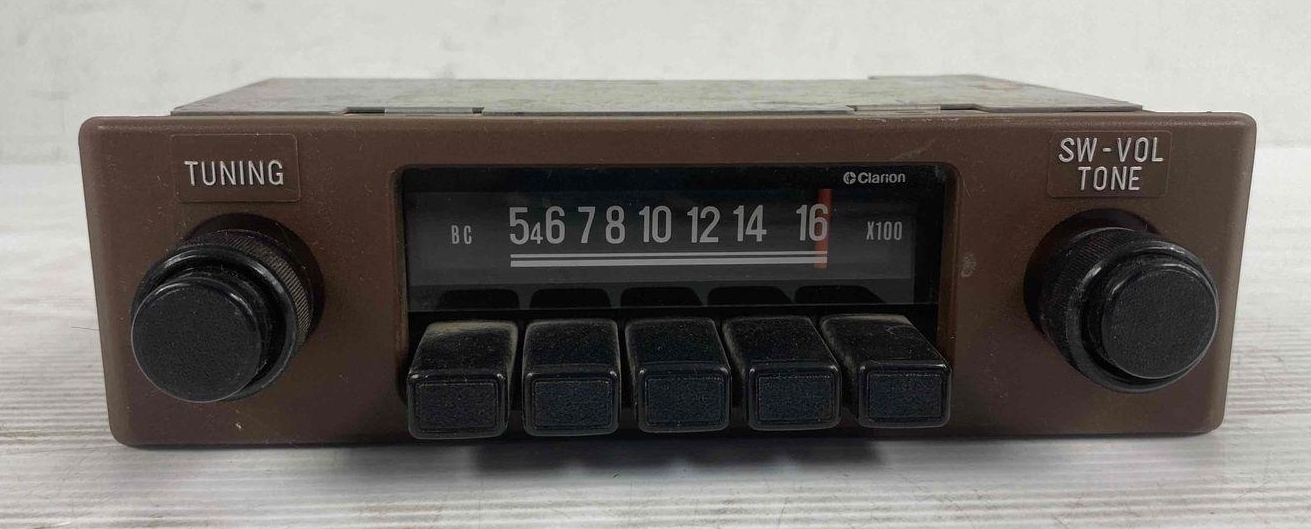
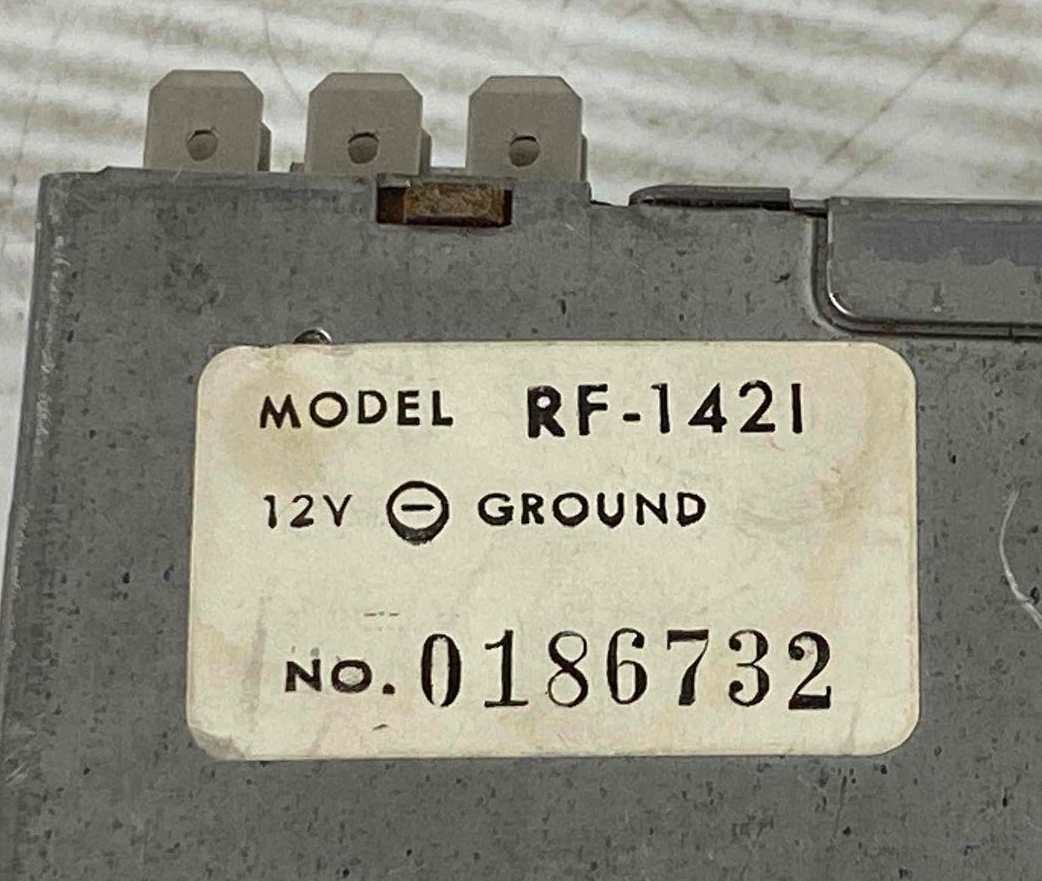
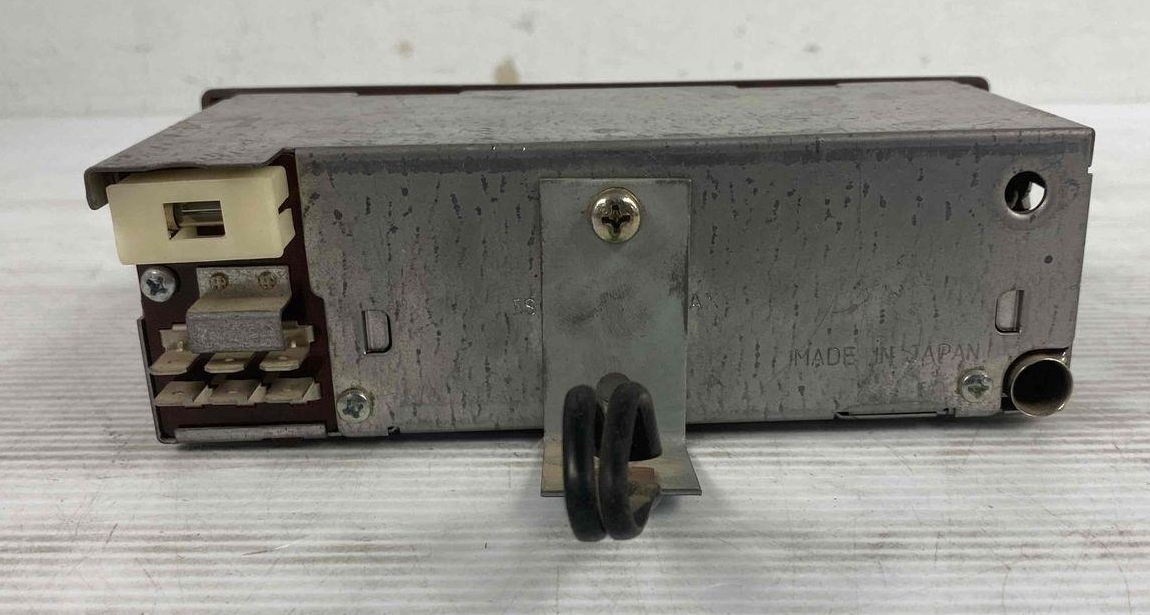
aaron7 replied to croak's topic in Historic Subaru Marketplace-for 50s-70's parts only all others use other marketplacesHi guys, joined just to ask this question! This forum post was the only result in my search for information on this Clarion RF-1421 I picked up. Was it a factory radio? Anyone have the pinout so I can test it? Just trying to find any info I can on it! Sorry for bumping an old thread but seemed the ones that'd have the answer were all in here