Skip to content
View in the app

A better way to browse. Learn more.

Ultimate Subaru Message Board

A full-screen app on your home screen with push notifications, badges and more.

To install this app on iOS and iPadOS
  1. Tap the Share icon in Safari
  2. Scroll the menu and tap Add to Home Screen.
  3. Tap Add in the top-right corner.
To install this app on Android
  1. Tap the 3-dot menu (⋮) in the top-right corner of the browser.
  2. Tap Add to Home screen or Install app.
  3. Confirm by tapping Install.

Leaderboard

Popular Content

Showing content with the highest reputation on 09/02/21 in Posts

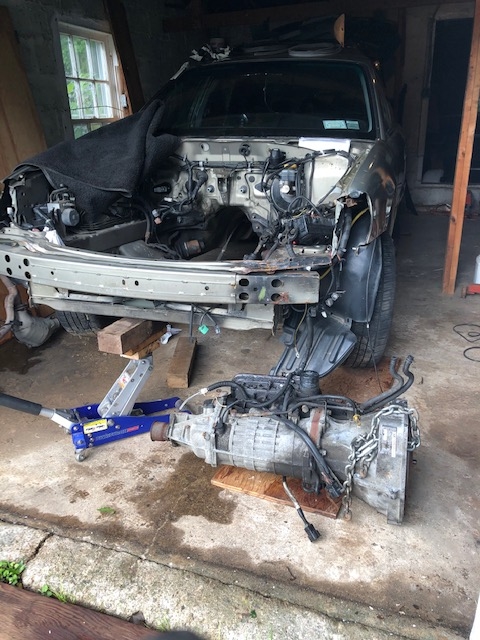
  1. I won the match. Just about done with the silliness of obsessive dismantling. Took off more crap I won’t need and probably won’t sell. But it’s fun and therapeutic, yeah that’s right. Raised the front as shown and somebody must have been looking out for me because that piggie came out fairly easy. Small victory. My celebratory post.
  2. 1 point
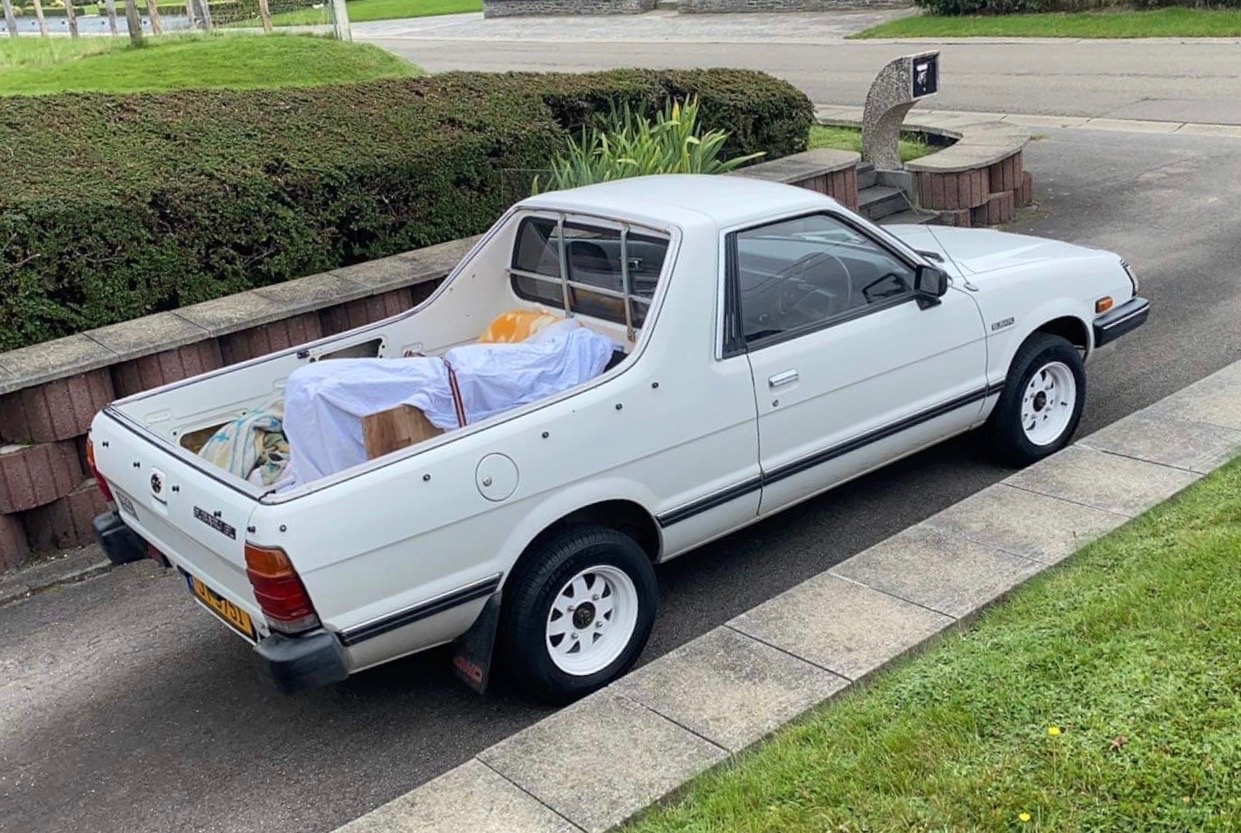
    Hi guys, May I introduce my Brat to you ? Marc
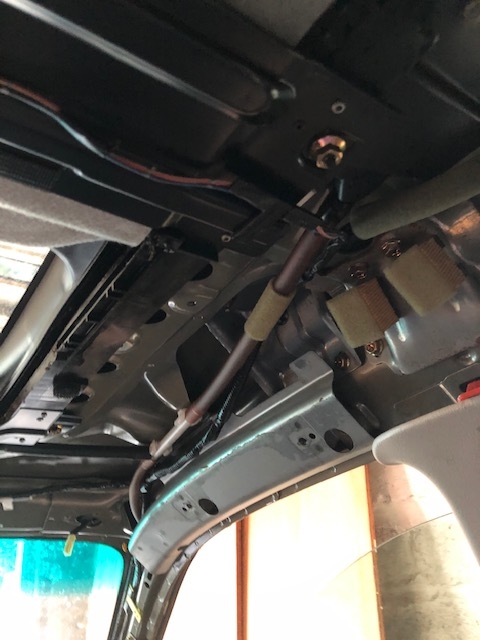
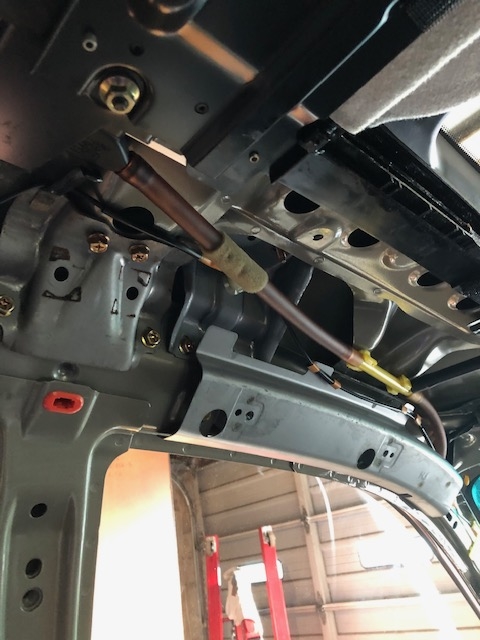
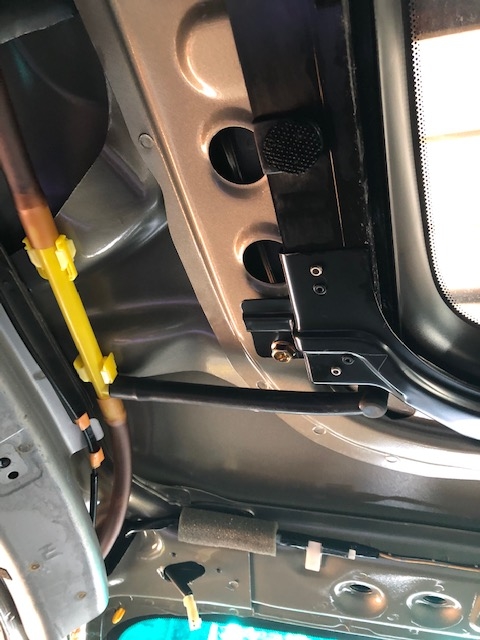
  3. Let me know if you need pictures or parts. I took the entire double unit down and all seals carefully removed as well. There’s a few drains and some T into others’s duct. Haven’t gone to see the exit for the front tubes yet but you were already down that path. Just about to roll this car out for scrap.
  4. 1 point
    Yes, it is.... no rust at all and original painting

Account

Navigation

Search

Search

Configure browser push notifications

Chrome (Android)
  1. Tap the lock icon next to the address bar.
  2. Tap Permissions → Notifications.
  3. Adjust your preference.
Chrome (Desktop)
  1. Click the padlock icon in the address bar.
  2. Select Site settings.
  3. Find Notifications and adjust your preference.