

Skip to content
View in the app

A better way to browse. Learn more.

Ultimate Subaru Message Board

A full-screen app on your home screen with push notifications, badges and more.

To install this app on iOS and iPadOS
  1. Tap the Share icon in Safari
  2. Scroll the menu and tap Add to Home Screen.
  3. Tap Add in the top-right corner.
To install this app on Android
  1. Tap the 3-dot menu (⋮) in the top-right corner of the browser.
  2. Tap Add to Home screen or Install app.
  3. Confirm by tapping Install.

Leaderboard

Popular Content

Showing content with the highest reputation on 08/22/25 in Posts

  1. 1 point
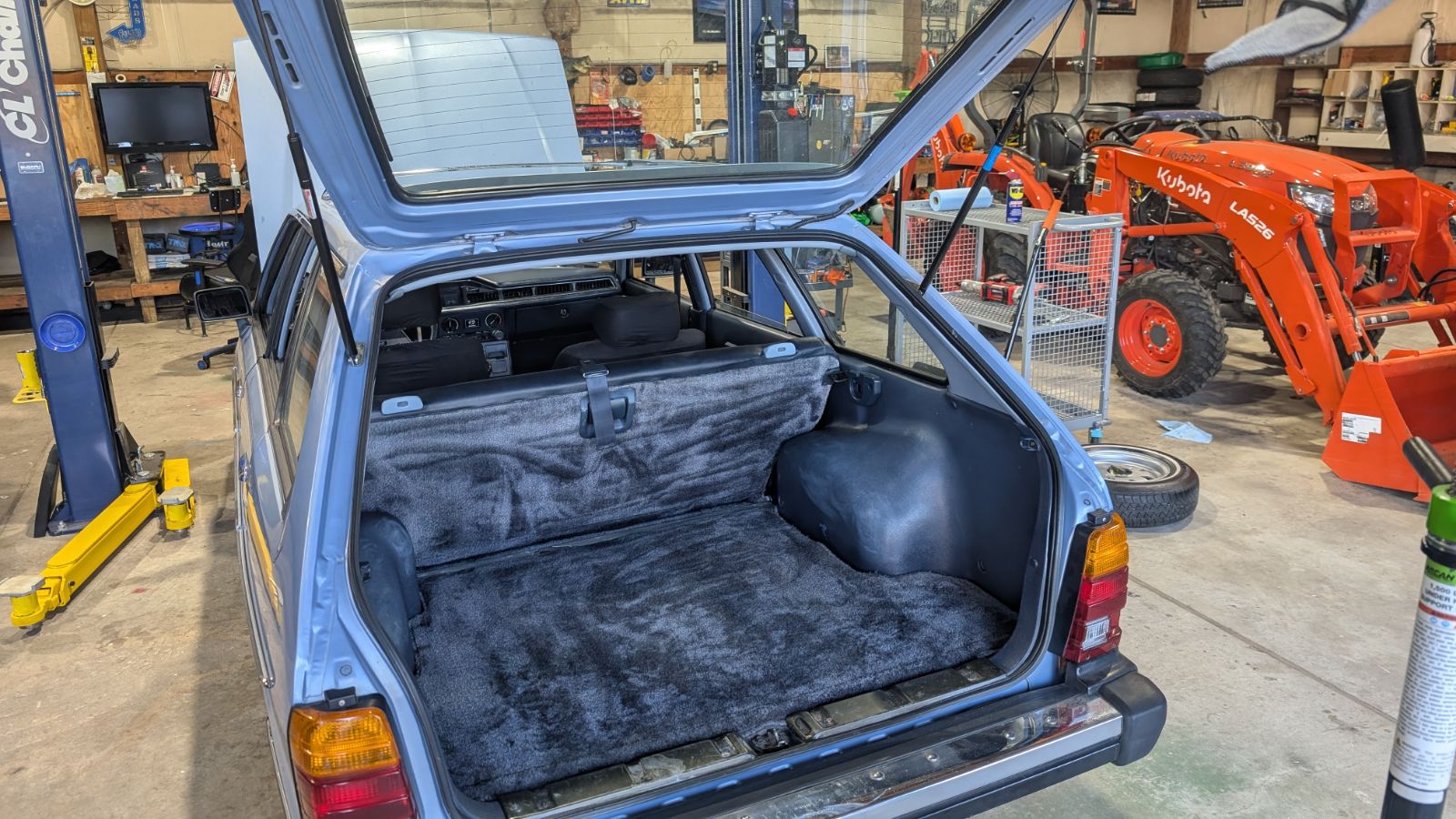
    Huge thanks to @2brat82 for shipping me a set of rear hatch struts so that I could use the brackets off of them to complete the hatch replacements.
  2. Well, it's more complicated than I implied. The current part number, 11044AA610, is steel as far as I can tell. There are 3 older part numbers that were replaced by the 610, I am much less clear what the material of those were, either from my memory or service manuals. So the factory installed ones might have been a different material.

Account

Navigation

Search

Search

Configure browser push notifications

Chrome (Android)
  1. Tap the lock icon next to the address bar.
  2. Tap Permissions → Notifications.
  3. Adjust your preference.
Chrome (Desktop)
  1. Click the padlock icon in the address bar.
  2. Select Site settings.
  3. Find Notifications and adjust your preference.