Gremlinsuby83
Members
-
Joined
-
Last visited
-
Wats the difference between heads?? Better cooling or better flow
-
Is there a common place turbos crack on them if i pull turbo and inspect and dont find cracked can i replace seal ???
-
Well might be pockin up a 1987 gl turbo wagon wondering if there is anything to look out for... Needs a seal inside turbo any suggestions
-
The pro race baja trucks and buggy use a manual trans with a torque converter style adaption..... BUT!!!!!!! There are a sequentialy shifted trand like a pro stock race car .... They only shift when power is applied and let off either by driver or by computer... Soo in short they rev and shift at same time but it is a lockup switch custom style converter 3 kevlar clutch lockup with stages of lockup .... Everything is built for race so find a torque converted with same spline ,depth diameter , and weight as at trans.... Good luck but gatta be somthin out there that can be retrofitted from race application ......
-
Cut fenders alot!! Weberized and rally bumper/skid

-
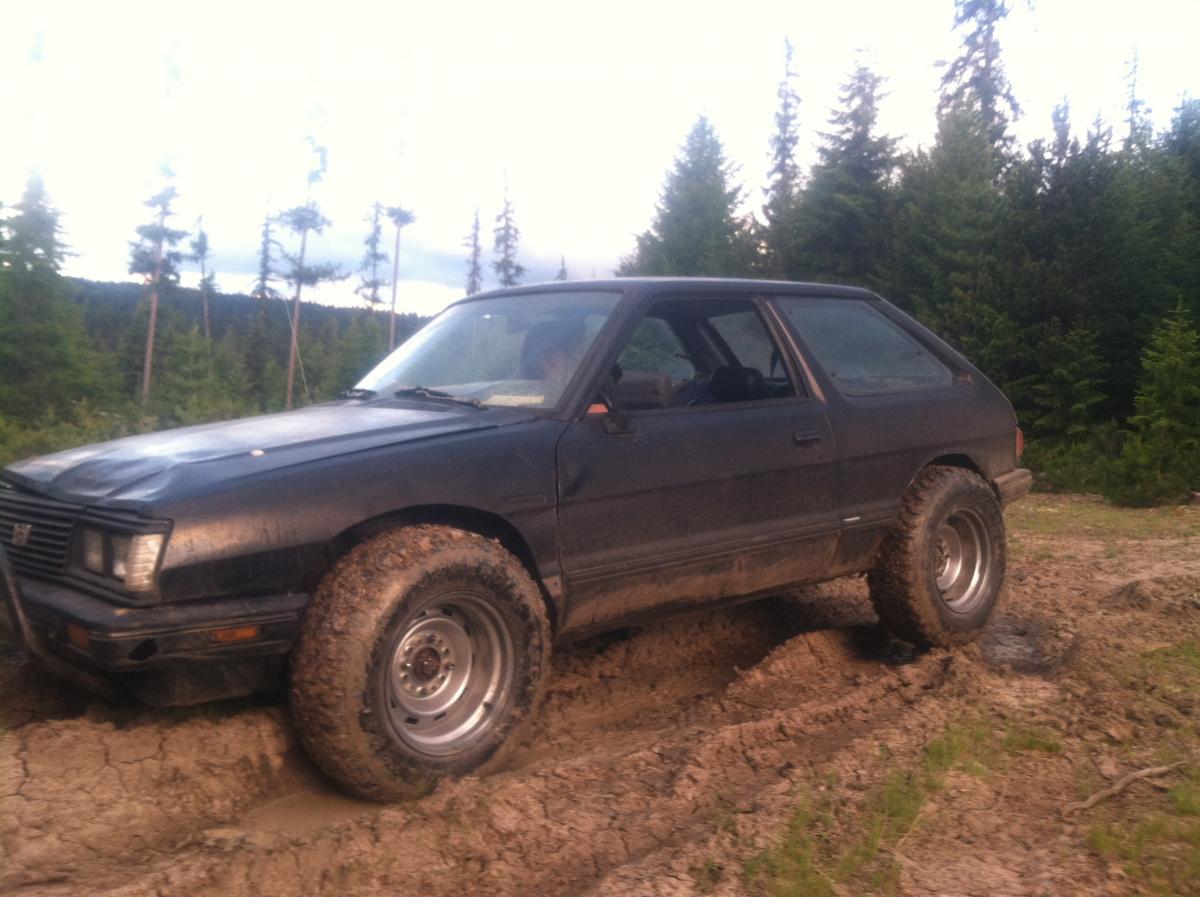
Hello hows it goin i have a 83 hatch on 28s weber carbed and some paint lol... Havin fun with suby long time wheeler so suby is kinda slow trying to get a little faster maybe ej swap .. Done some research talked to a few people that are on the site here live around me soo just sein wat i can come up with