Bonestorm
Members
-
Joined
-
Last visited
-
Bonestorm replied to Bonestorm's topic in 1990 to Present Legacy, Impreza, Outback, Forester, Baja, WRX&WrxSTI, SVXWell apparently the guy has worked on lots of subies, so I'd hope he would know better. Lots of cool ones littered around the yard. Not in the market for a brat though, heh. He also has computer hanging out infront of pedals, so he seems to think that was issue. he thinks issue happens to some of the same model year. Such low kms and no rust is so damn appealing. Boxer engine sounds great
-
Bonestorm replied to Bonestorm's topic in 1990 to Present Legacy, Impreza, Outback, Forester, Baja, WRX&WrxSTI, SVXoh, and its automatic
-
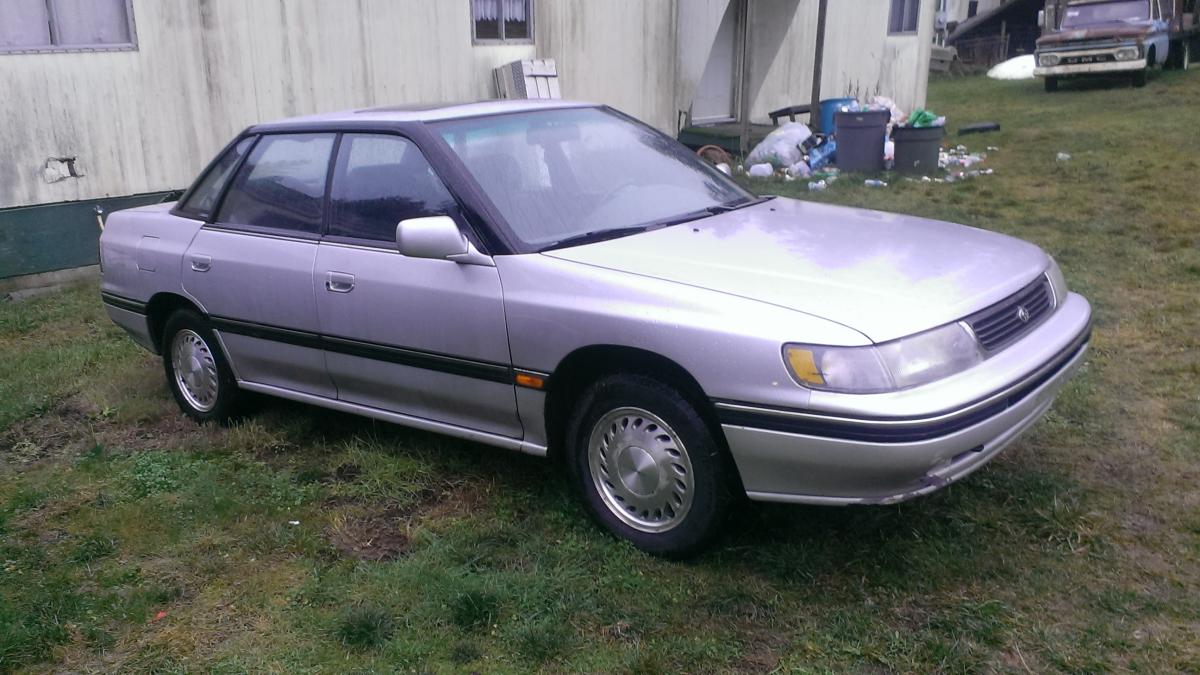
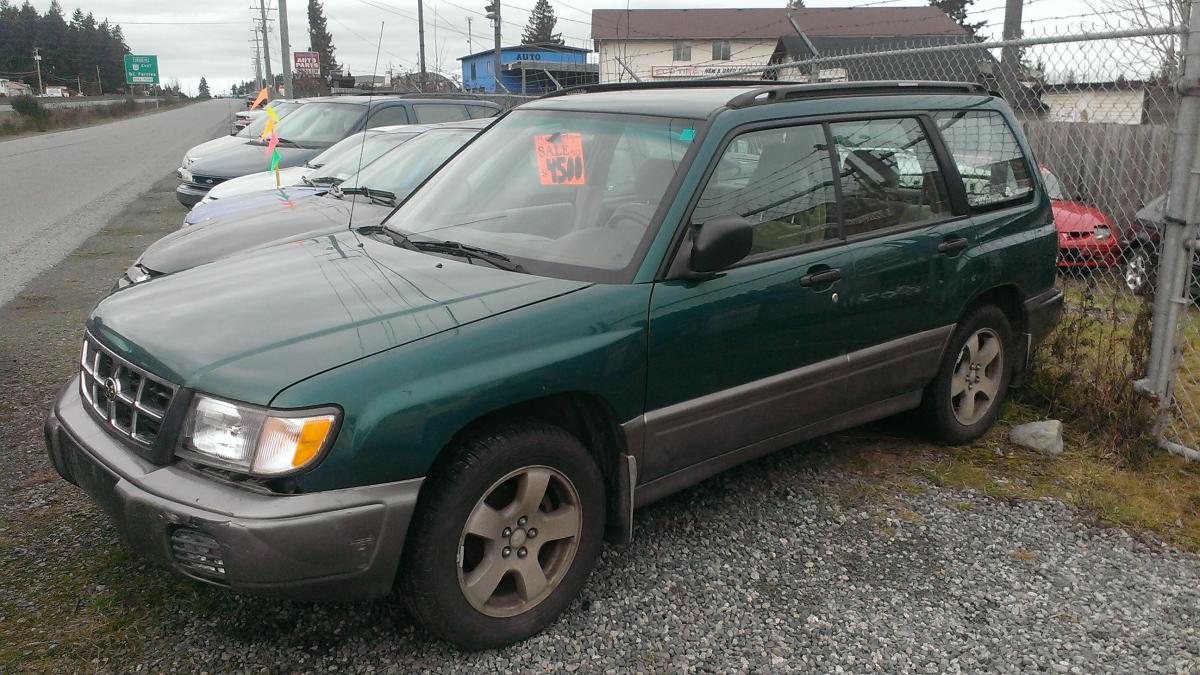
hey guys, just had a question. Buying a car on vancouver island, going back up north soon, and found what seems to be a good one. 1993 legacy ls with 124k kilometres on it. only real issue i see is the subaru mechanic working on it says it needs a computer, because overdrive wont work. seems to drive kinda meh without it. seems tranny is working irratic without the new computer, but with one, could be good. they want 2200 for it with comp, but would probably have to buy the car first. tranny fluid and oil have been checked/changed and are clean. Just when you step on it, it over revs, seems to want to switch to overdrive. Do you have any suggestions about what else might be wrong with car? as i said, seems to be all good, i just want to know if thd computer will make a definite difference to the shifting ability and all. they are also selling a 98 forester with apparently new gaskets, with 190k, but he also wont budge on 4000 for that one.