ScottyBigs
Members
-
Joined
-
Last visited
Everything posted by ScottyBigs
-
Hahahaha Yea guys im drilling it out for 6 lug just have 2 on there for now.
-
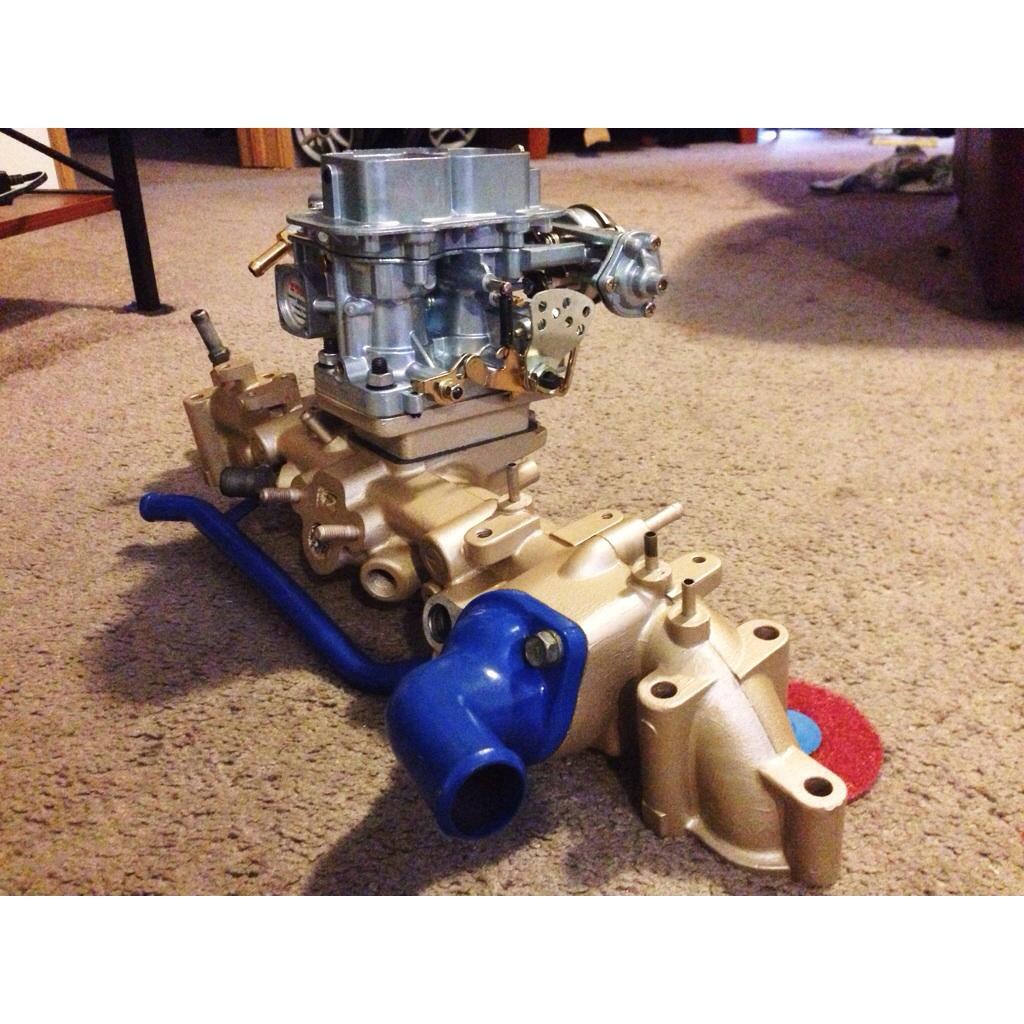
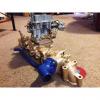
Here's the carb and intake.
-
Yea I'm doing the swap only because I have already bought all the parts to rebuild the motor and to put the Weber on it, and I got the motor for free soooo yea....., I'm just building it to drive back and forth to work, still have the 4 speed in it but, I really just want something a little different. So yea I'm just ganna look for another carrier with the spiders in it and make that my Lincoln locker so I can swap it out if I need.
-
Thanks!!
-
Haha I couldn't figure out why it wouldn't keep the pic but I got it saved.
-
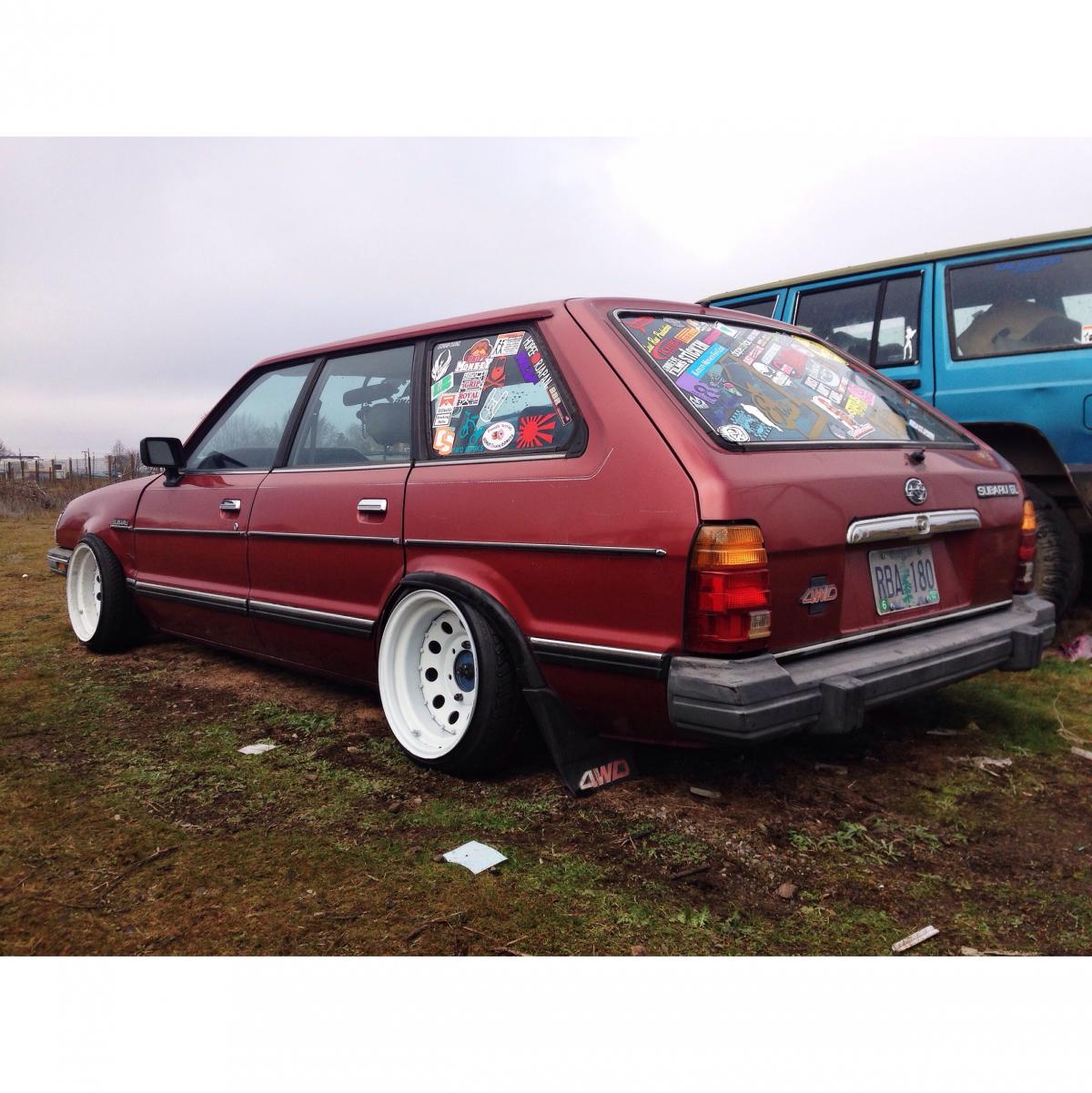
I've got a 84 wagon. Newbie here haha.

-
Yea I did look about and they say the turboed cars had a factory LSD. And so I'm guessing is, up till a certain year they all had the same rear end in the car?? Oh and what's it ganna take to put the EA82 in the car do you know?
-
Hey guys newbie here!! I've been looking for a LSD or POSI or something for the rear end of the wagon?? I don't now what rear end I have or gears or anything about it??? I do know that it's a 1.8 EA81 that is swapped to a 1.8 EA82 with a Weber 32/36 non turbo 4wd.....ect....ect.....ect. I just need to find a lsd or something or I'm just ganna give it a Lincoln Locker!! HAHA.