Mountain GLoat
Members
-
Joined
-
Last visited
Everything posted by Mountain GLoat
-
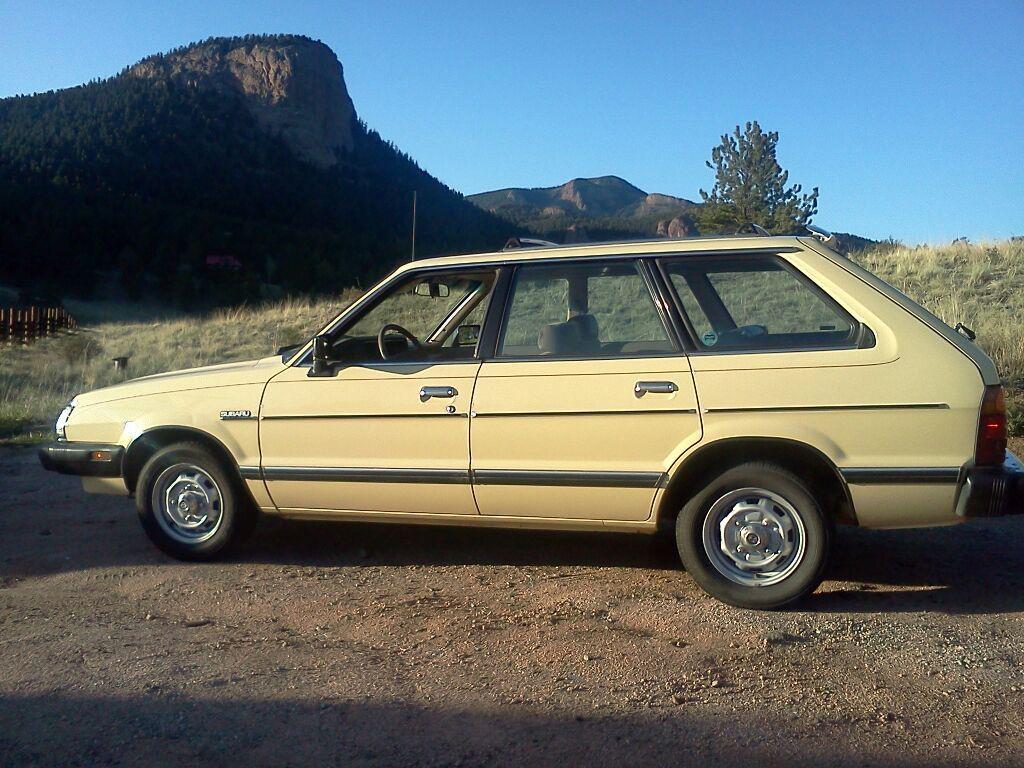
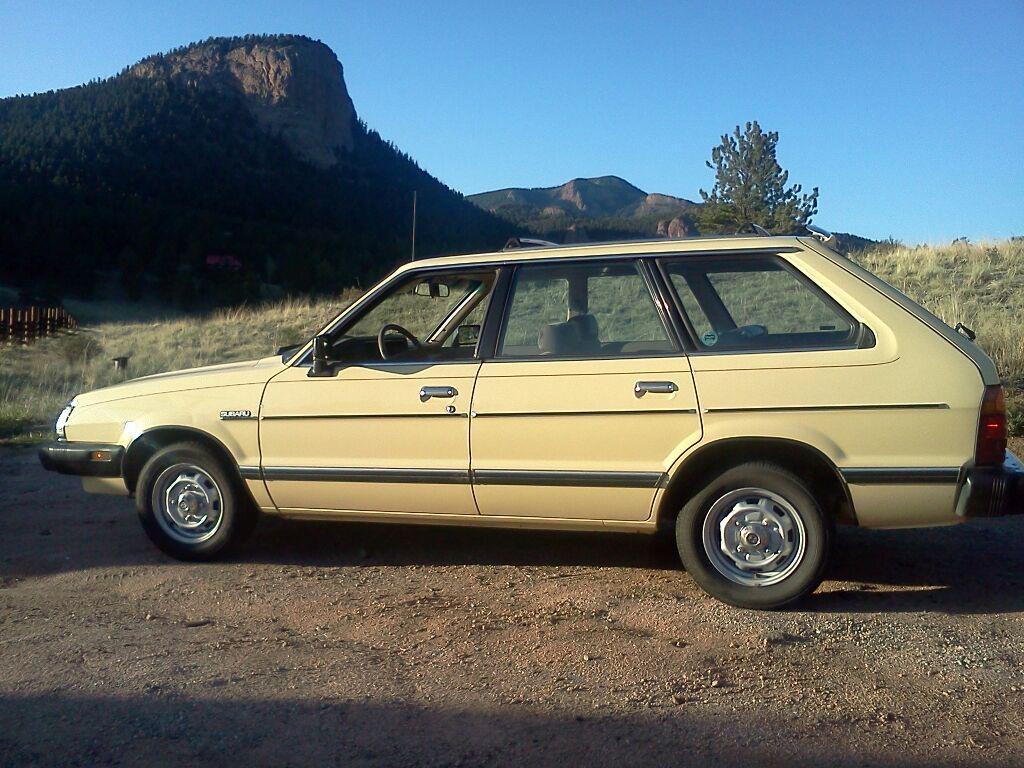
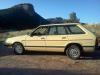
Good eye, Scooner. Here's another pic, right near home.
-
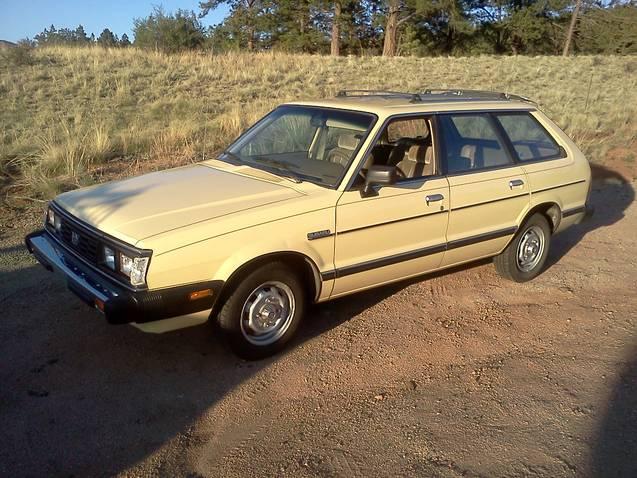
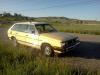
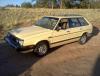
My wife and I bought our first Subaru, an '06 Forester, the day after we got engaged. That car took us everywhere. We've since picked up a 2011 Outback, but this is my pride and joy: my sweet little get around...an 84 GL, purchased from the original owner with only 72,000 miles. The owner told me it had never spent a night outside. Unfortunately, sometimes all that garaging isn't so great for a car either...they need to be driven. It ran great for a few years, but developed some carb issues (common, right?). Right now, it's with the mechanic for head gaskets and a Weber conversion. I can't wait to get it back. It's the 2wd model, but with studded snow tires, I always make it home up our 1/4 mile driveway at 9000 feet in the Colorado foothills. I'm not really sure how anyone lives in Colorado without a Subaru. I would love to keep it as the summer driver and match it with a 4wd...someday!~
-
Here's my 84 GL. Purchased from the original owner with 72,000 miles.