Skip to content
View in the app

A better way to browse. Learn more.

Ultimate Subaru Message Board

A full-screen app on your home screen with push notifications, badges and more.

To install this app on iOS and iPadOS
  1. Tap the Share icon in Safari
  2. Scroll the menu and tap Add to Home Screen.
  3. Tap Add in the top-right corner.
To install this app on Android
  1. Tap the 3-dot menu (⋮) in the top-right corner of the browser.
  2. Tap Add to Home screen or Install app.
  3. Confirm by tapping Install.

b-rat

Members
  • Joined

  • Last visited

  1. thats actually where i first saw the rat rod style when a beetle and a vw van passed me that were rat rodded out and I fell in love. I actually just happened across this one online and it was only 20 minutes from me and I knew I had to have it. It is just a very unique style and no women understand it I can tell you that, but the right crowd understands it and appreciate it. I love it
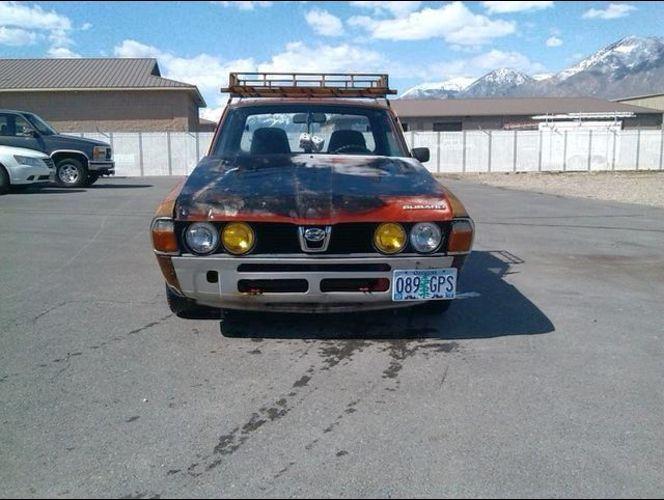
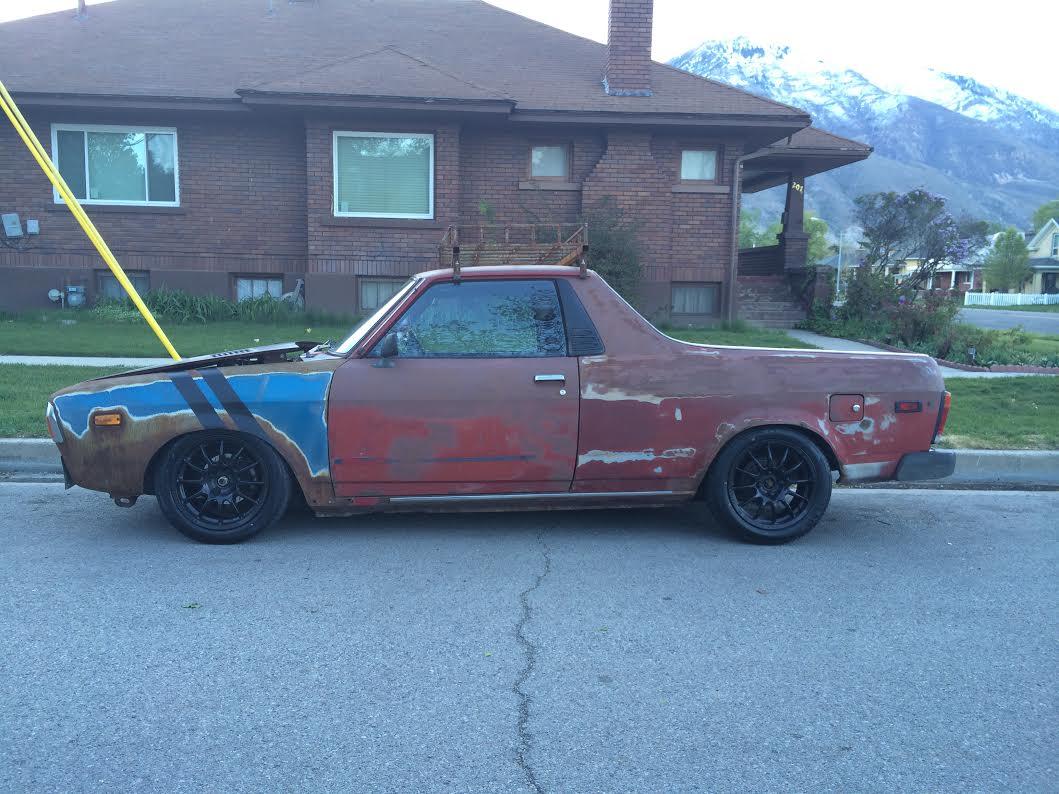
  2. ya the hood is raked like that to allow clearance for the coil lowering brackets
  3. thanks guys! I'm pretty hyped about it
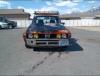
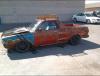
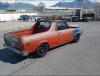
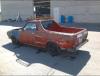
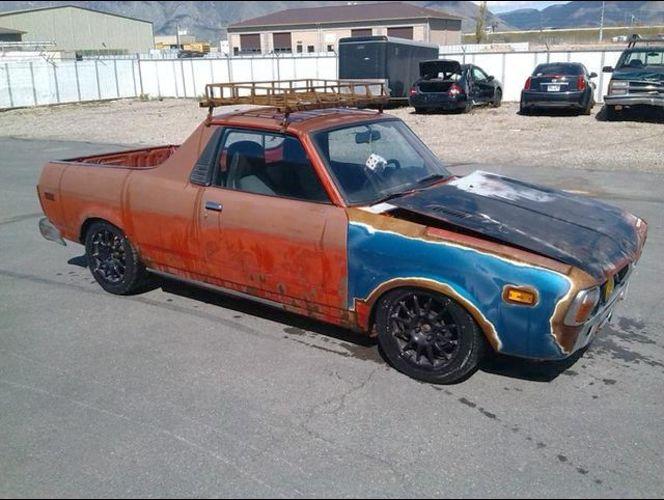
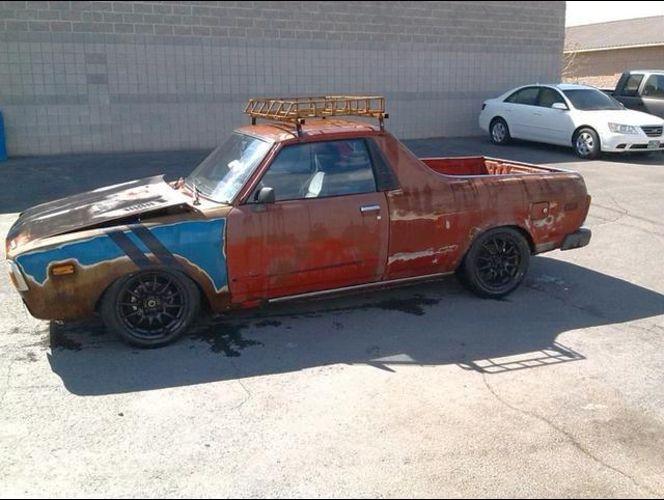
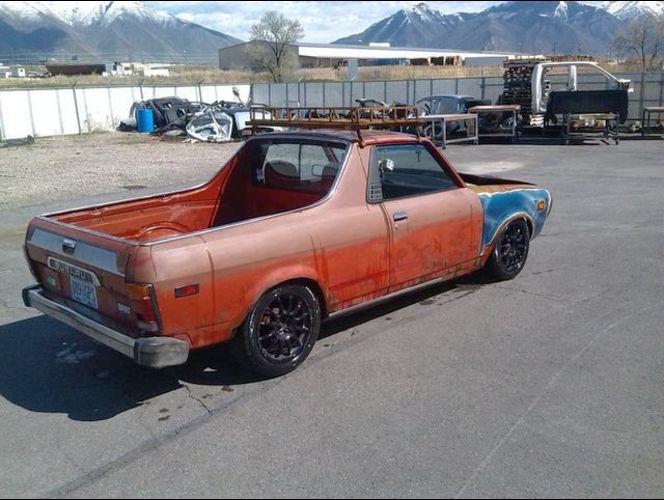
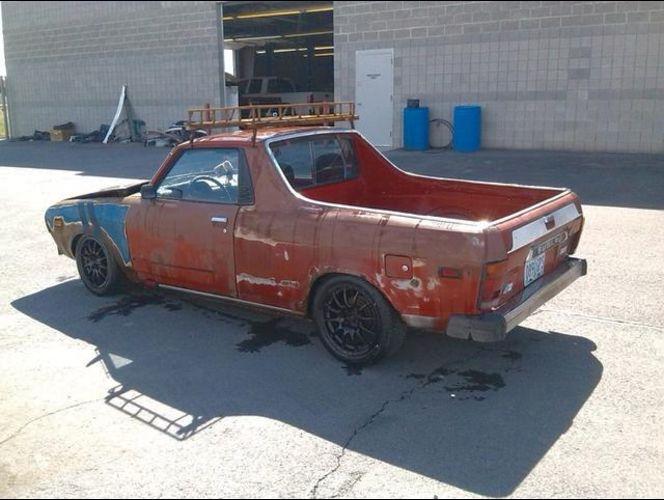
  4. Mechanically excellent. 114k miles. Vented slotted rotors. adjustable coil overs on front. hubs drilled to accomcadate Miata wheels. Weber with modified air filter to accomodate stock filter box. Custom rust and aging
  5. Just picked up this '81 Brat. Pretty stoked to join the Subaru nation!
Account

Navigation

Search

Search

Configure browser push notifications

Chrome (Android)
  1. Tap the lock icon next to the address bar.
  2. Tap Permissions → Notifications.
  3. Adjust your preference.
Chrome (Desktop)
  1. Click the padlock icon in the address bar.
  2. Select Site settings.
  3. Find Notifications and adjust your preference.