Grayfox
Members
-
Joined
-
Last visited
-
I have used one of those blue ELM327s on my old civic, it will pull only Powertrain codes(Pxxxx) and show live data like current speed, engine RPM, engine coolant temp, ect. There price varies but for basic use they're fine, I have one in my GE impreza which gets paired to my android phone and I use torque to view the data.
-
Best bet is take your ownership papers to a dealer and ask if their is an emegency start just incase your transponder key fails and you use your spare non transponder key or something along those lines.
-
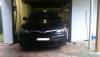
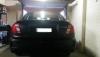
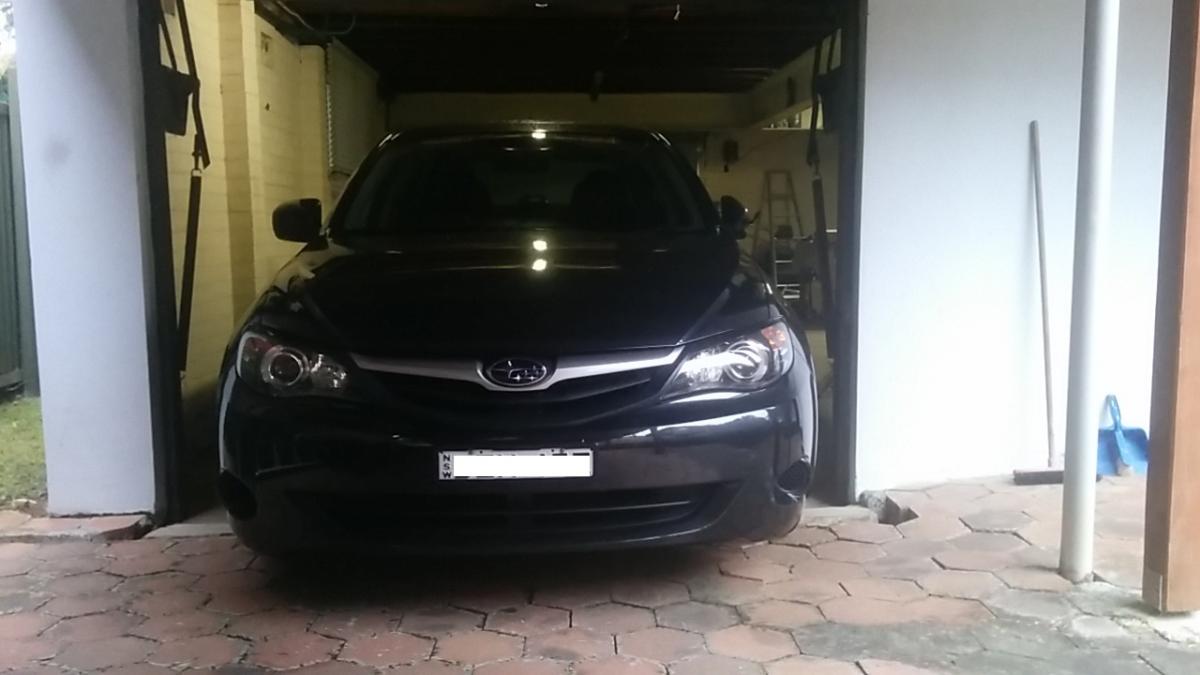
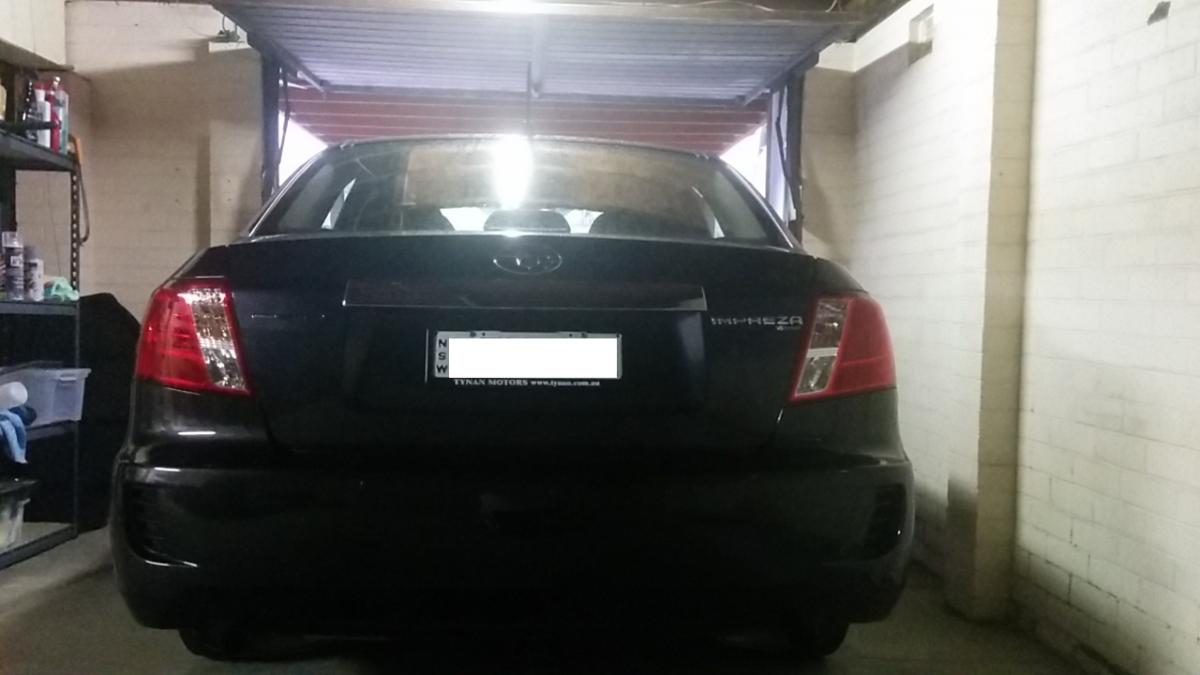
Hey all. I just aquired my new(well for me) impreza after having a prang that wrote off my much loved MY10 civic hatchback. My car is a 2011Subaru Impreza R Special in Dark Gray Metallic Car is manual, has leather seats, tilt and slide sunroof, BT audio and things I have yet to find out I have some basic electrical knowlage that I hope to use to my advantage when it comes to modding this baby. But that mod list is on hold for now