Skip to content
View in the app

A better way to browse. Learn more.

Ultimate Subaru Message Board

A full-screen app on your home screen with push notifications, badges and more.

To install this app on iOS and iPadOS
  1. Tap the Share icon in Safari
  2. Scroll the menu and tap Add to Home Screen.
  3. Tap Add in the top-right corner.
To install this app on Android
  1. Tap the 3-dot menu (⋮) in the top-right corner of the browser.
  2. Tap Add to Home screen or Install app.
  3. Confirm by tapping Install.

jarodmarks

Members
  • Joined

  • Last visited

Everything posted by jarodmarks

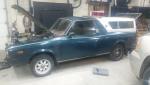
  1. Sheesh kevin. What a project and way to post all the time about yr brat. Was neat reading about it and seeing where you where and where you are! The motor swap project looks a bit overwhelming, but doable. Thinking about doing the same thing on the one im picking up next weekend.
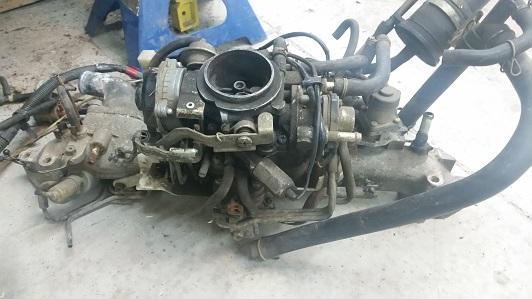
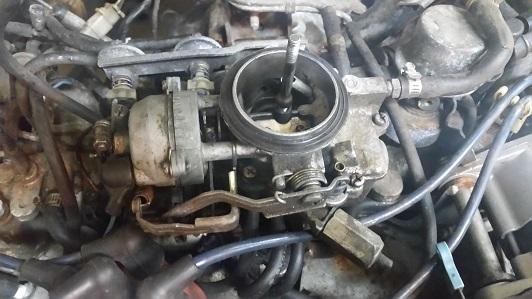
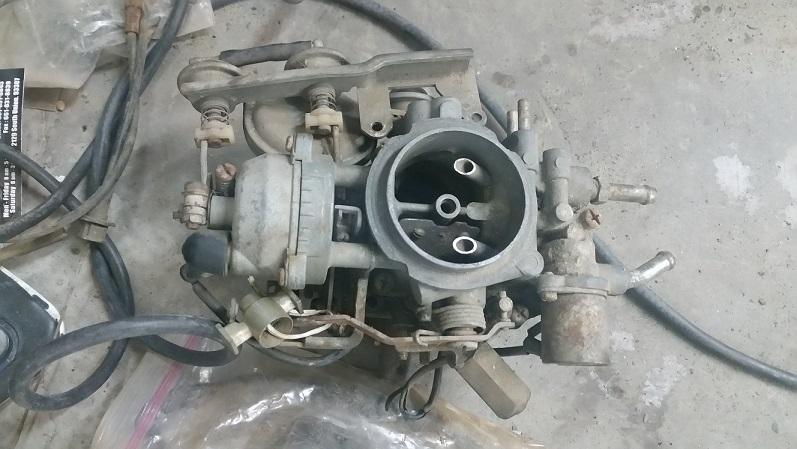
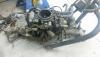
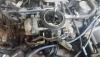
  2. I have 3 total. all seem to be just a bit different, yet all very close to the same. if your interested I can send you pics. 1 is in a running brat now 1 is on an intake and all seems to work 1 is free but needs to be gone through. throttle dosen't open as it has been sitting for some time.
Account

Navigation

Search

Search

Configure browser push notifications

Chrome (Android)
  1. Tap the lock icon next to the address bar.
  2. Tap Permissions → Notifications.
  3. Adjust your preference.
Chrome (Desktop)
  1. Click the padlock icon in the address bar.
  2. Select Site settings.
  3. Find Notifications and adjust your preference.