Balazzo556
Members
-
Joined
-
Last visited
Everything posted by Balazzo556
-
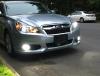
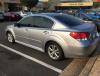
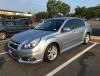
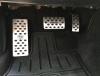
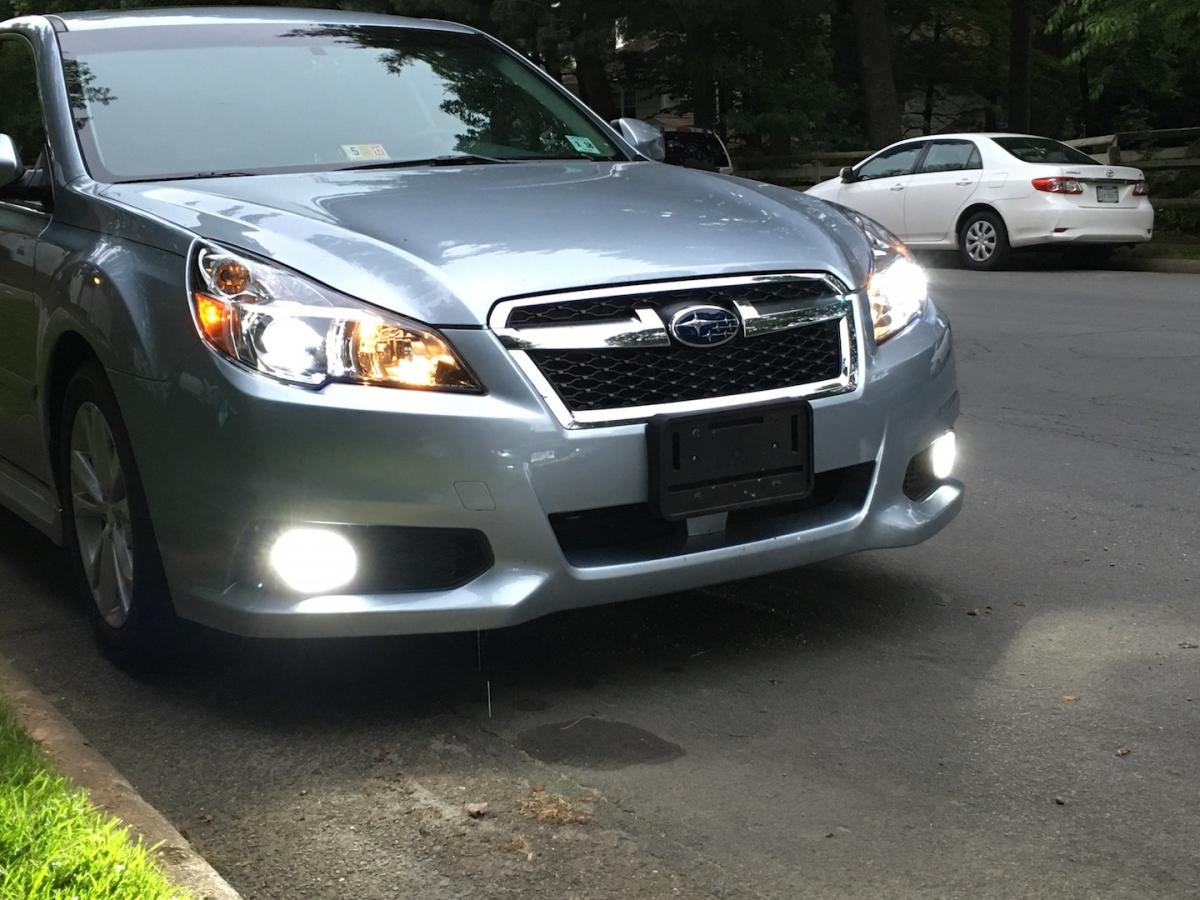
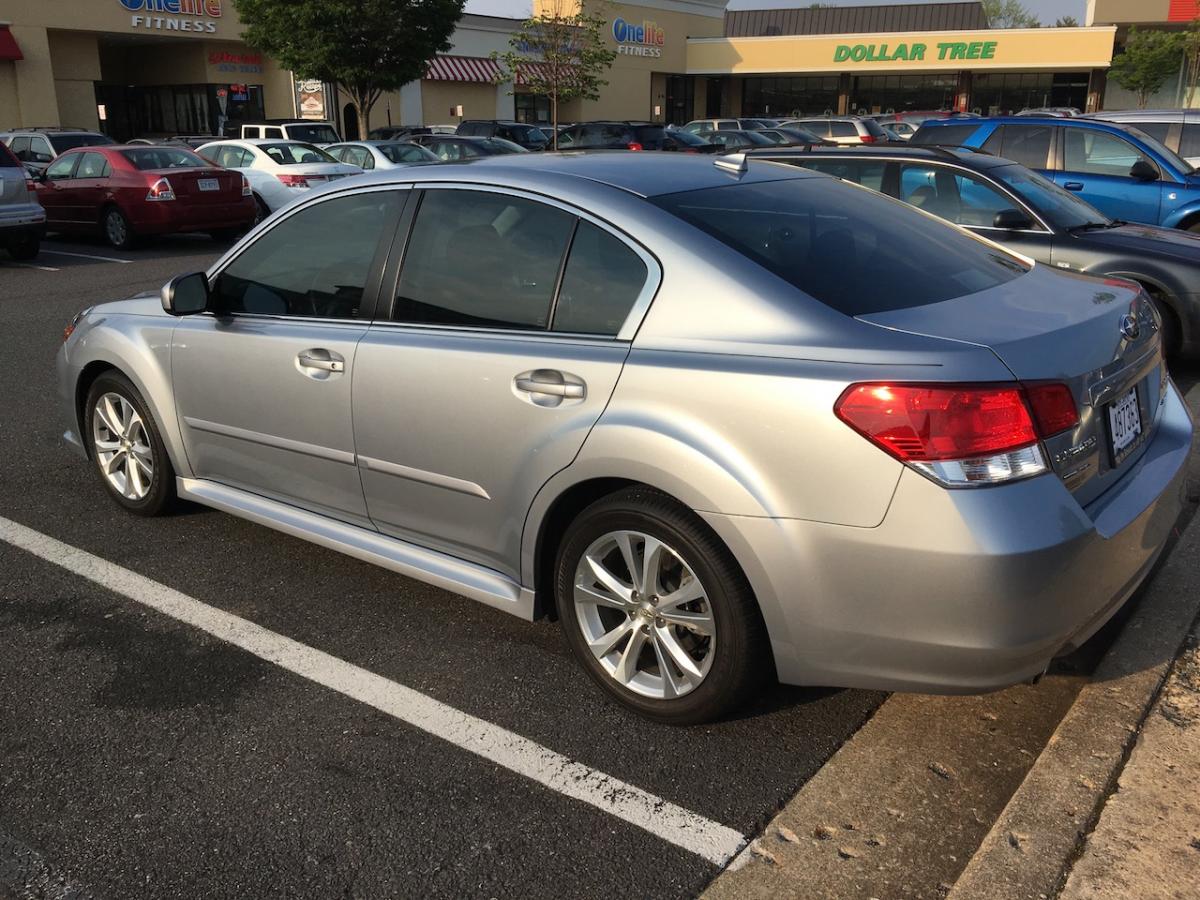
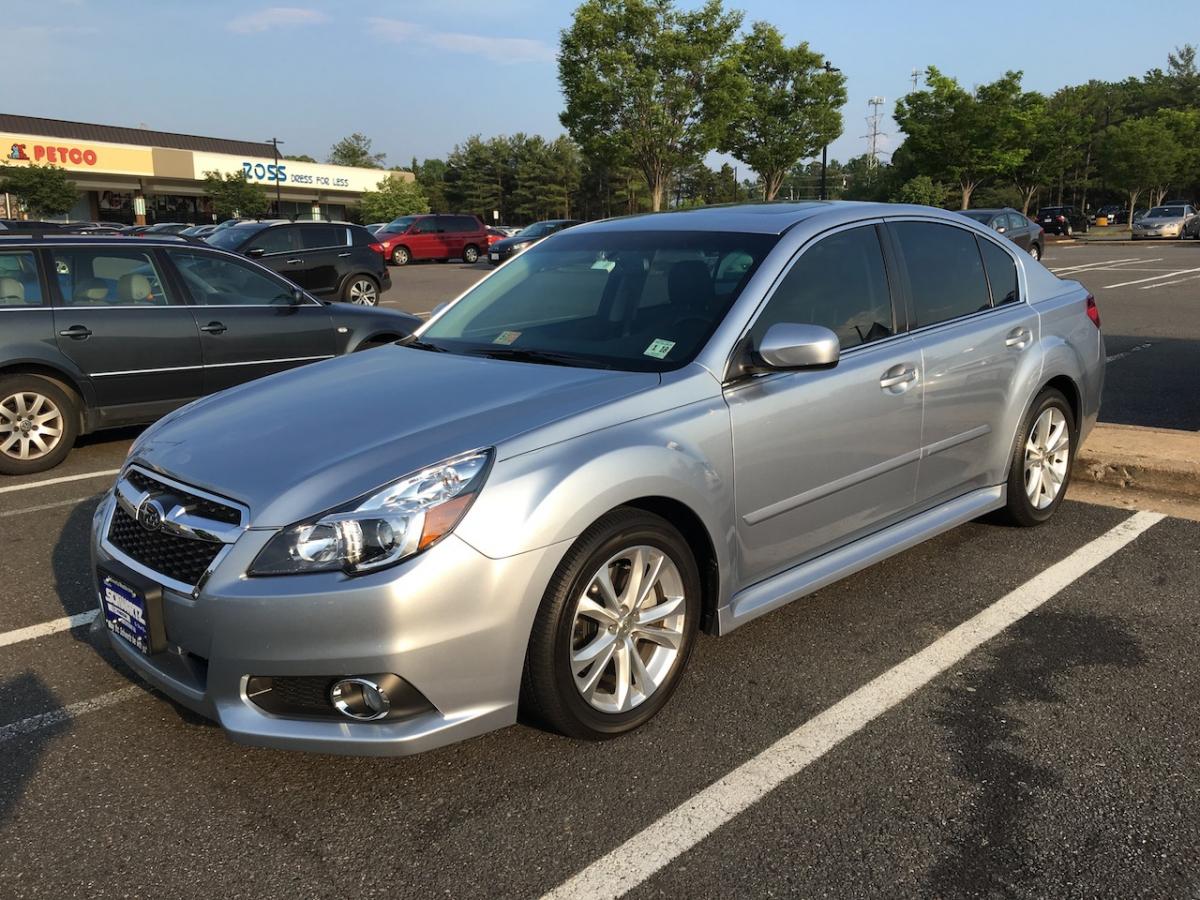
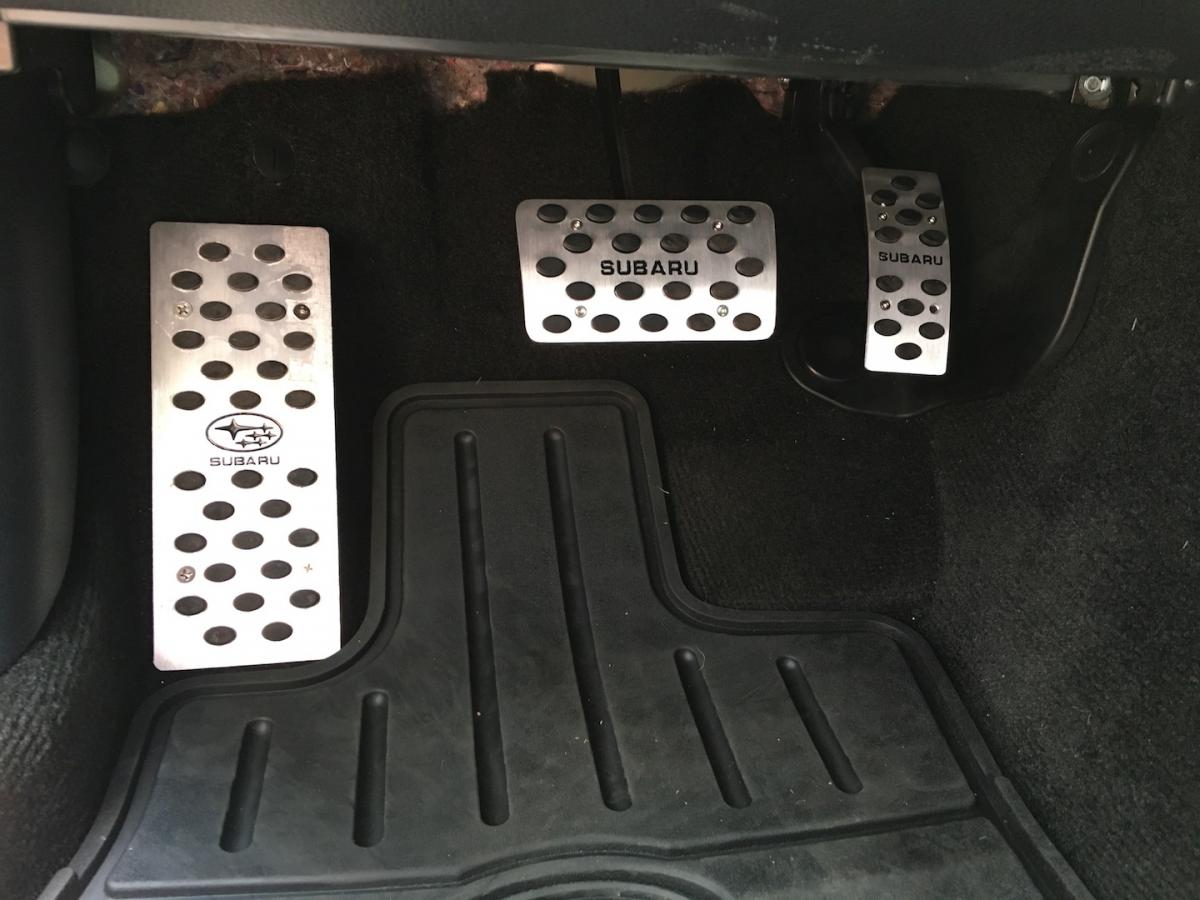
USMB members, Hi, I am new on this Subaru forum and I was crazy for it... my location is South Florida and I would like if any of the members know a tuning/performance shop from Hollywood to Kendall, Florida. These are the upgrades I would like to do to my '13 Subaru Legacy 3.6R Limited. - Performance Exhaust - Performance Chip (If there is any) - 18 Inches wheels - Perhaps change the turbos and headers. Some of the upgrades that I already did to my car: - Update head and Fog lights from OEM to LED (See pics) - Aluminum Pedals (See Pic) - Turn Signals (Front and Back) from OEM to LED - Interior and doors lights from OEM to LED - Replaced Air filter for a K&N filter. Near future, projects or upgrades - Trunk carbon fiber spoiler - 18 inch Wheels with bigger and wider tires - front and rear performance brakes discs and pads So to all of you Subaru enthusiasts, I am reaching out to all of you to direct me to where, here in south Florida to make my dreams come true. In advance, thank you for any information provide. Sincerely Balazzo556