Thatrobbguy
Members
-
Joined
-
Last visited
Everything posted by Thatrobbguy
-
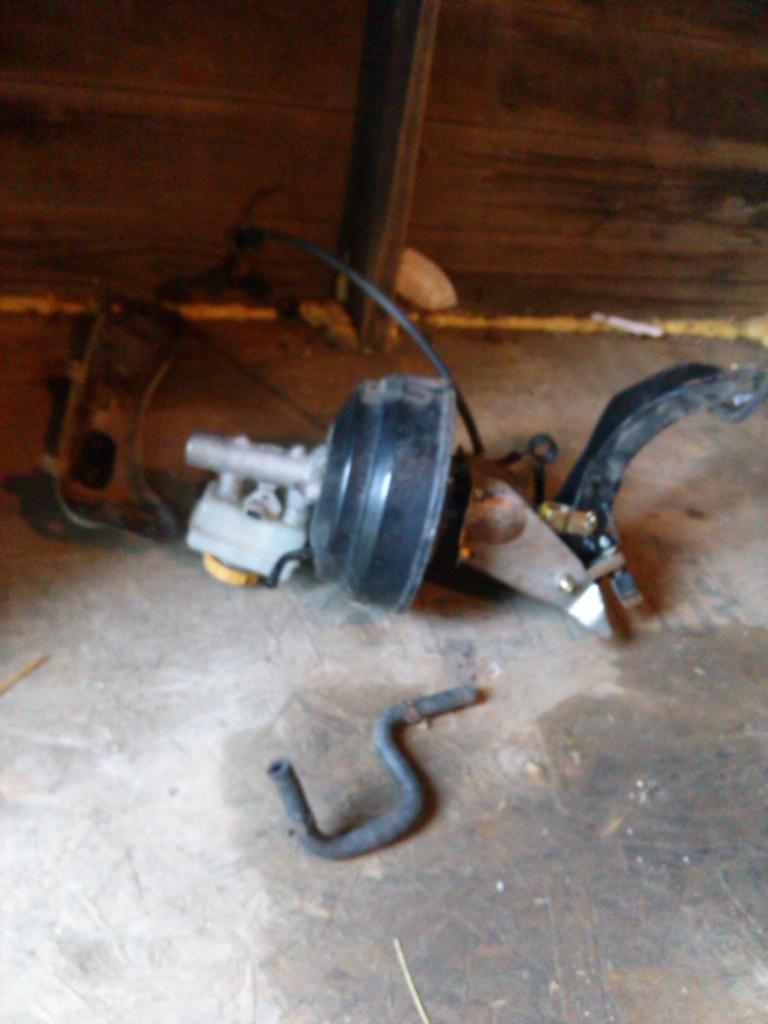
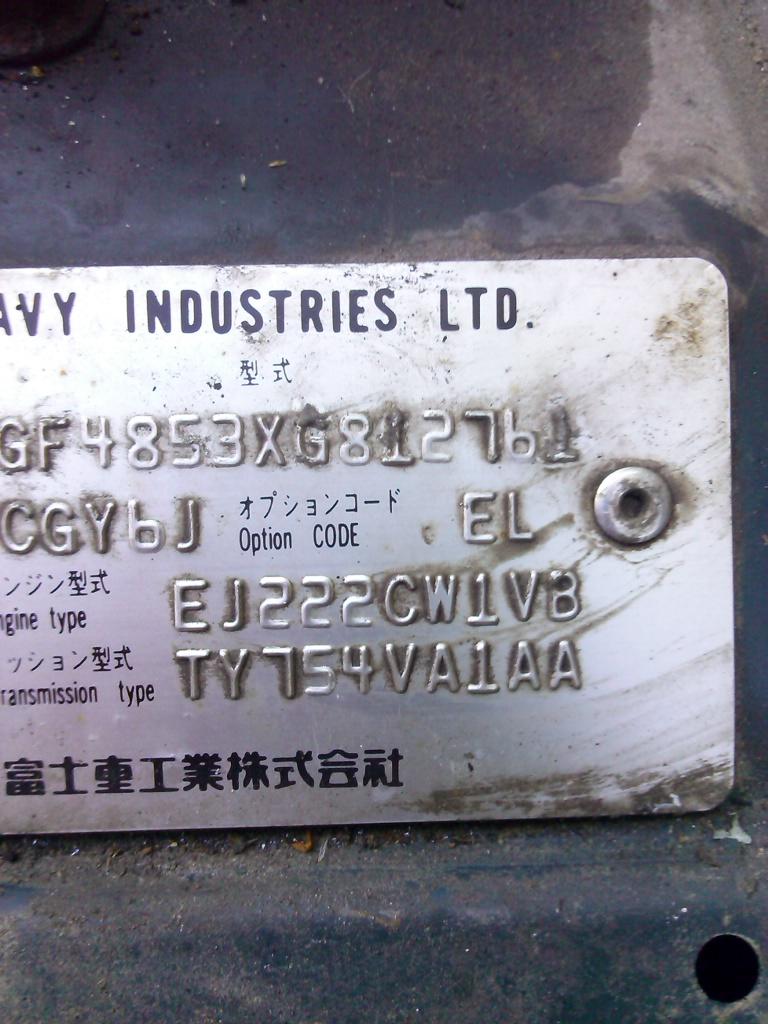
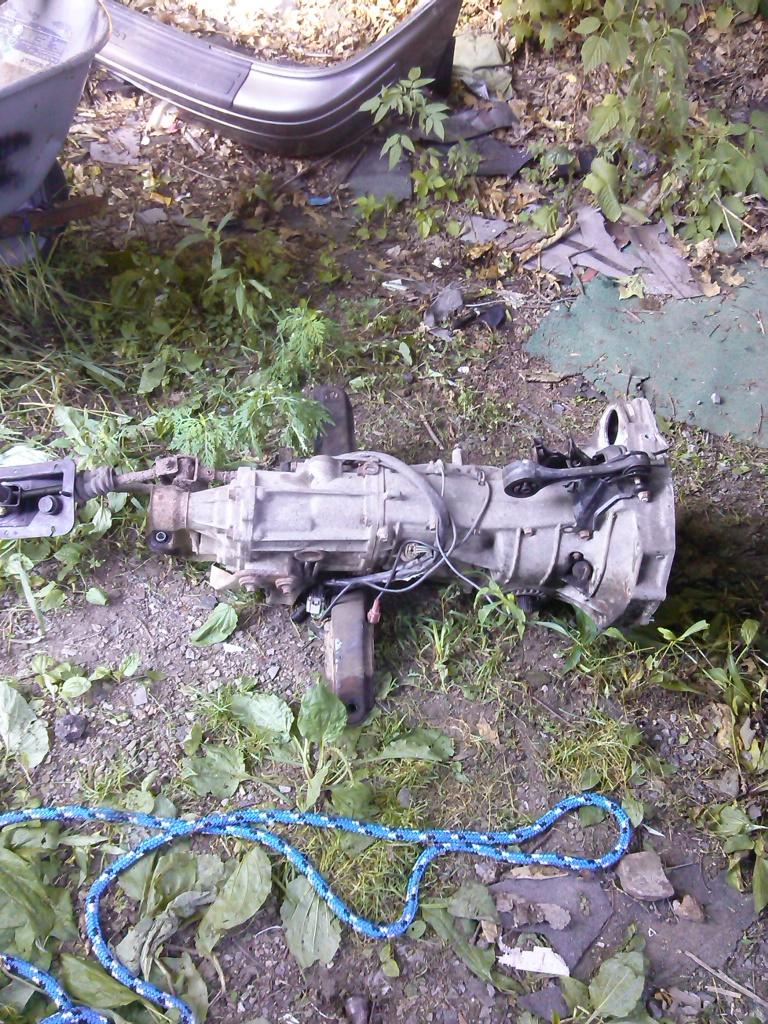
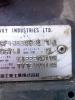
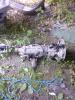
hey guys ive been looking at a ton of forums for bits and pieces of the info i need but cant quite make it 100% i have myself the 2003 baja non turbo and its an automatic sadly. ive been sitting on a 5 speed that i cant seem to get sold so i was considering swapping it into my baja. now i have the brake cluster (clutch,brake,booster) the flywheel a clutch and pressure plate the tranny itself the driveshaft. basically everything. now my issue lies on the wiring,rear end, and ecu. so my questions is would i need to splice wires in do i need the ecu and i think my rear is 4.44 but im not 100% would a 4.11 rear from another subie bolt right in? any other pointers would be great. im quite confident in my ability to do the swap i just dont want to get it apart and realize i need something completely random. photos just of the things ive got.
-
Thatrobbguy replied to mdjdc's topic in 1990 to Present Legacy, Impreza, Outback, Forester, Baja, WRX&WrxSTI, SVXyoull need to replace the rear end, the auto and manual have different ratios
-
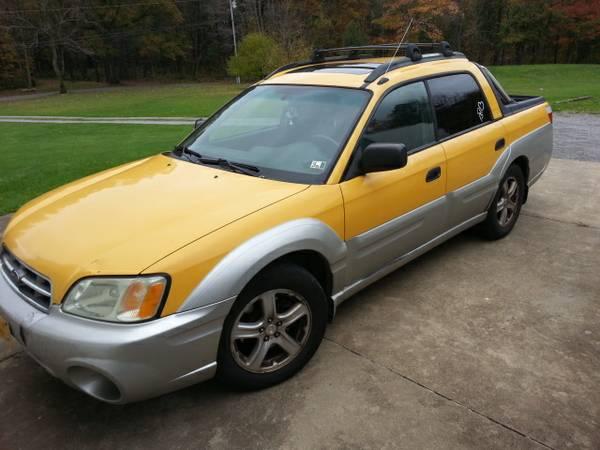
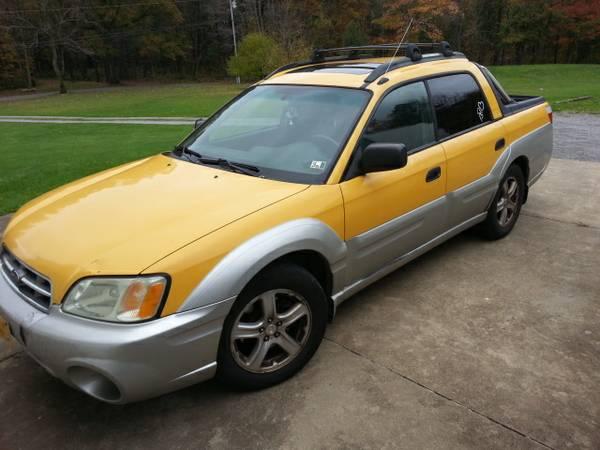
hey folks i found myself a baja that needs a rear end (its humming) for a cool grand never seen one this low by the way. high miles little bit of rust and its no 10/10 ride but i've wanted one and i'm broke rather often but i know how to wrench and i've seen the insides of many older subarus. i'm hoping the motor and trannys are easily swap-able like i assume they are with the 2000-2004 legs it is an n/a automatic which makes it easier. so what do you lads think? *pic is of the actual one i'm looking at*