

Ritchie
Members
-
Joined
-
Last visited
Everything posted by Ritchie
-
Yeah, I'll use the crossmember, I'll have to re-locate the master cylinder as it'll have to mount in front of the pedal box. I'm really hoping I don't have to swap the full dash panel / firewall and it's just a case of re-locating the column bracket. I can't find any clear photos of the panel behind the dash. Thanks.
-
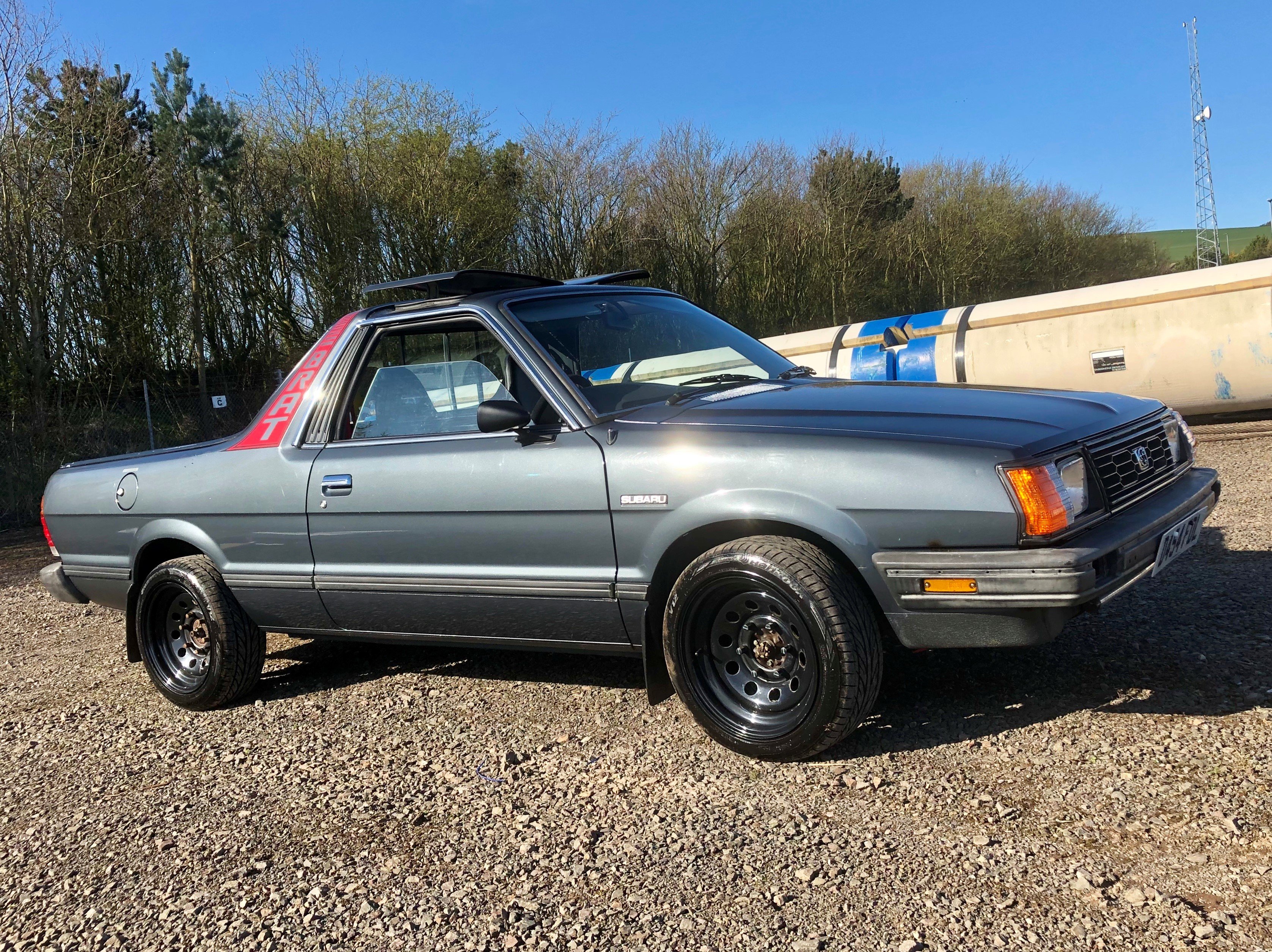
Hello all, I currently have a RHD Brat (MV) that I bought as a project as I had always liked them and it suits my needs. Unfortunately it is quite rusty and I just don't have the time to repair it properly. So, I have recently purchased a (hopefully) more or less rust free LHD example from Texas (I haven't received it yet) Ideally I would like to convert it to RHD using the parts from the truck I currently have. I have heard of it being done, however I can't find much detail on the process. My concerns are with the firewall and the shape for installing the dash and steering column as I know that there a bracket to support this. I'm an ex car mechanic so I'm not adverse to a bit of chopping and welding, I was just curious if the full firewall would have to be swapped or if I'll get away with just cutting holes for the steering column and brake booster etc and welding on the column bracket on the right side. Has anybody here done this? I'd also like to change from double lights to the singles but I'm sure this will be pretty straightforward. All info would be much appreciated, there looks to be lots of good info on this site. Thanks.