

Colinmcrea01
Members
-
Joined
-
Last visited
Everything posted by Colinmcrea01
-
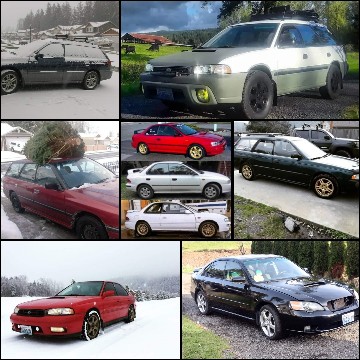
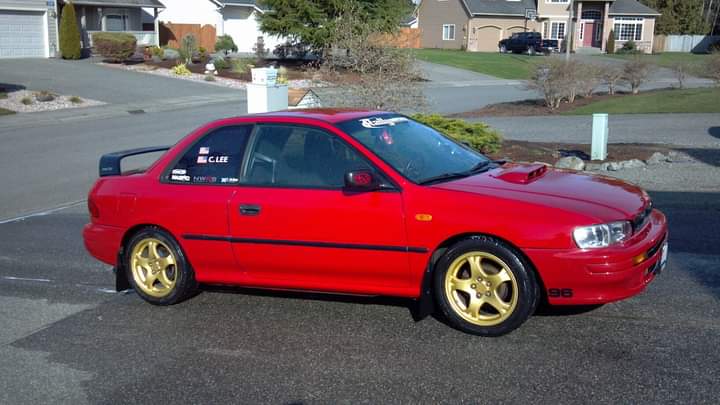
Here's a couple of my subies
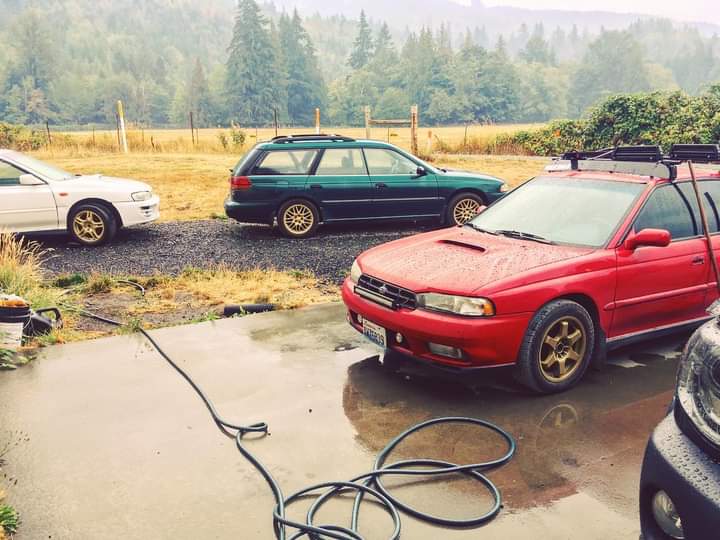
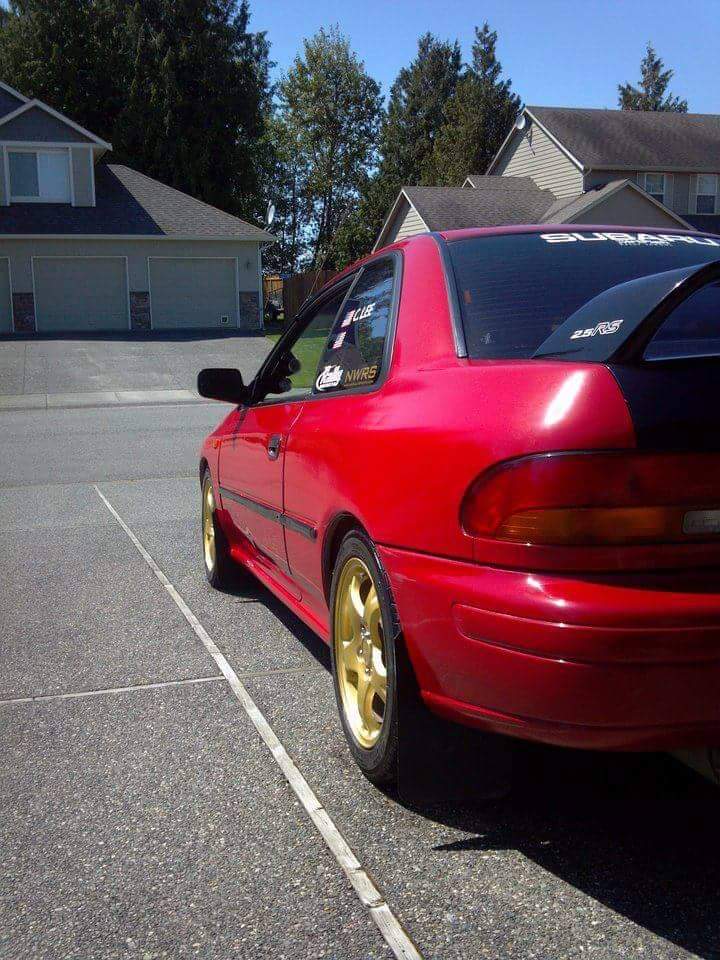
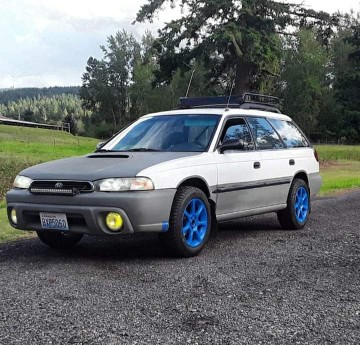
.jpg.f62285ca310a2db27f477adcd86b99a3.jpg)
-
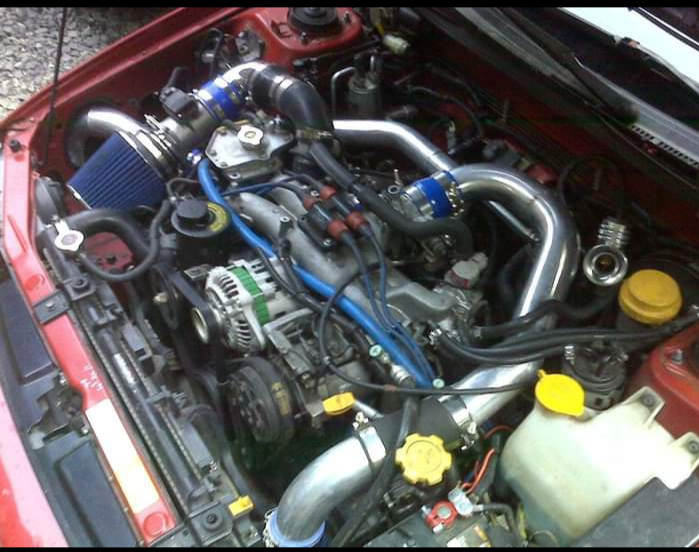
My 2.2t Frankenstein motor. What the heck it's 2024 almost 25. Where did everybody go no one's been talking in here since 2006 jeez us
-
Colinmcrea01 replied to bw57409's topic in 1990 to Present Legacy, Impreza, Outback, Forester, Baja, WRX&WrxSTI, SVXGot a 97 Subaru legacy 2.2 auto. Lifted it 1 inch. Running 215 70r15s on it now. Much bigger then stock. Check engine light comes on 2 miles from house every time I drive it. Stalls at some stop signs and sometimes seems it goes into limp mode until I turn off and back on? Being it's an automatic would that cause the speed sensor to malfunction at low speed. Just wondering if I should go back to a smaller size tire....
