Leaderboard


Popular Content
Showing content with the highest reputation on 07/03/22 in all areas
-
1 point
-
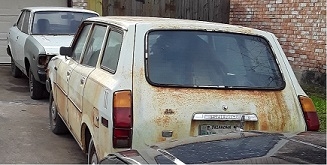
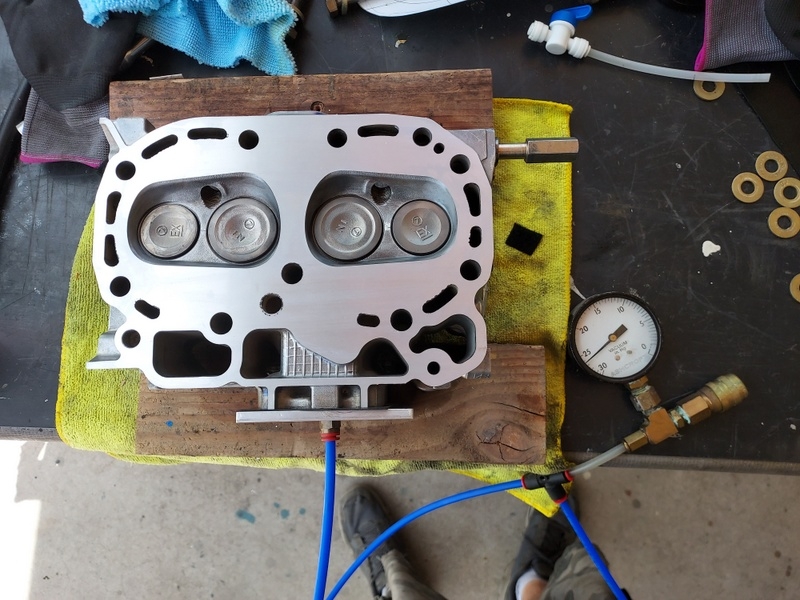
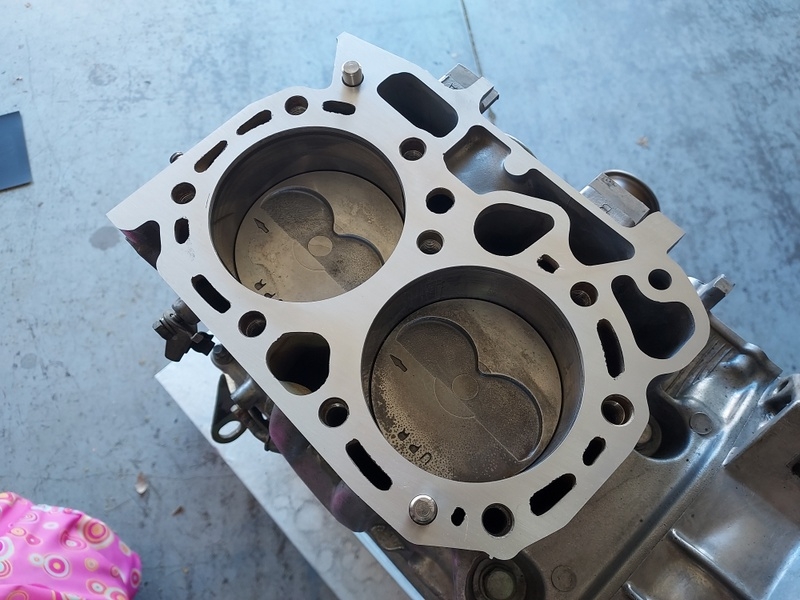
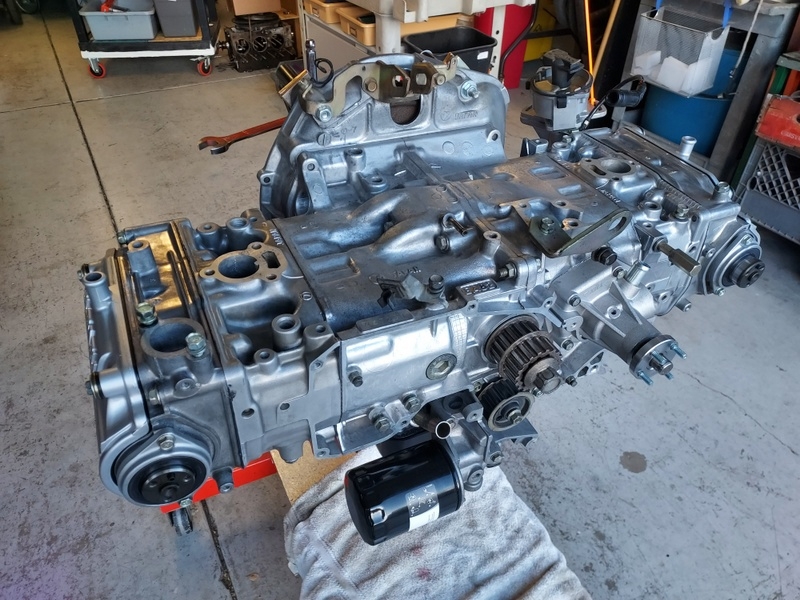
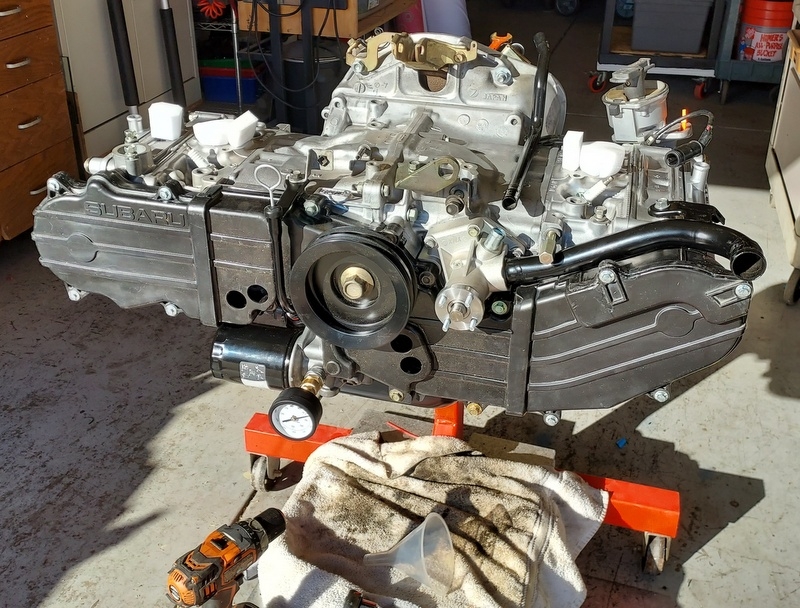
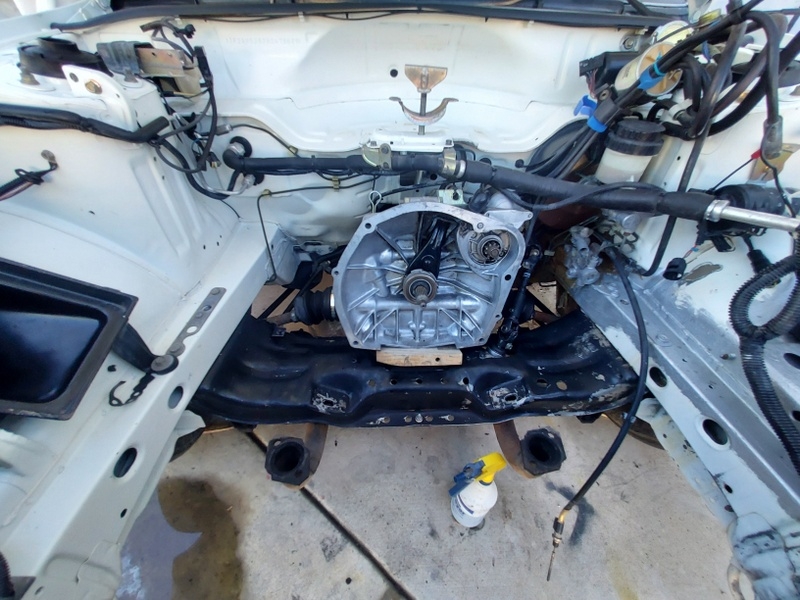
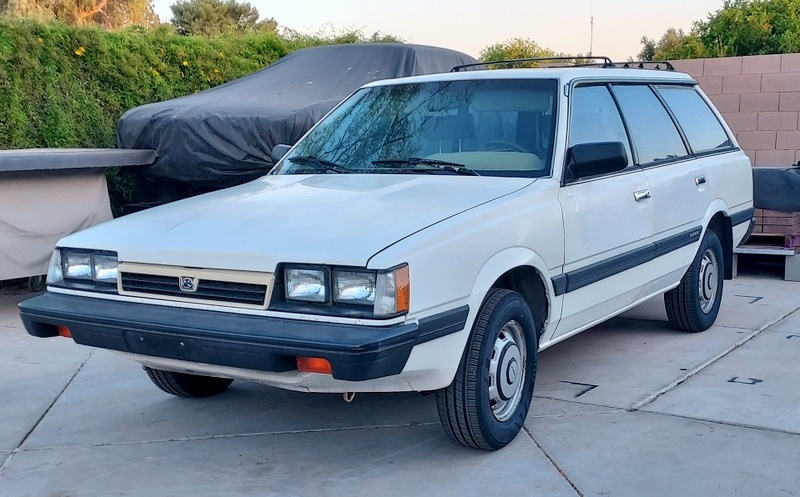
I've been slowly working on the EA82 in my 87 DL wagon I picked up last month. I work as time and funds permit. The engine came out for repair due to a head gasket leak on #3. I surfaced the heads, lapped the valves, decked the block, etc. I hate to return greasy, grimy parts to service so a general cleanup has been going on too. New timing belts, idlers, tensioners, oil pump seals, new water pump, crank seal, all coolant hoses, A/C compressor bearing, oil pan dropped and resealed, 19 stripped holes were helicoiled, etc. You guys have seen all this before but it's new to me and fun to undertake something different. My experience the last 30 years has been with air-cooled flat-6 engines. The DL's engine compartment is being cleaned as well as the accessories while I have good access to reach in there and scrub everything. There was quite a bit of surface rust below the battery but also under the master cylinder where the past owner failed to fix a brake fluid leak. I'm treating that rust and then will paint it all while I'm there. So far so good. I may have the engine back in place in a few weeks but with the heat in Phoenix I'm not out there working all day long.
 1 point