Leaderboard
-

SuspiciousPizza
Members2Points219Posts

Popular Content
Showing content with the highest reputation on 12/15/24 in all areas
-
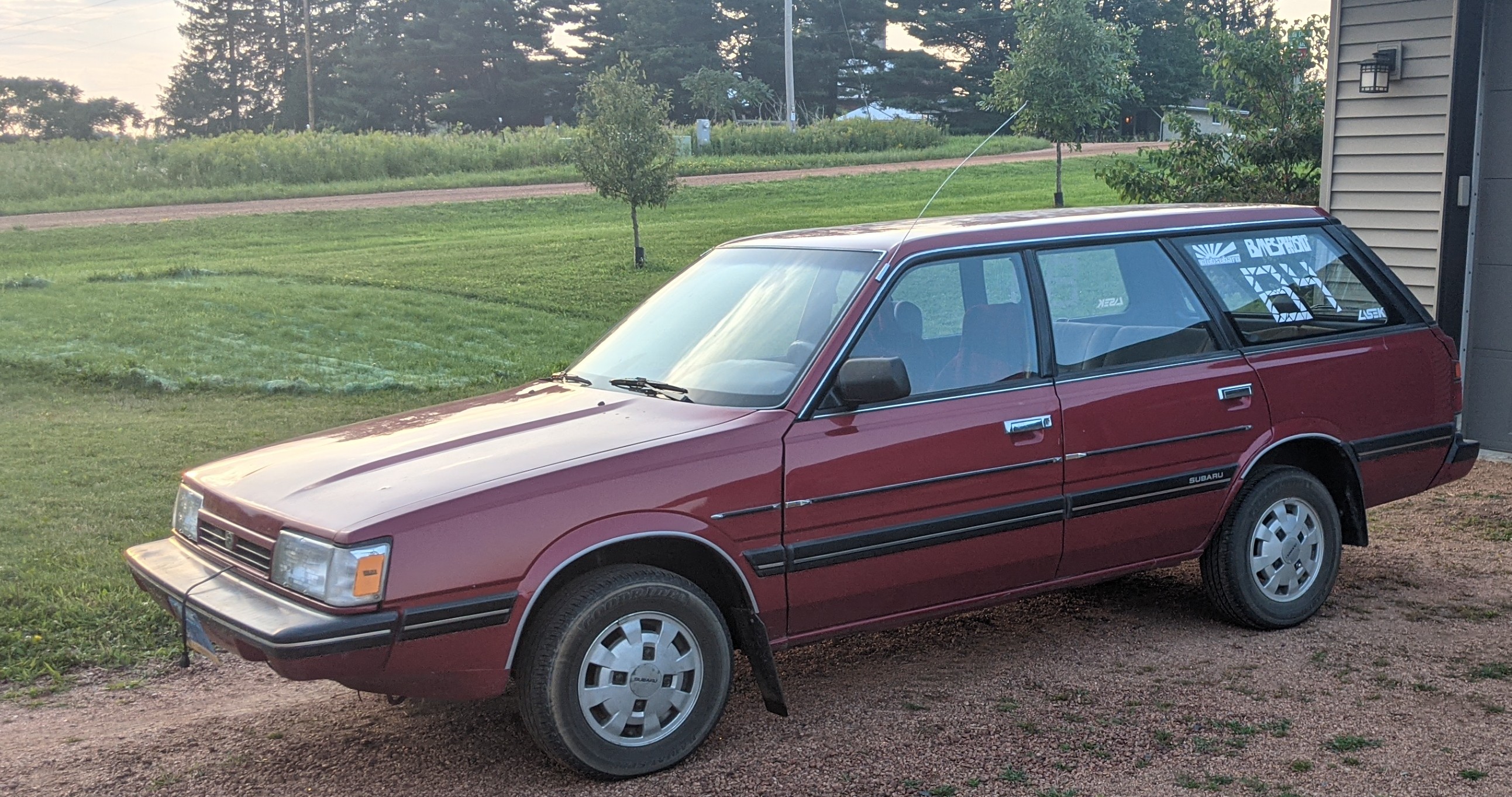
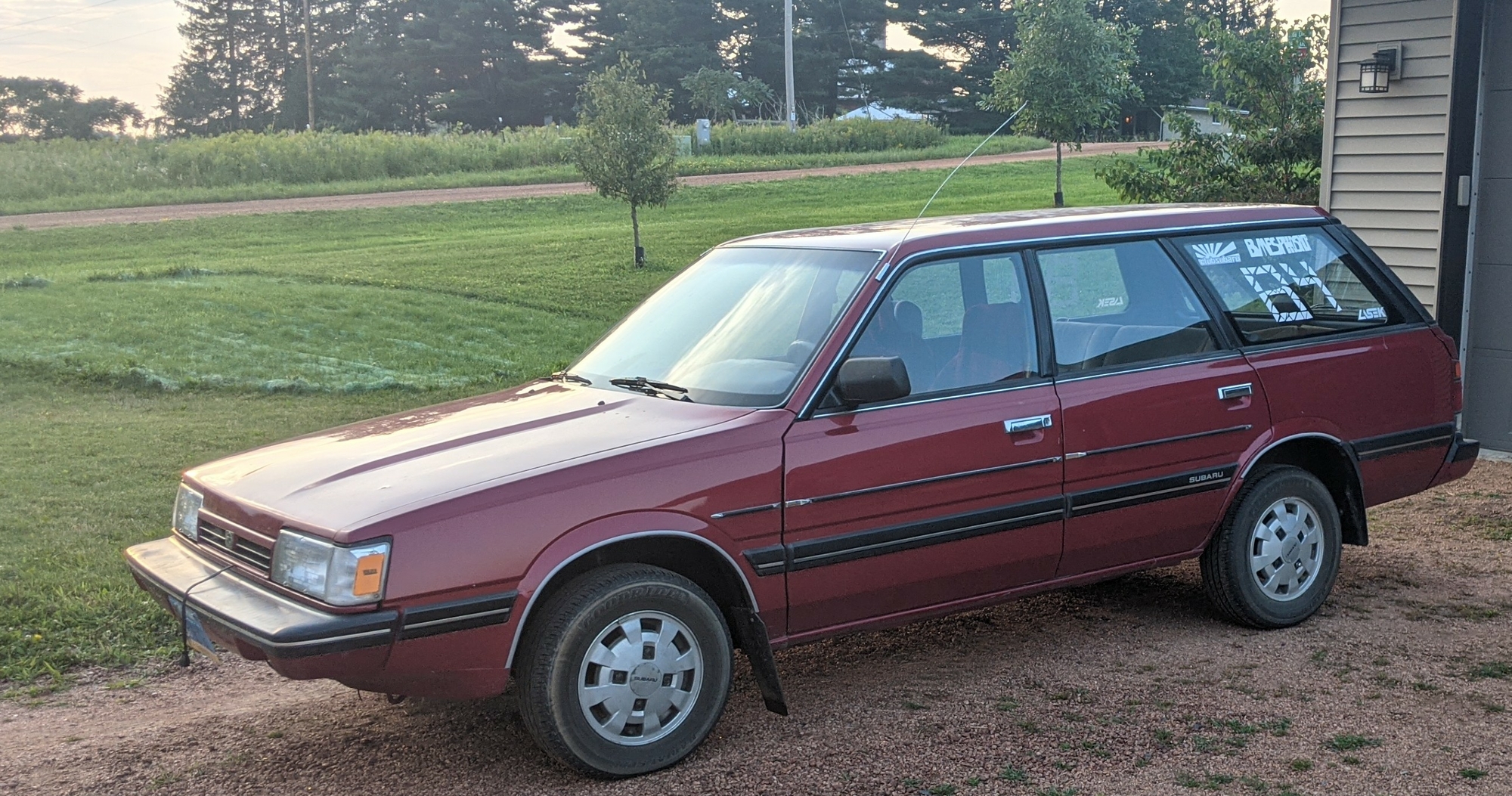
'89 GL SPFI. Has had an idle issue since I've bought it (6 months ago). RPM's will flutter approx plus or minus 25 RPM with idle set to 750 RPM. It will continue to flutter until 1250 RPM. Along with this is a rattle-tick that is too fast to be a cam or lifter (the noise comes from the center of the engine). It will stall when cold unless I keep the accelerator held above 1000 RPM until the needle reads just above cold. RPM's will not increase when cold, it wants to but it sounds like it bogs then catches itself, leading to a loping-idle. What's been replaced: Plugs, dizzy cap, rotor, ignition wires, coil, IAC valve, coolant temp sensor, thermostat, radiator cap (this has helped the issue, but it still lopes) My ideas: Timing issue, water in the fuel system (it sat about a month while doing full suspension work), some sort of vacuum leak (haven't tested with a gauge), fuel pump or injector issue, a computer issue, a ground/harness issue Any guidance or pointers? Hope you enjoyed the novel :]1 point
-
1 pointForum noob, From central Wisconsin, bought myself an '89 GL wagon (Dual Range, oohlala). Currently my daily and what I'm using to gain experience repairing my own vehicle. There will be questions.
 1 point