
Leaderboard
-
Silverbull3t
Members1Points27Posts

Popular Content
Showing content with the highest reputation on 01/05/25 in all areas
-
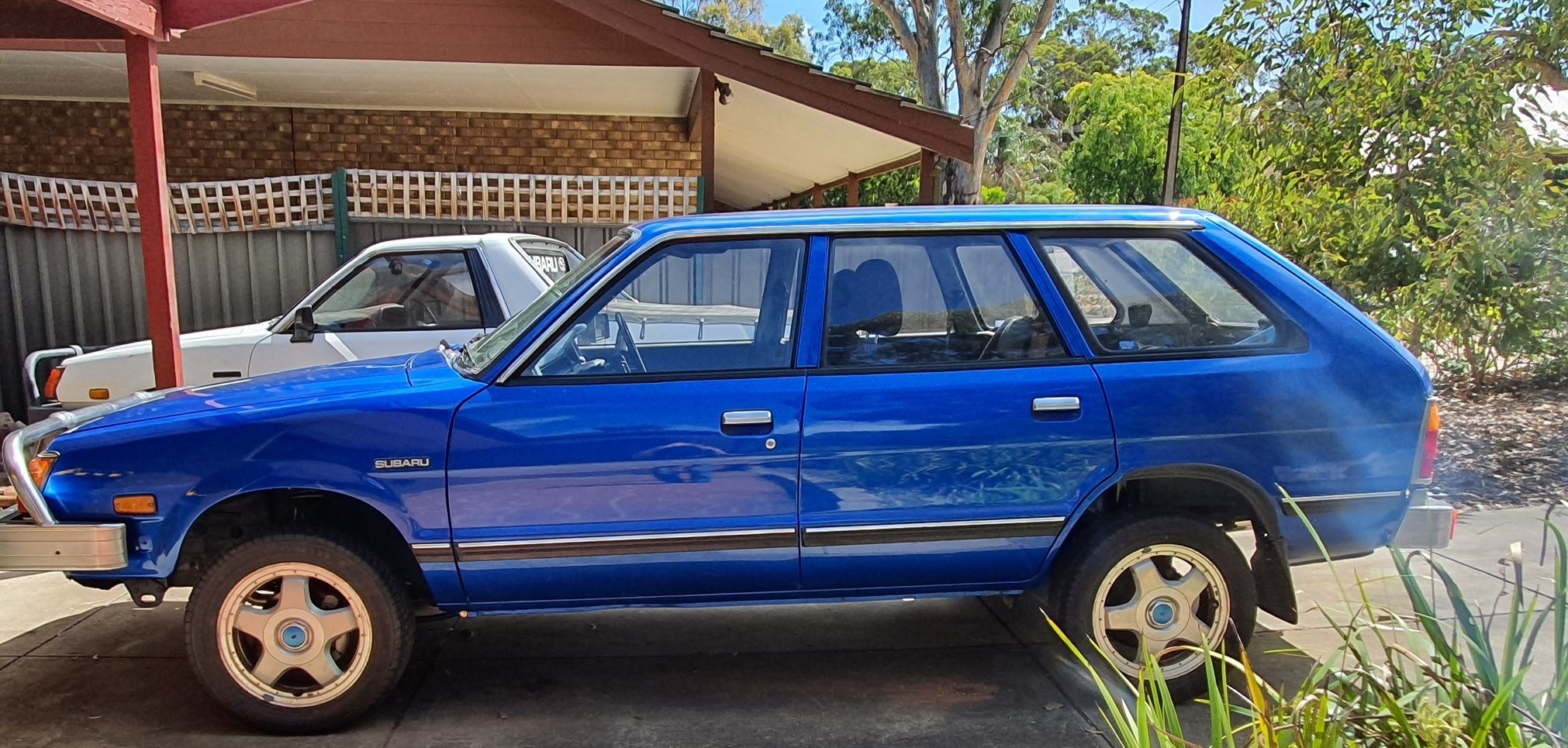
1 pointSure thing! Brief run-down: My parents bought this car new in 1981, been in the family ever since. It was handed down to my brother and then me, both our first cars. I drove it for a couple years then took it off the road more than 10 years ago for a full bare shell restoration with upgrades. Been back on the road close to 4 years. It's now got a 2" lift kit + 27" tires, touring wagon dash/center console, power steer/air con/power windows, entirely new wiring loom designed and made by me, L series 5 spd, air adjustable rear shocks, 5ch sound system with sat-nav. The list could go on...I'm constantly working at improving and upgrading things. The front suspension will be next as its way too stiff. New gearbox coming soon etc. Here's from a recent camping/fishing trip with the 4WD club It's my daily driver and gets pushed into service for vaious jobs... Right after I got the new 15" wheels1 point