
Leaderboard


Popular Content
Showing content with the highest reputation on 04/09/25 in all areas
-
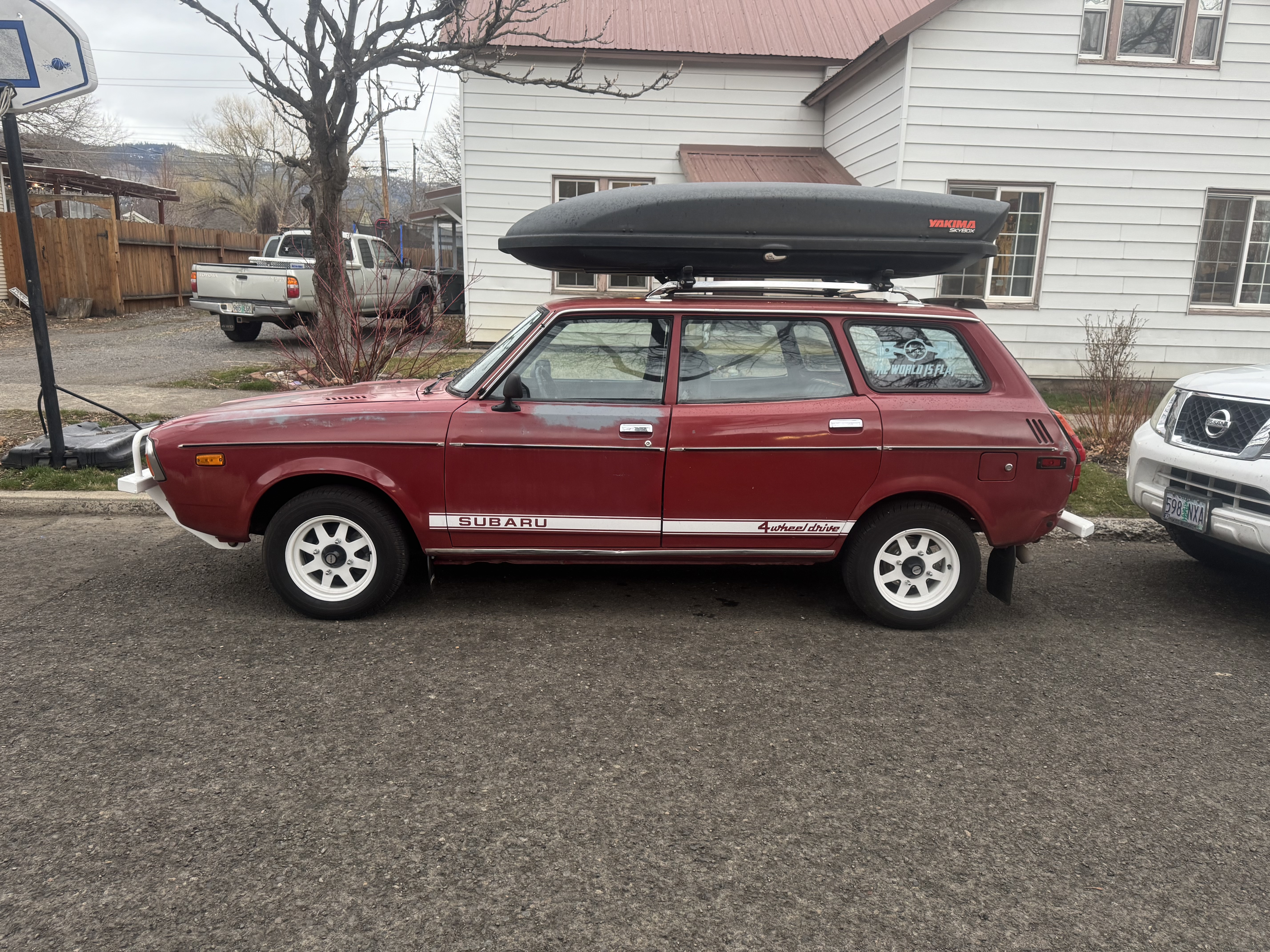
1 pointHello, I live in Oregon. Looking for a windshield in the northwest. I believe 72-79 possibly 80 will fit please correct me if I’m wrong. Thanks!1 point
-
1 pointThe only thing critical is that the blue/red wire on the fan sees positive voltage and that the yellow/white gets a ground that comes from the thermo snap switch. The wires on the thermo snap switch could get swapped but is doesn't matter since all it is doing is supplying the ground connection for the fan whenever the coolant is hot enough. When the key is on and the engine either hot or cold, you should always read +12 volts on one wire going to the snap switch connector. The other wire will be grounded to the chassis. When the coolant is hot enough, the snap switch closes and the fan is connected to ground and turns on. You could have the wires on the snap switch reversed and it would not matter. To test the fan, temporarily jumper across the connector at the snap switch with a paper clip (ignition key in the run position) and the fan should turn on. That tells you if the fan is okay. To test the snap switch, you will need to get it hot enough to trigger it. If you can take it out easily, connect it to a VOM and heat it in a pan of boiling water to see if the contacts go from open to closed.1 point