SubieRXNor
Members
-
Joined
-
Last visited
-
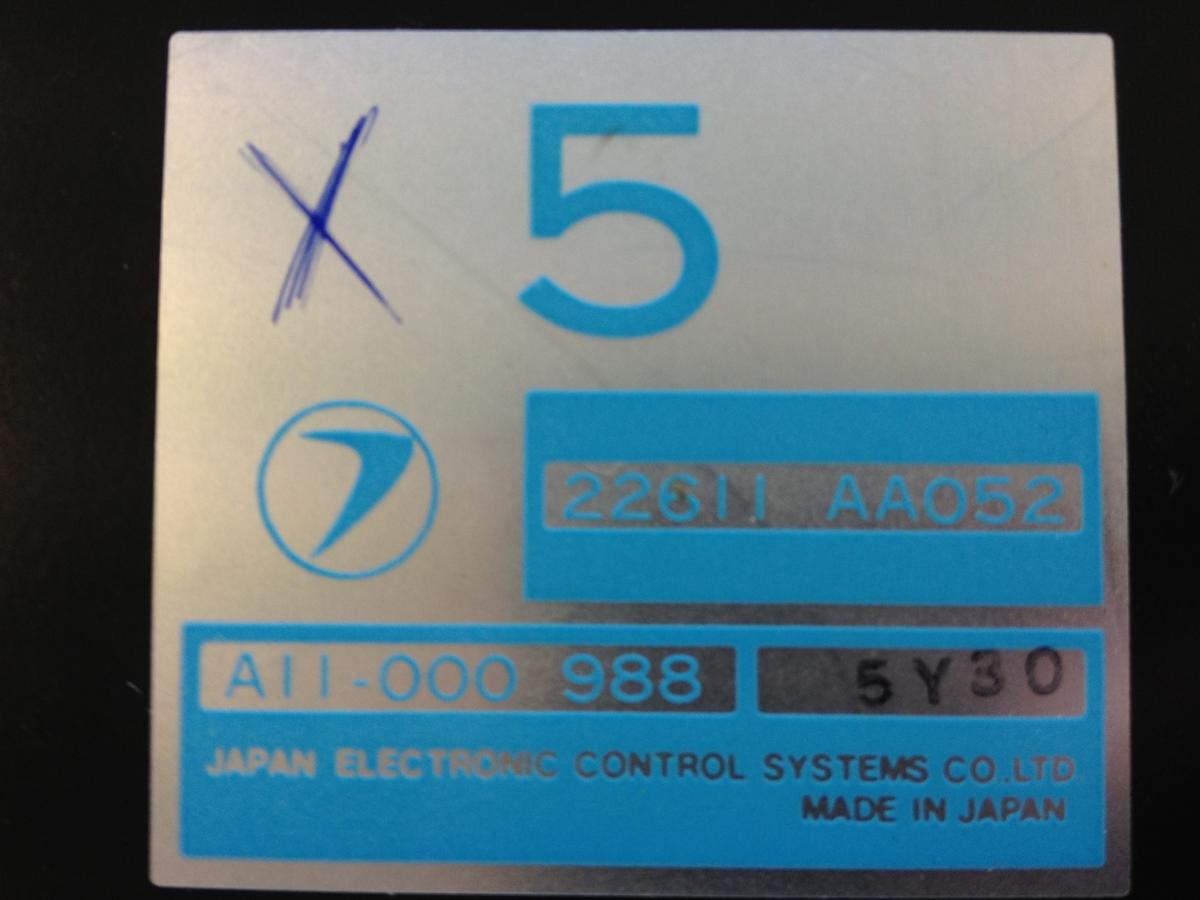
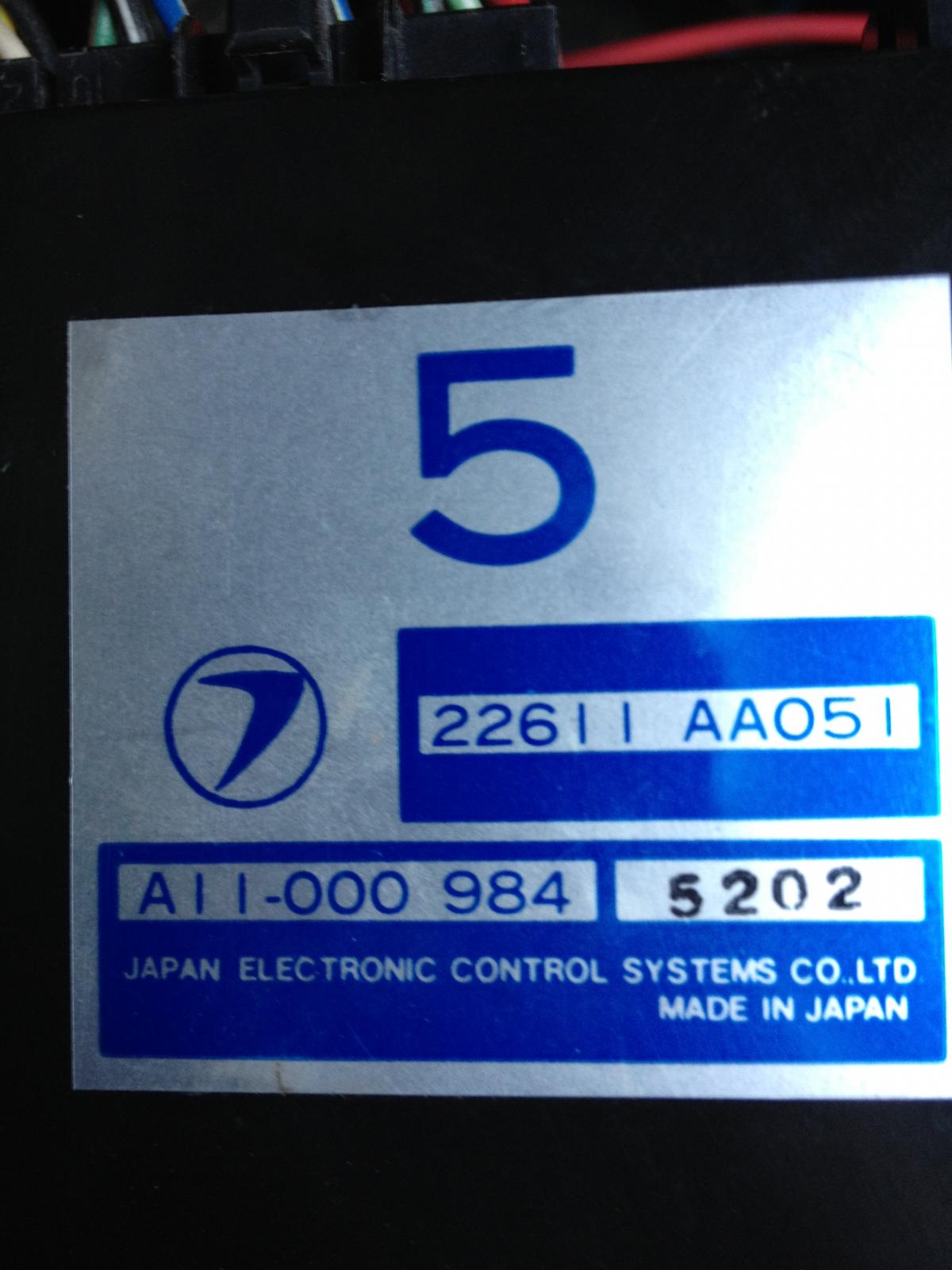
I have a 1986 Subaru Leone fitted with a MPFI EA82T. Here the other day the engine kept "dying" shortly after it was fired up After a long session of troubleshooting, I managed to narrow the problem down to the ECM. It seemed though as it didn't manage to give the proper grounding to the fuel pump. I tested this by providing the grounding from the "outside" of the ECM. With this the engine ran smoothly and was on the verge of stopping only when the grounding was removed. So the problem appears to be the ECM which I now have to replace. The spare-ECM comes from a slighly older Leone with a non-turbo MPFI EA82. Some of the partsnumbers on the on the module itself is different.(Check the pictures) But the connectors are all the same. My question then is whether or not it is a smart idea to use the spare-ECM. Any ideas? Turbo ECM Non-Turbo ECM
-
Hey! After putting my EA82T back together after a thorough inspection, I got a little problems with the ignition coil. The problem is that i can't figure out where to connect all the wires. I had pictures of all the other parts of the engine, but the coil was the only one missing. The wiring diagrams ain't helping me much either. So I wondered if anyone else had or could take some pictures of the ign. coil just so I could get some clue. That would be really nice.