cmiertschin
Members
-
Joined
-
Last visited
-
-
This sounds fantastic! I'm not going to say I know a lot (or much at all), but from what I've been reading around other forums (NASIOC for one), it seems like a similar generation would be easiest to do a swap with. I'm looking forward to seeing this happen! It's something I'm hoping to do in the future when I get a real job (currently a student). Also, I'll be joining you in Athens this fall for at least a couple years - going to graduate school there.
-
Thanks! I'm absolutely in love with it.
-
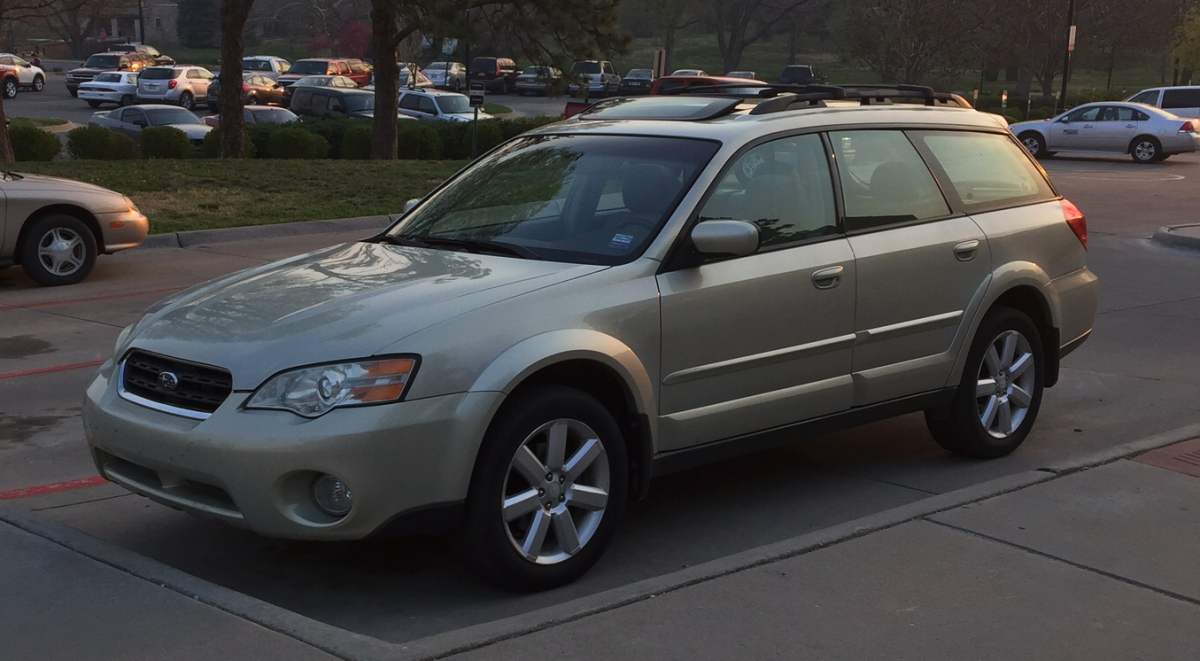
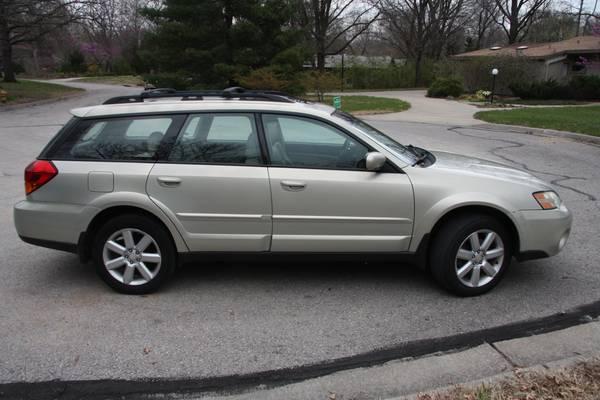
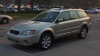
First-time Subaru owner, with this wonderful car. The previous owner had all major work done on the car (including those silly head gaskets!), and kept every receipt - wonderfully kept car that I now have the pleasure of driving. It has the 5-speed manual, and as seen in the picture the glorious, mile-long sunroof. I plan on keeping this car around for quite some time, with a few add-ons along the way (my Rally Armor flaps get here next Wednesday)!
-
Hi! I just got my first Subaru a week ago, and discovered this forum today - a 2006 Outback 2.5 Limited is mine now, and lucky for me has documentation on all the work done! Most importantly, it's HAD all the major work done, which is awesome. It's also a 5-speed (hooray!).