Borderguy
Members
-
Joined
-
Last visited
-
In for a lot of stuff, lol
-
I just sent you a text.
-
Sending PM
-
PM sent
-
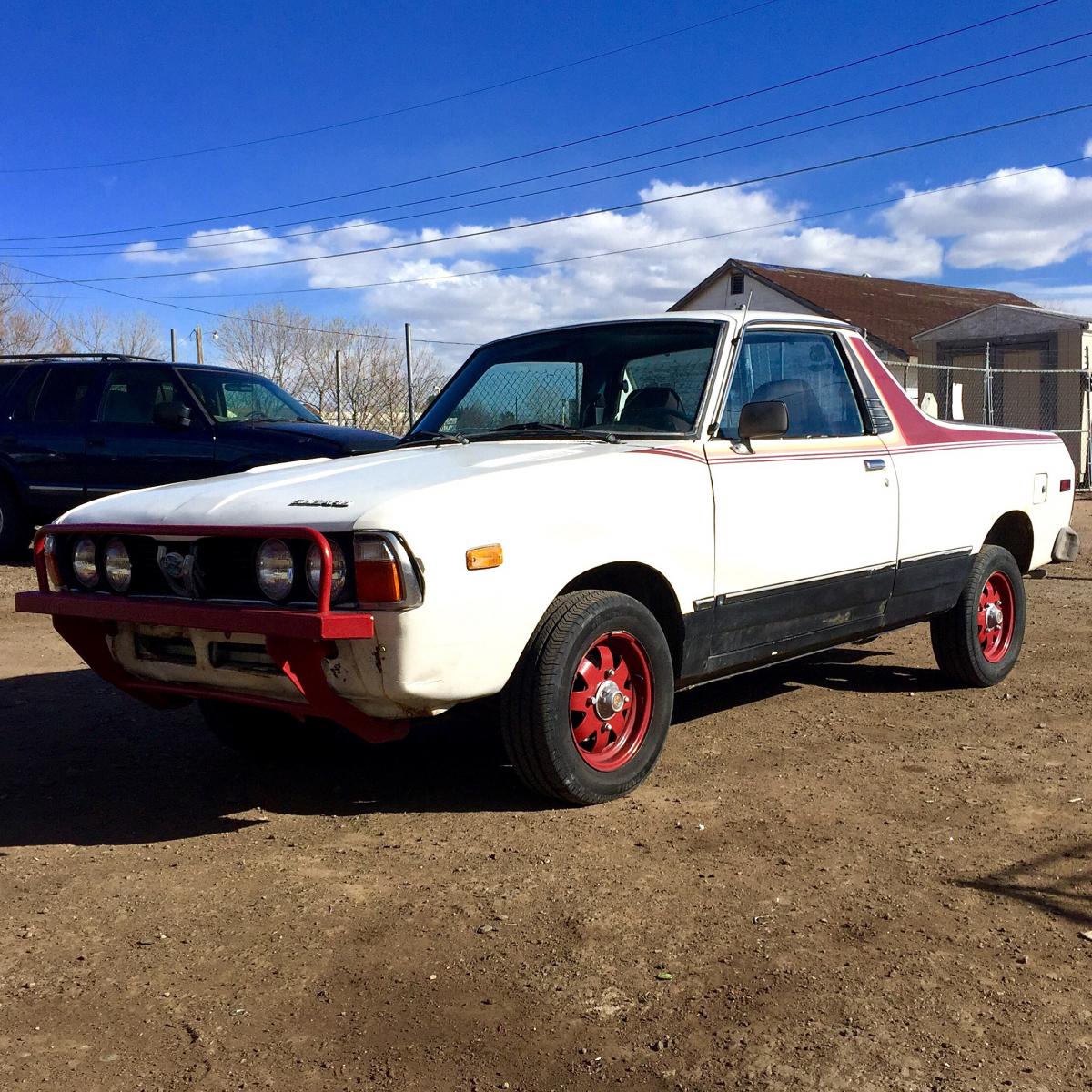
1980 BRAT Looking for: Center tailgate Badge Clock next to the radio Driver door interior panels Hood "Subaru" logo Mudflaps Rollbar Shelf under glovebox Clutch and brake pedal covers Added this last part^^^^
-
I messaged you on FB about the lower door panels. No reply back yet.
-
Do you happen to have rear shocks for first gen BRAT or the clock to the right of the radio?
-
Radio surround or driver's interior panel... upper and lower..
-
so much win. I hope to eventually do the same with my first gen
-
Any blue interior bits?
-
I'll pay good money for a decent one!!
-
bummer!
-
Thanks! This has been one interesting project so far. Here's a pic of how she looked a few weeks ago when I picked her up.
-
Looking for the rear tailgate center badge that says Subaru for first gen Brat and also any blue interior pieces!
-
Do you have the rear center tailgate badge???