Skip to content
View in the app

A better way to browse. Learn more.

Ultimate Subaru Message Board

A full-screen app on your home screen with push notifications, badges and more.

To install this app on iOS and iPadOS
  1. Tap the Share icon in Safari
  2. Scroll the menu and tap Add to Home Screen.
  3. Tap Add in the top-right corner.
To install this app on Android
  1. Tap the 3-dot menu (⋮) in the top-right corner of the browser.
  2. Tap Add to Home screen or Install app.
  3. Confirm by tapping Install.

bajababe

Members
  • Joined

  • Last visited

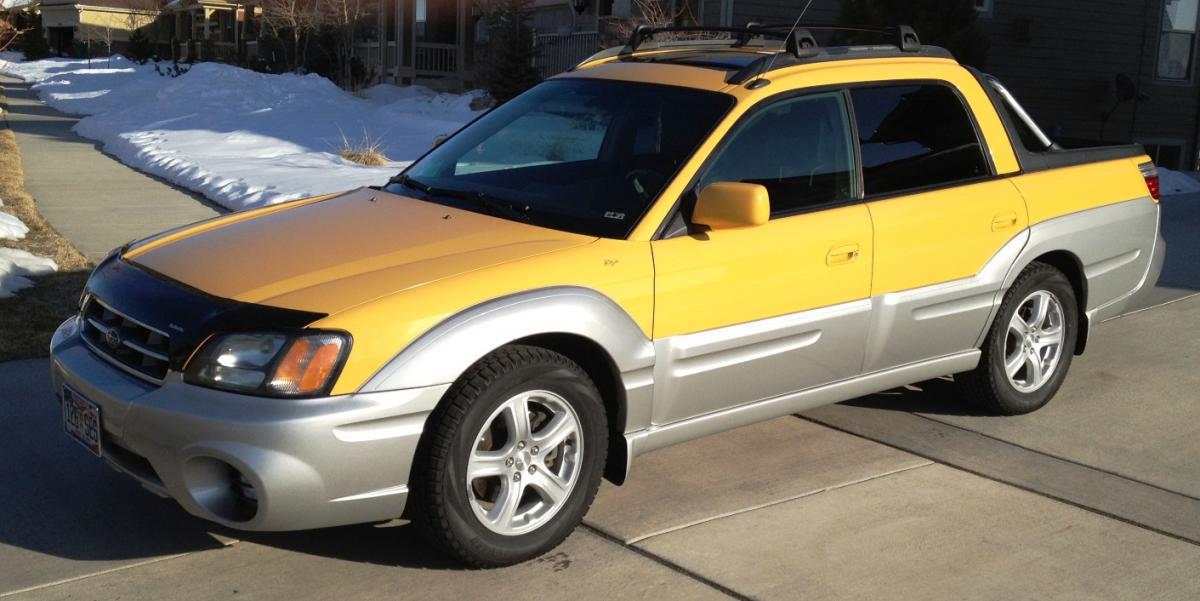
  1. Hi.. Thx for reply.. Been reading on the forums, seems more like the Slow-Blow fuse # 2 or the link. dunno yet. Nothing works, wont start. Got into car found small interior light was left ON. Ran battery down that was only 3 months old. Tried jump start--nothing. Went and got new battery--put in--no change. (Again tried jump start) nothing..no electrics at all. Charged new battery overnight to be sure--still nothing after re-install of battery. Wont start, no lights at all on panel. No start. Only electric is door chime working--that's it. This car was working fine last week. Thx for any suggestions. Bajababe.
  2. Hi! No Electrics other than door ding, baja wont start with new battery? Help? Any ideas? thx Bajababe

Account

Navigation

Search

Search

Configure browser push notifications

Chrome (Android)
  1. Tap the lock icon next to the address bar.
  2. Tap Permissions → Notifications.
  3. Adjust your preference.
Chrome (Desktop)
  1. Click the padlock icon in the address bar.
  2. Select Site settings.
  3. Find Notifications and adjust your preference.