Cormfra
Members
-
Joined
-
Last visited
Everything posted by Cormfra
-
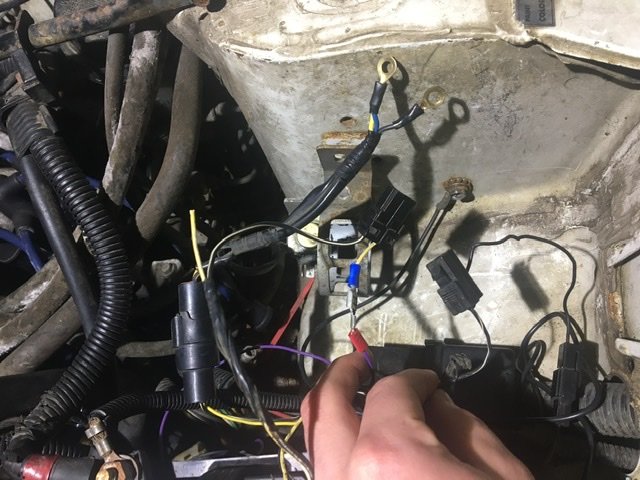
Okay so I got the ig bracket in there with the transistor can someone tell me what everything goes in too I will send a few pictures in a bitI got on at pick in pull just the other day thank you thoOkay thank you so much I'll let you know when I tryIts a little small black puck under the bracket for the ignition coilOkay thank youI have a new coil new disrupters, router. I haven’t checked then theming belt buts it’s fairly new so I don’t think it’s that but. I will make sure the coil bracket is against the car I still also need transistor because I broke itStill haven’t had any luck finding one.Okay thank youI have a no start I thinks it’s from my Ignition coil transistor but I’m not sure can someone tell me where I can buy one