Leaderboard
-
lmdew
Members2Points4694Posts -

heartless
Members1Points4647Posts -
1 Lucky Texan
Members1Points10144Posts -
wsjones
Members1Points5Posts




Popular Content
Showing content with the highest reputation on 07/31/18 in Posts
-
2 pointsIs the starter clicking? Do the headlights work when the starter does Not? Along with what the others have said the starter main contacts are prone to wear. When the main contacts within the starter are not good, no power is getting to the starter motor. When it is NOT working, Read voltage under load - key in the start position at: Battery + to ground Starter + to ground Starter Motor + to ground Make sure all the grounds are clean and tight. One fellow had a pitted ground at the rear engine negative ground wire and his car would not charge. Fixed the ground and it was good as new. He had put in 3 alternators.2 points
-
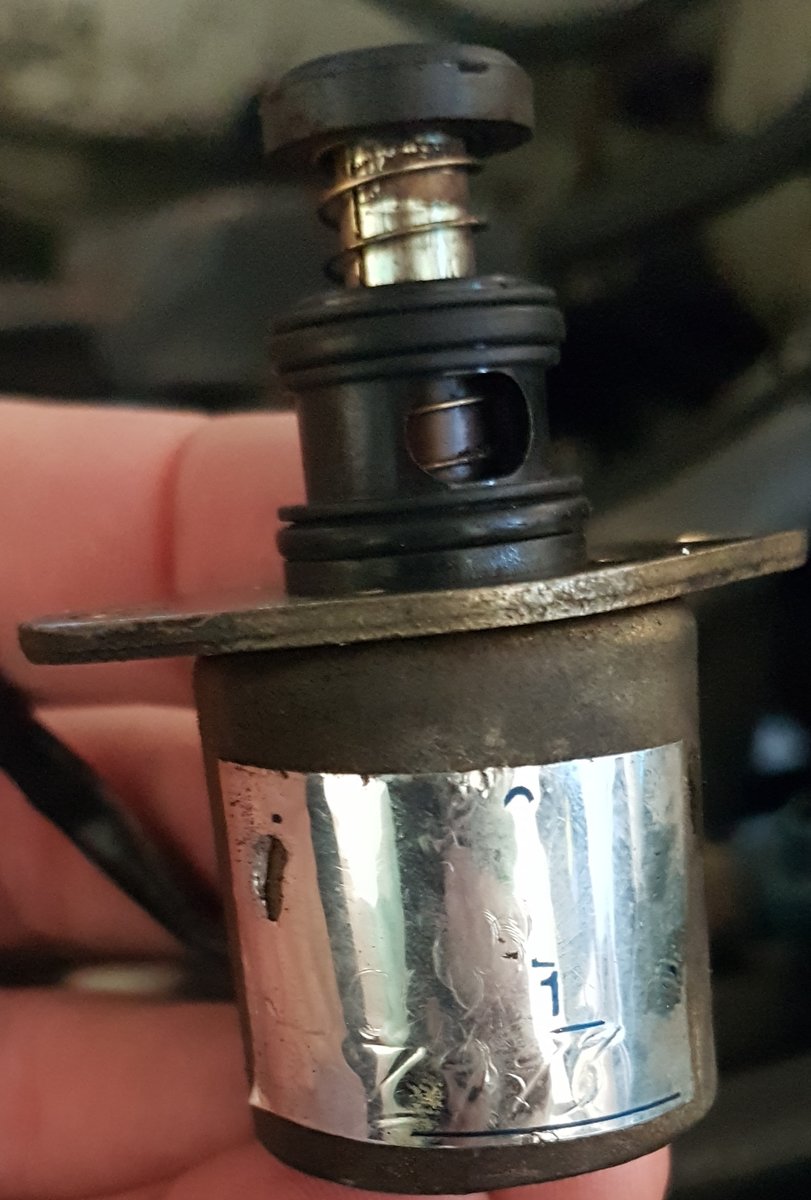
1 pointif you hear a click, but there's no cranking, probably need to rebuild the Denso starter's solenoid. The contacts become intermittent. You can get contacts only, or plunger-contact kits and DIY it. Pretty sure there are youtube videos for the process. very common on older cars. Starter may pass a test because it's intermittent. Some folks can have a failed start, whack the starter with a chunk of wood, re-try and start the car.1 point
-
1 point<20180728_115925.jpg> Timing Belt, Water Pump & Component Kit. Brand new (fits Imperza Outback thru 1/97, mine is 2/97). Georgia. I will ship. $200.001.eml1 point
-
yes, one bad mount can affect both directions, but being a 13 yr old car, chances are both are shot.1 point
-