Leaderboard
-
Astro12
Members1Points41Posts -
sparkyboy
Members1Points522Posts -
longtimeacoming
Members1Points7Posts -
subarujim01
Members1Points22Posts


Popular Content
Showing content with the highest reputation on 07/03/19 in Posts
-
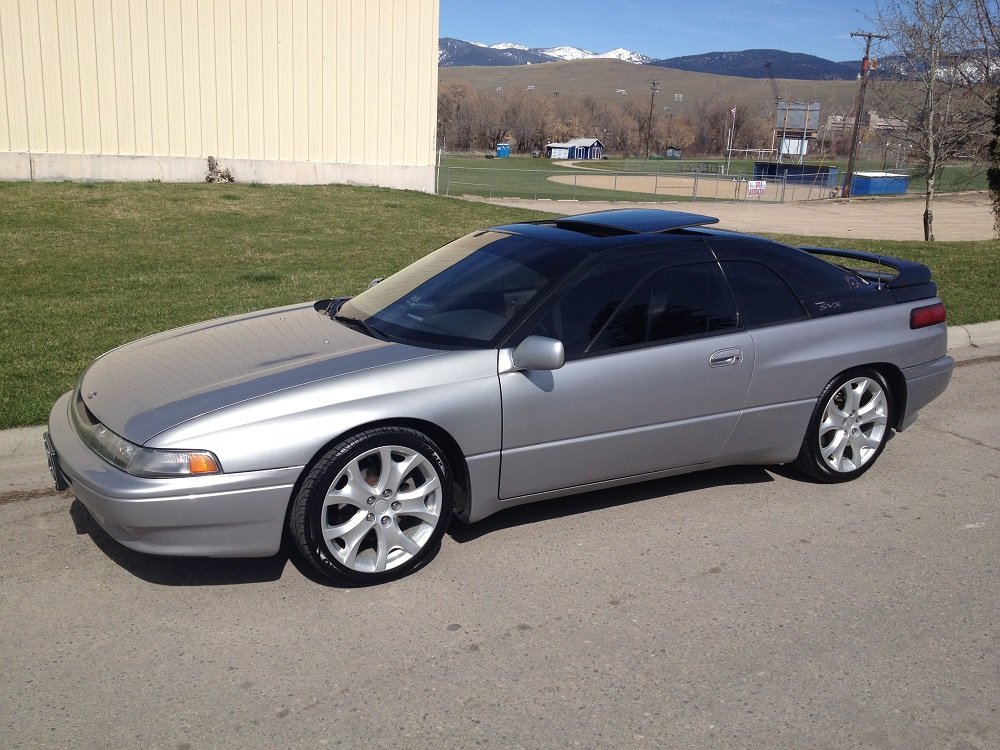
My old 1992 SVX. Sold many years ago. Big mistake.
 1 point
 -
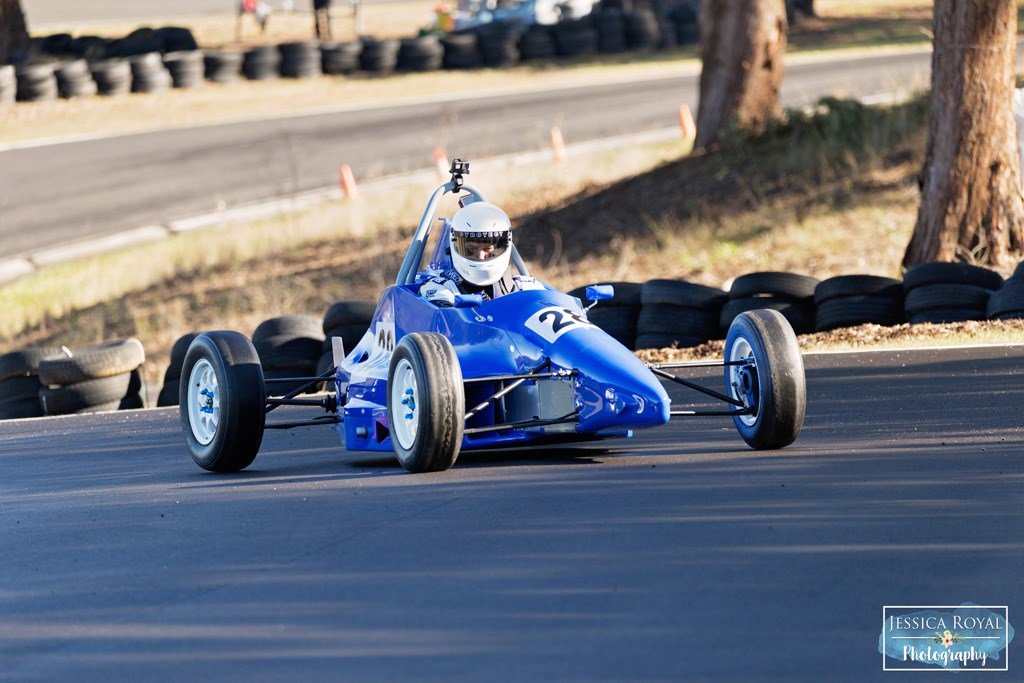
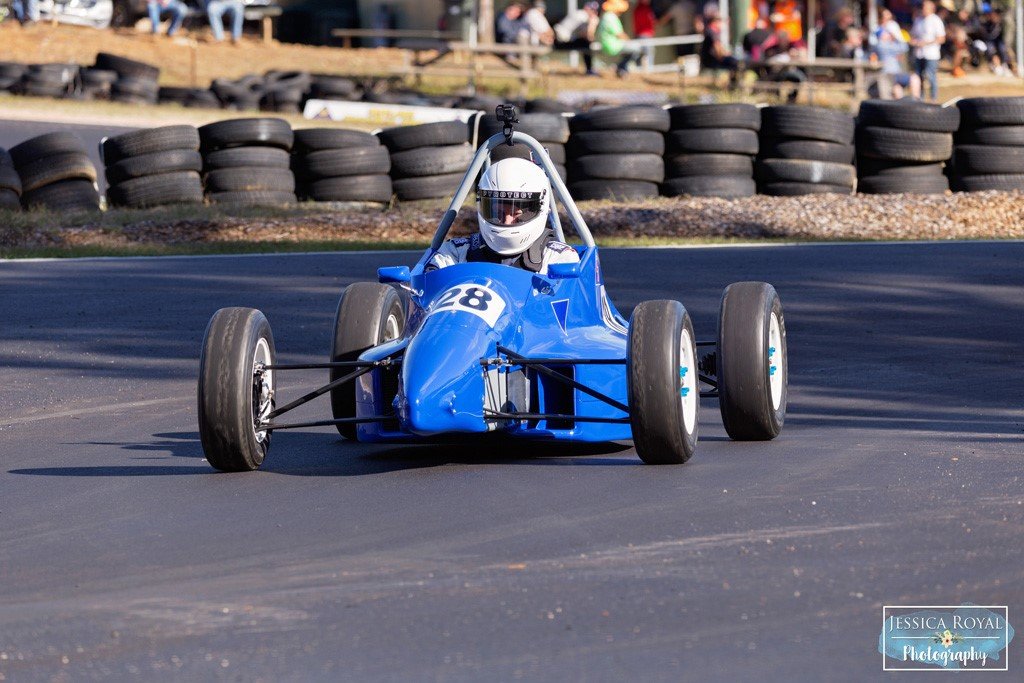
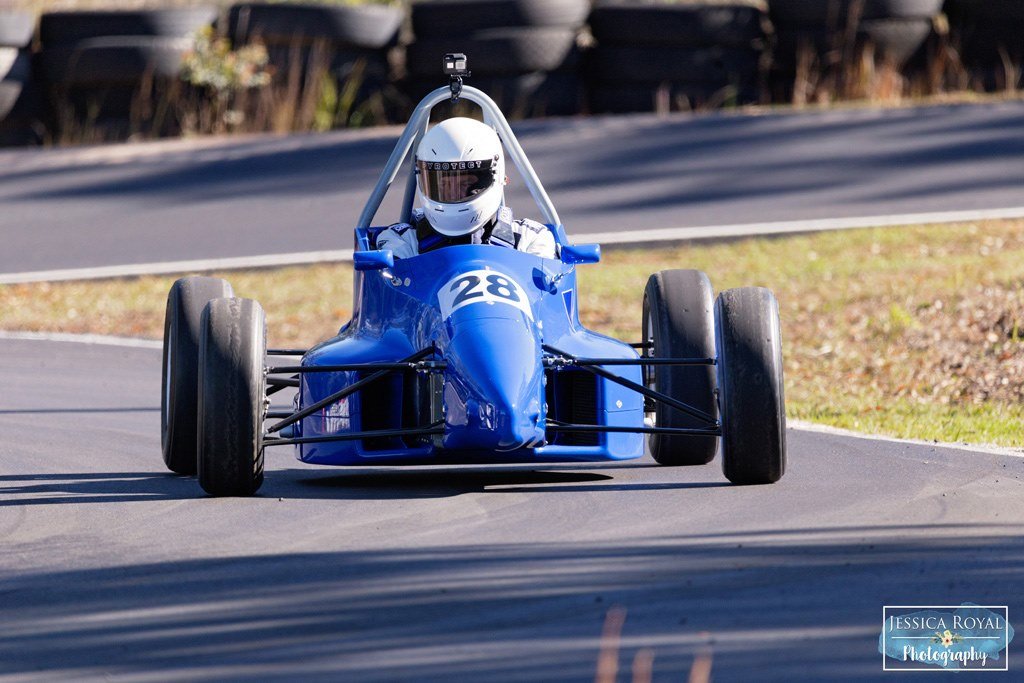
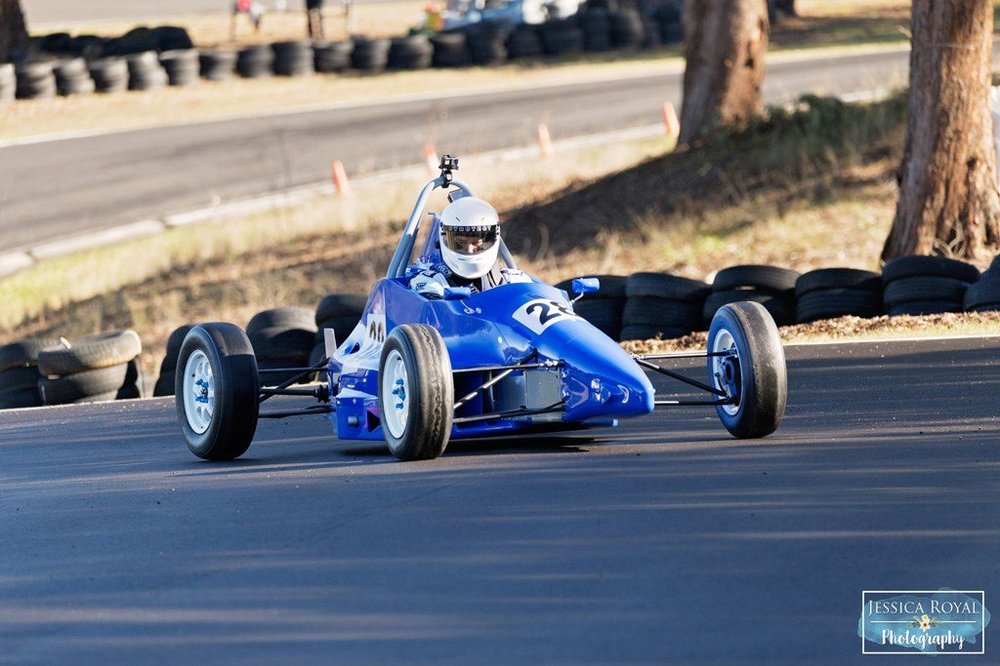
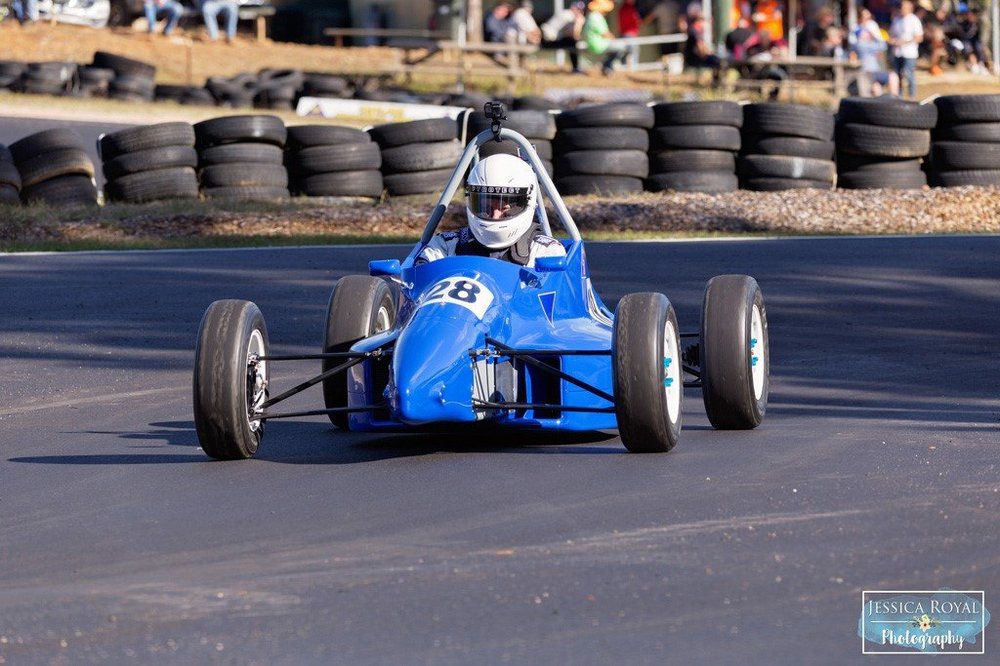
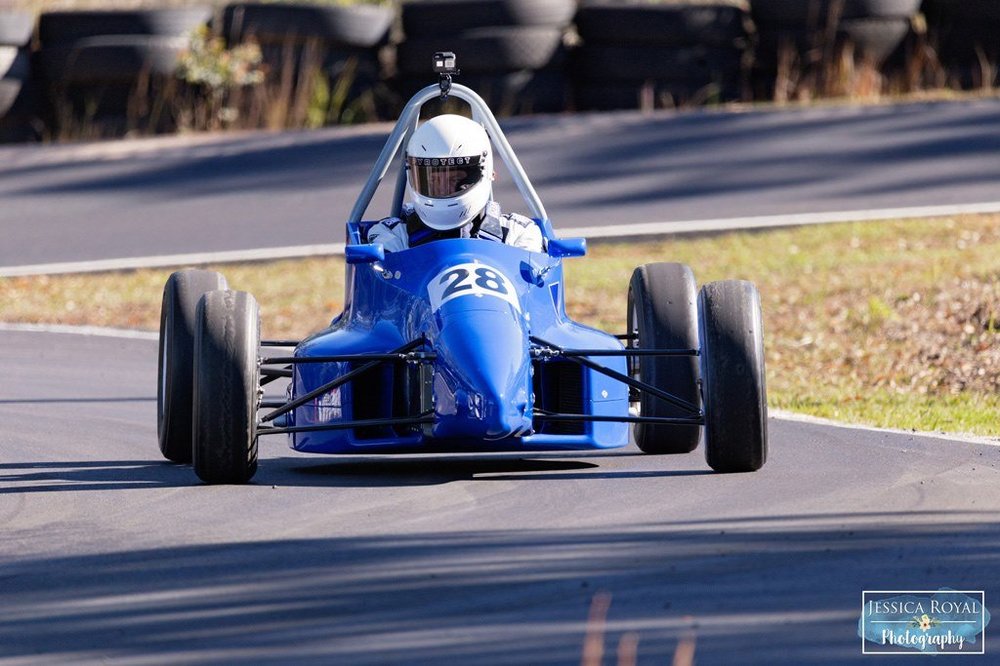
1 pointHad my first outing with the car at a hillclimb event. Went OK but there are some things I need to change and the engine was a bit on the rich side.
 1 point
 -
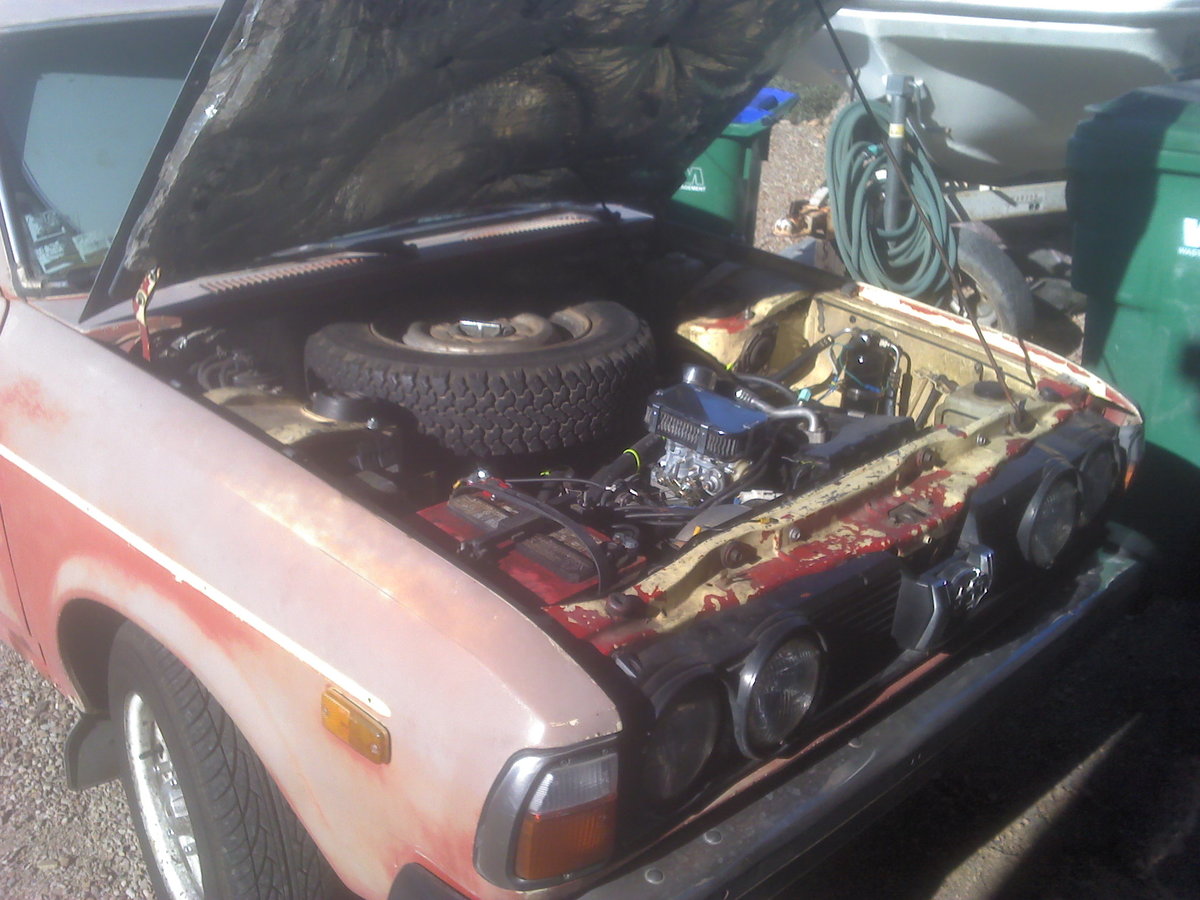
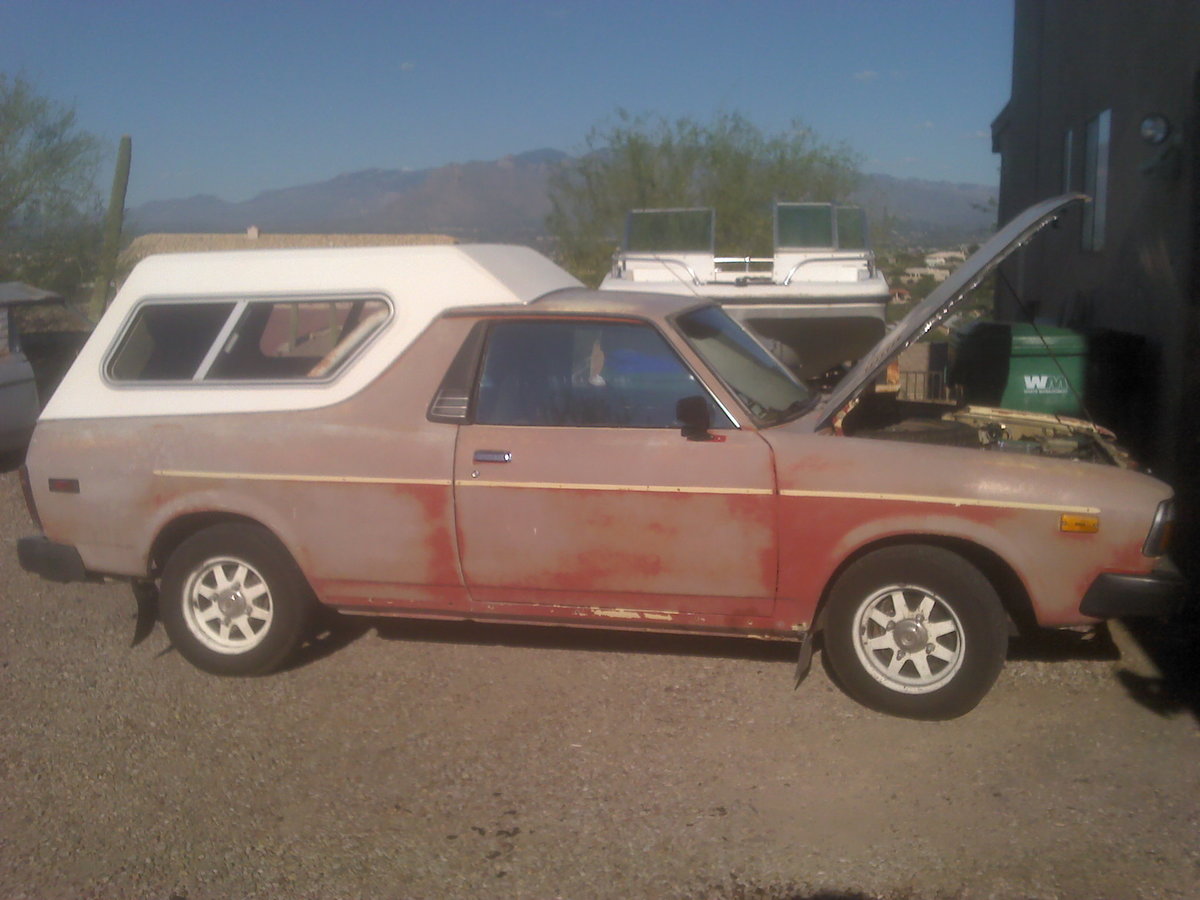
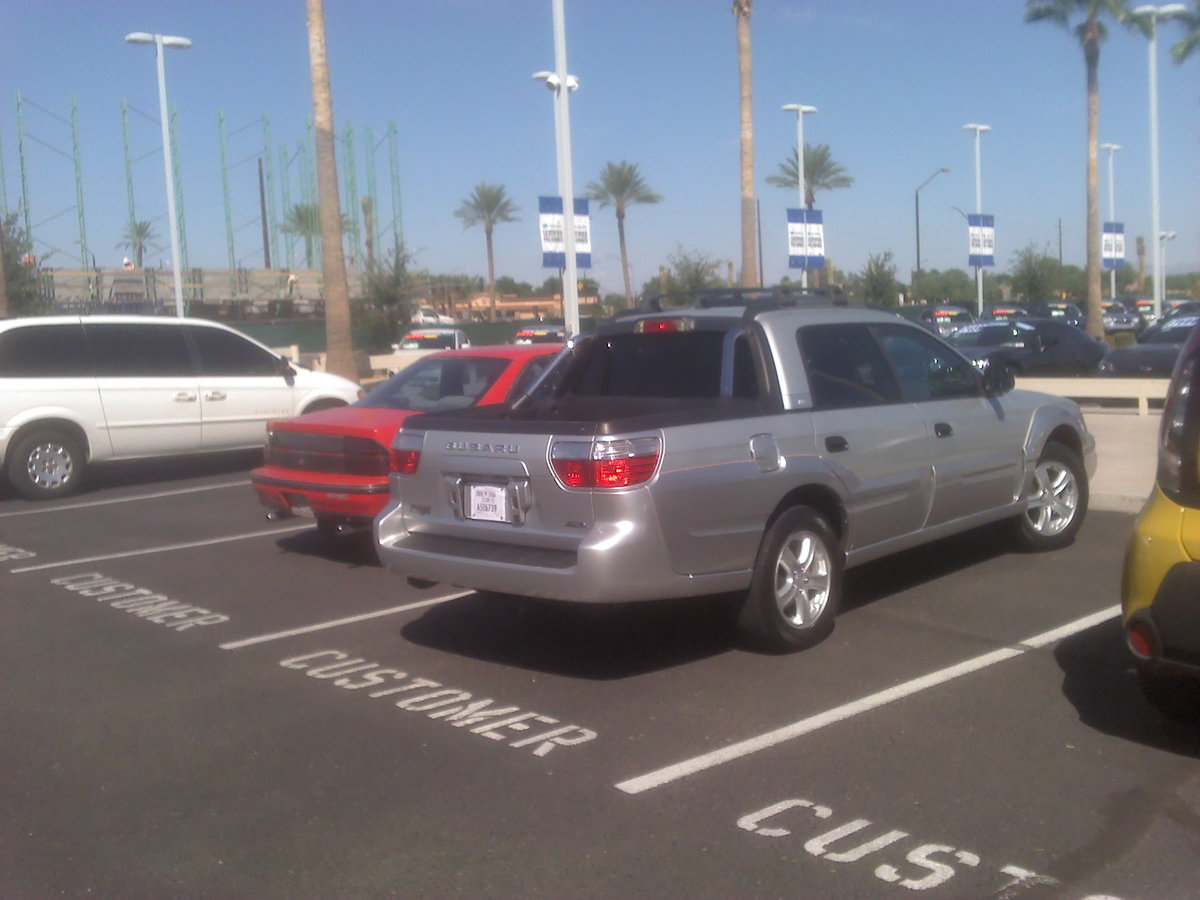
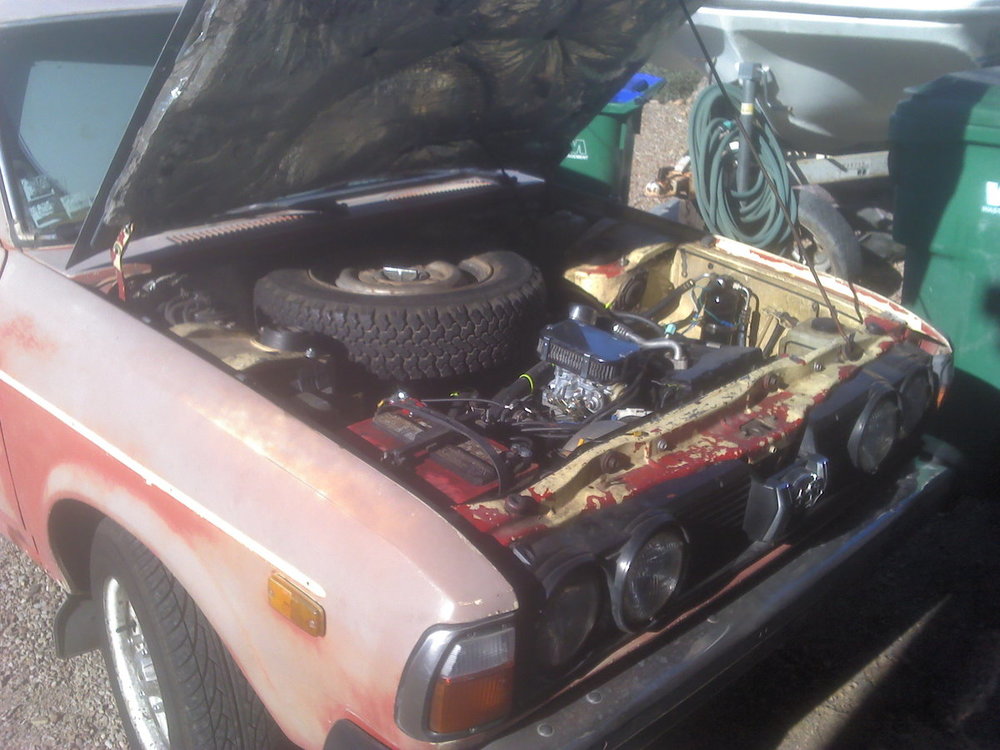
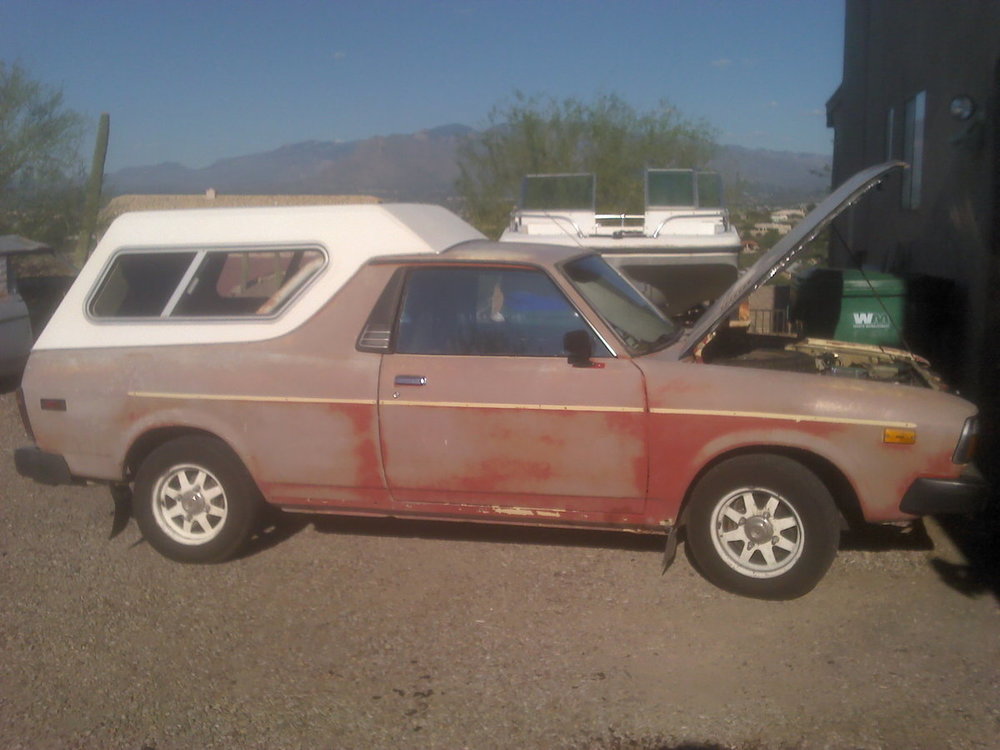
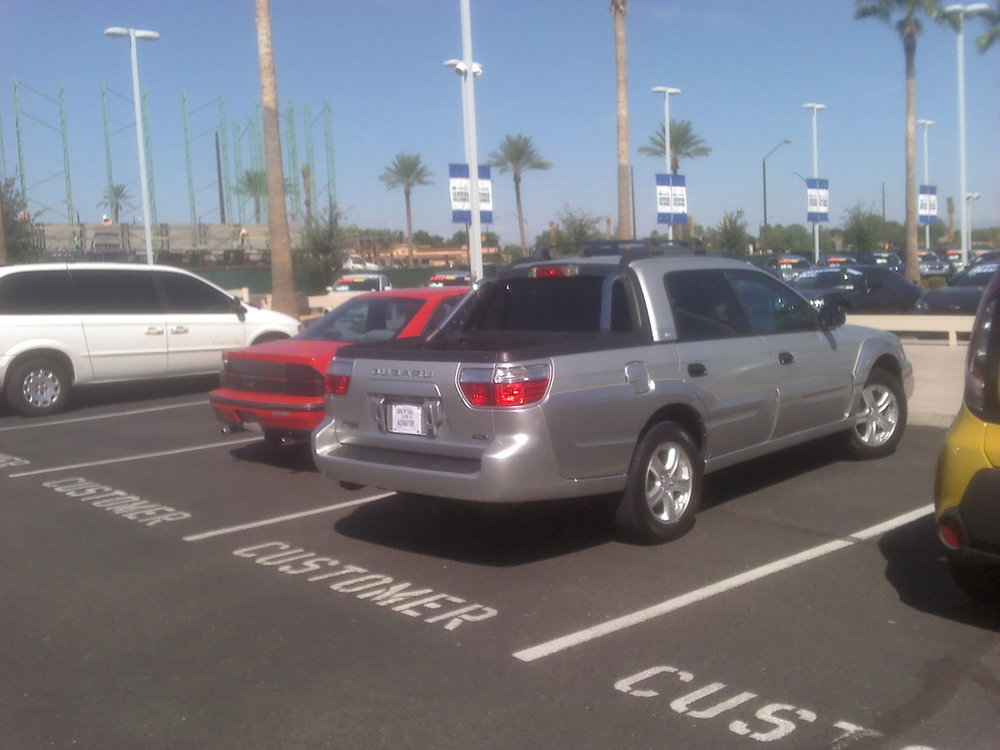
some pic's of my 1978 brat. I am bought new in 1978 and bought the book end 2005 Baja for the wife in 2016
 1 point
 -
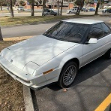
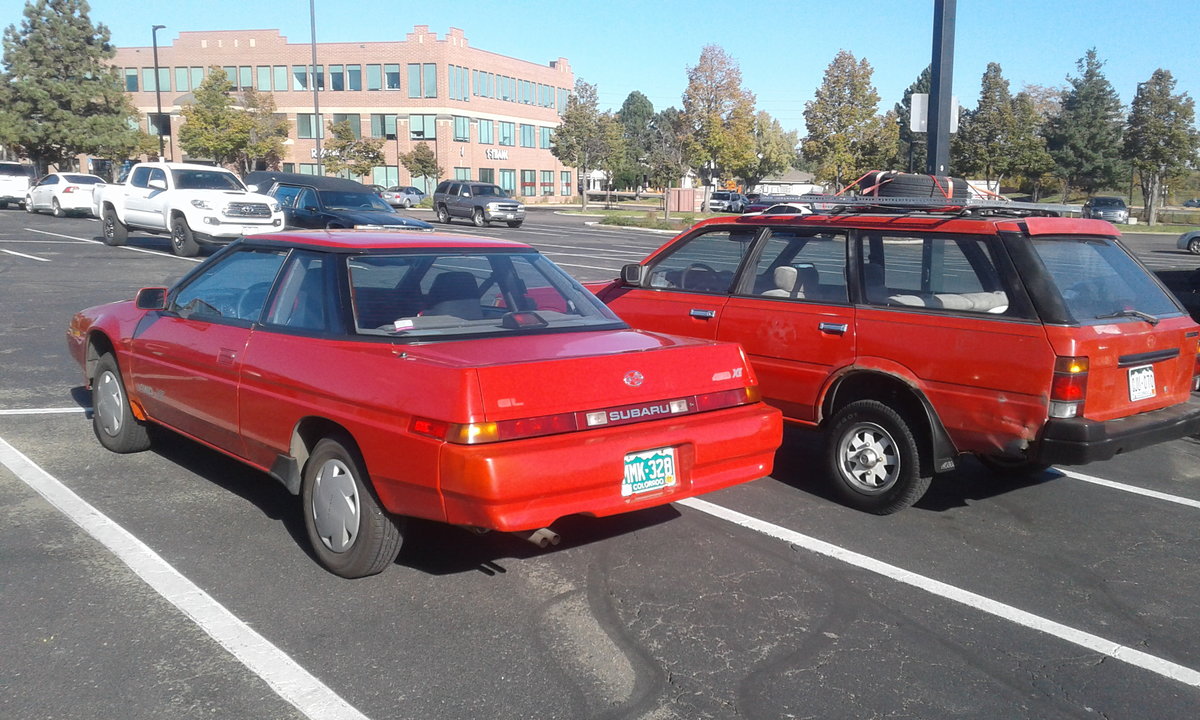
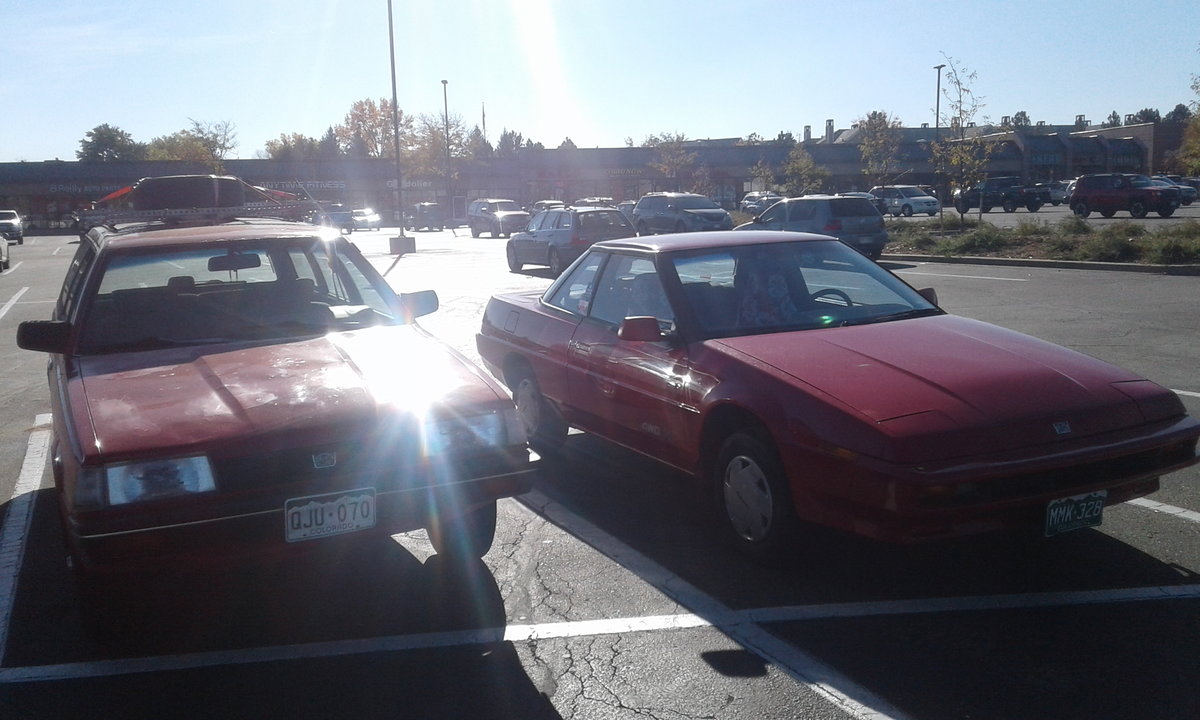
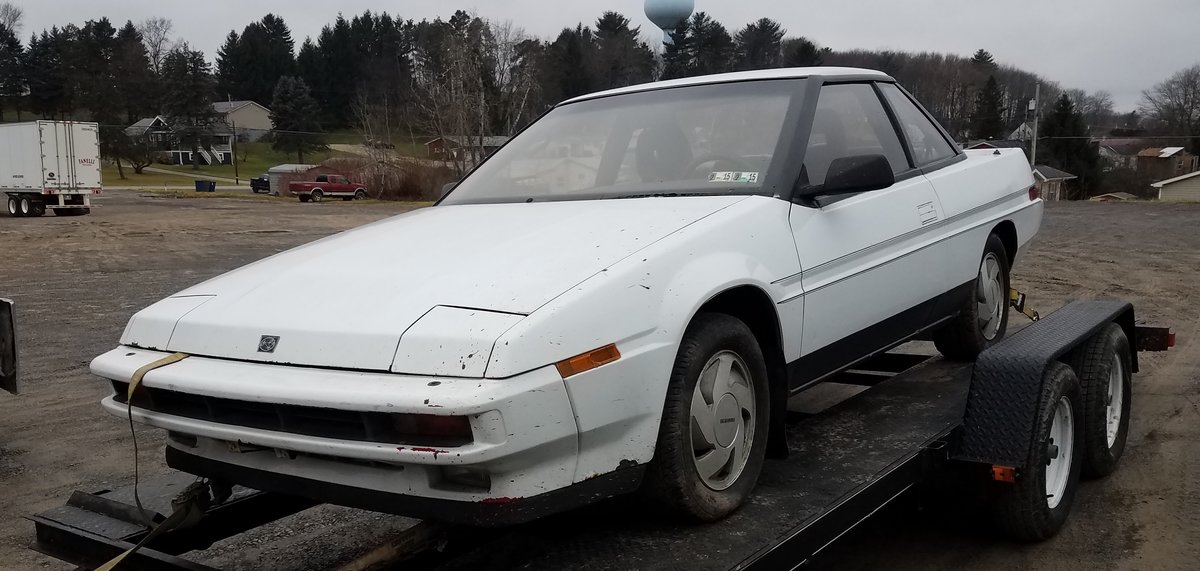
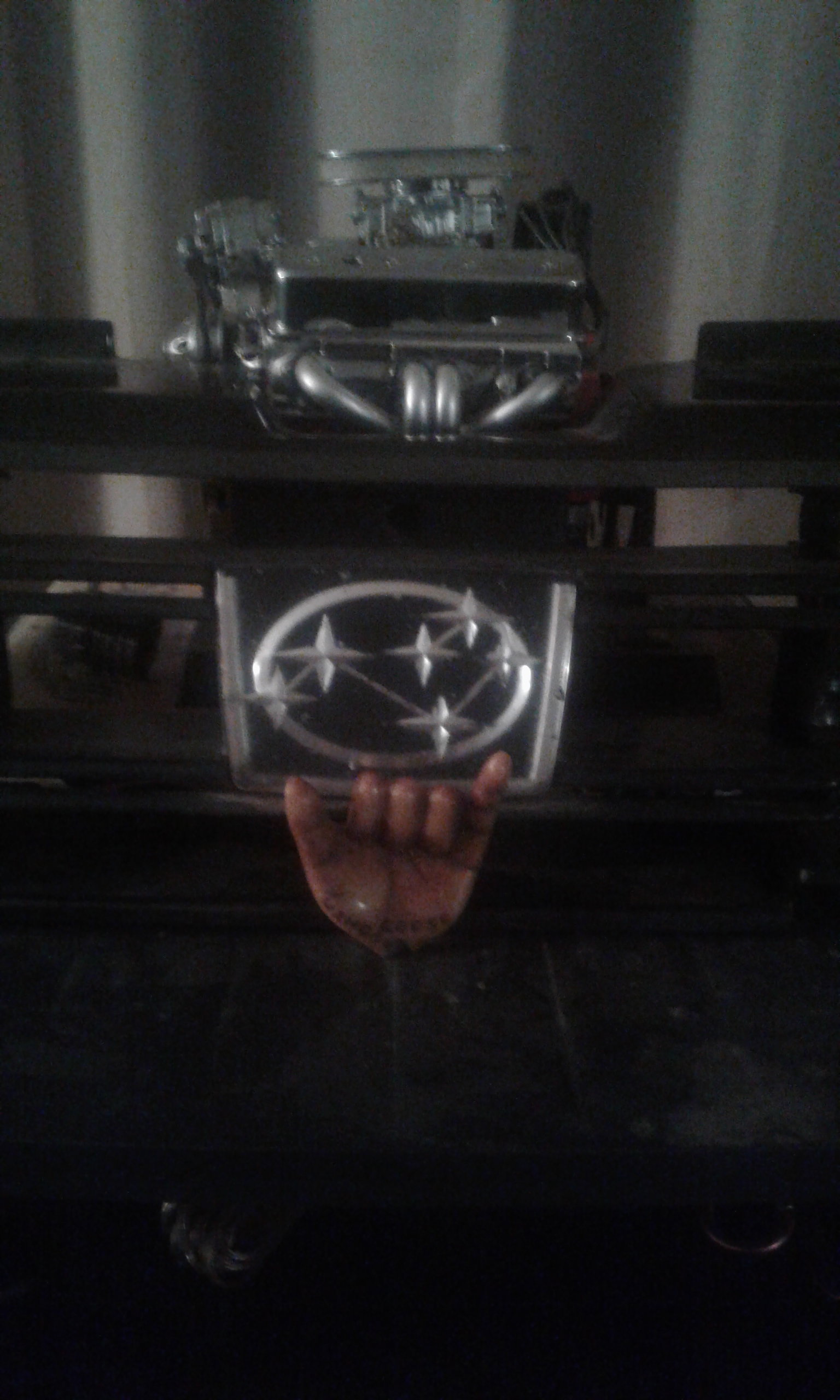
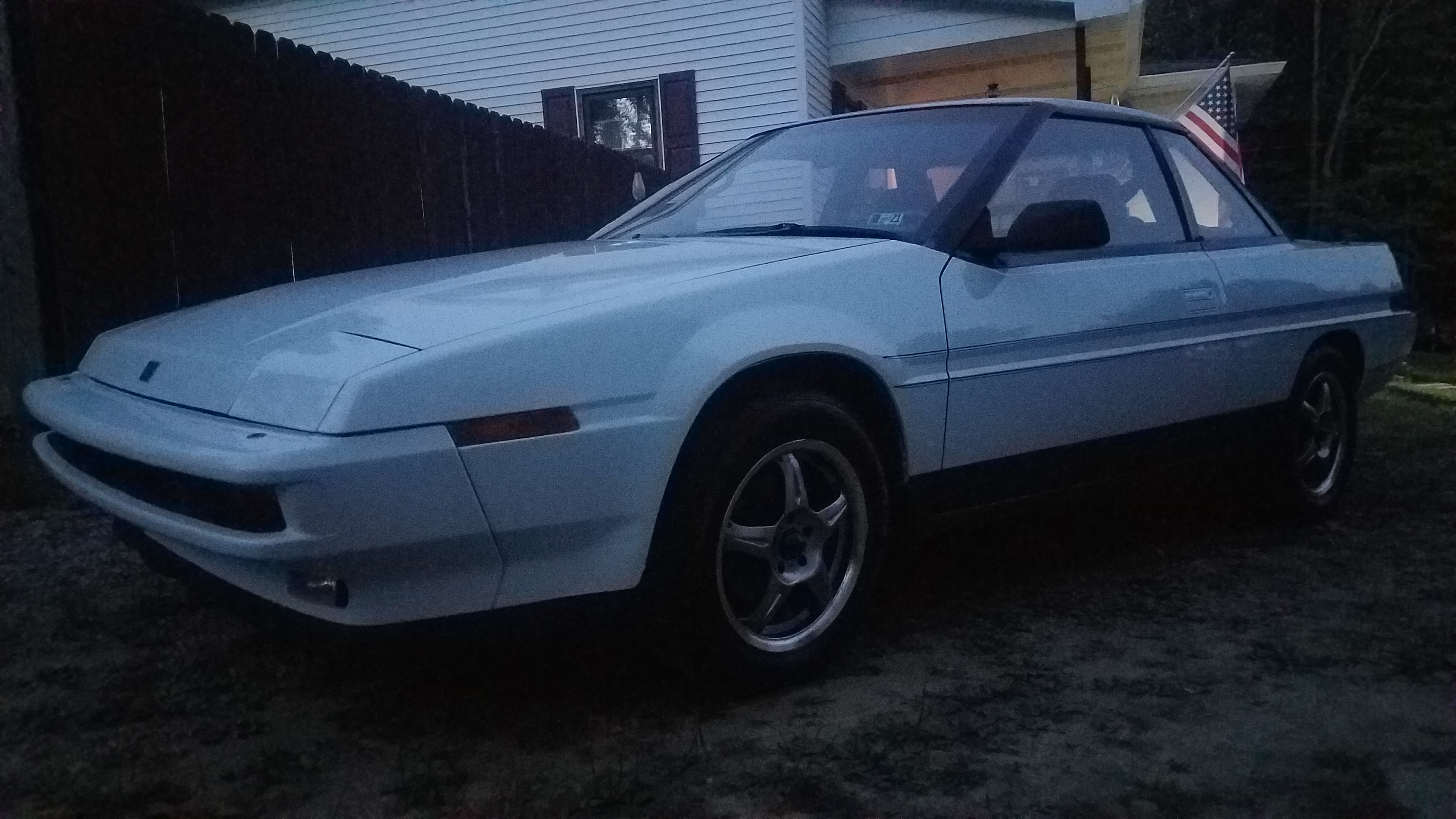
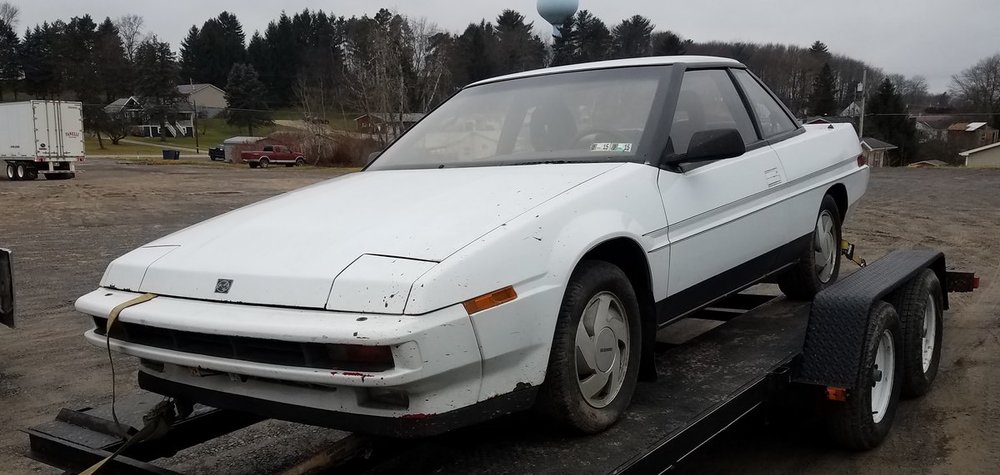
1 pointNew to the site, but not to Subarus. Here's the latest, 1989 XT6. Been wanting an XT since they came out. I remember seeing the commercials when I was getting my driver's license. Any other XT owners or officianado's please drop me a line, I'm sure I'll be needing advice or other knowledge somewhere along the way. Got this baby for CHEAP due to a cobbled up fuseable link on the clean battery power.
 1 point