
Leaderboard


Popular Content
Showing content with the highest reputation on 03/24/25 in all areas
-
I agree 100%. Still haven’t started it. My daughter’s car, so I’m not in a big hurry.1 point
-
Well, I got the crossmember bolted in late yesterday afternoon/early evening. Looks like my measurements for the holes and slots were close enough to make it work - I did have to knock the passenger-side/right-side stud out of the stock rubber transmission mount to get things to bolt on properly. This is temporary, again due to the offset of the stud pattern on the mount. I'll most likely install a replacement stud in parallel with the existing one for this build, and if/when it comes time to put in a new mount i'll adjust the crossmember to suit. (The CAD file has already been updated to match so other future builds should be just bolt-on.) I'd be very interested to get in touch with one or two more individuals doing Gen 1 builds like this so that I can further beta-test this crossmember design. If you're looking to do similar, get at me! Once I've got the *new* new camber plates on hand it's going to be a hard charge forward to put the impreza suspension in and the front wheels back on the ground so I can start cutting out the impreza transmission tunnel, rear suspension, and anything else I might need so I can reclaim its current parking spot. Truckin' right along! Thanks for following!
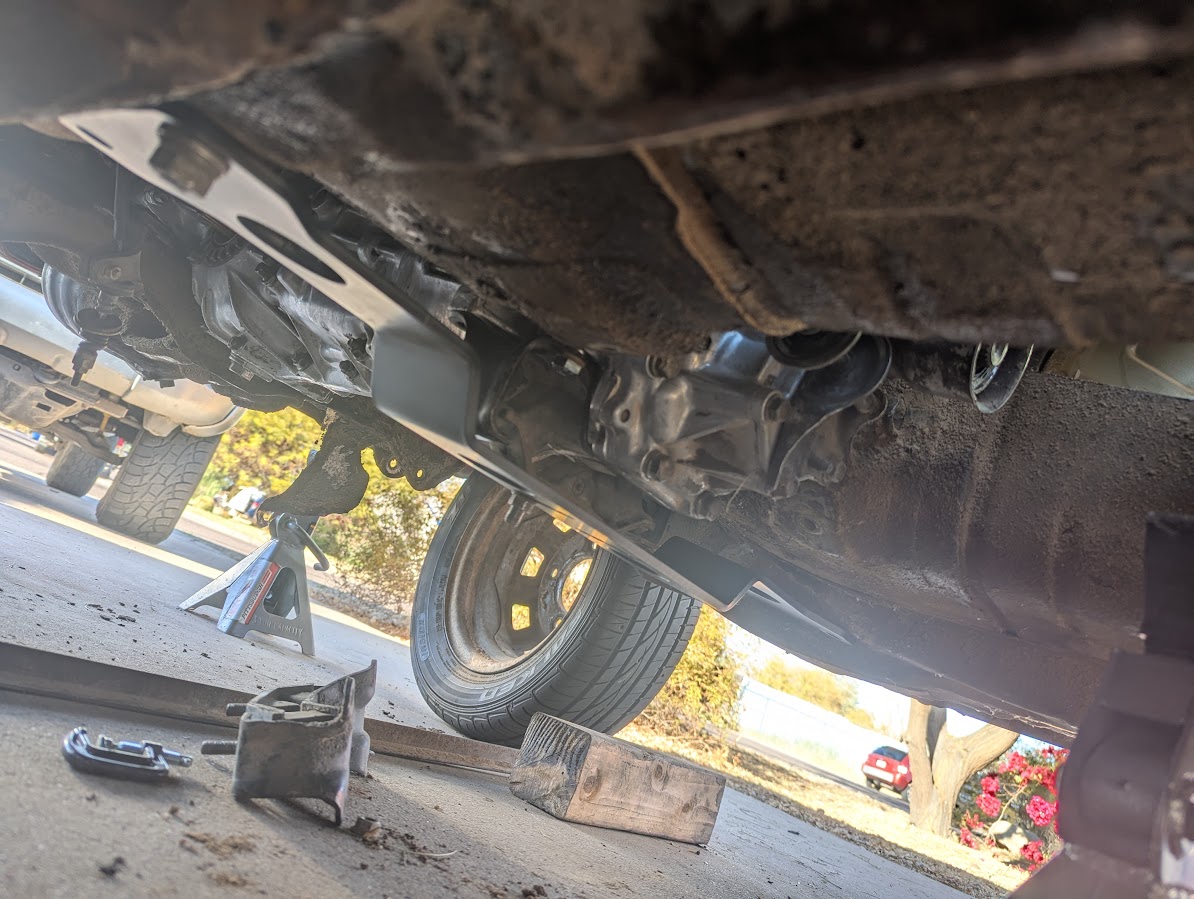
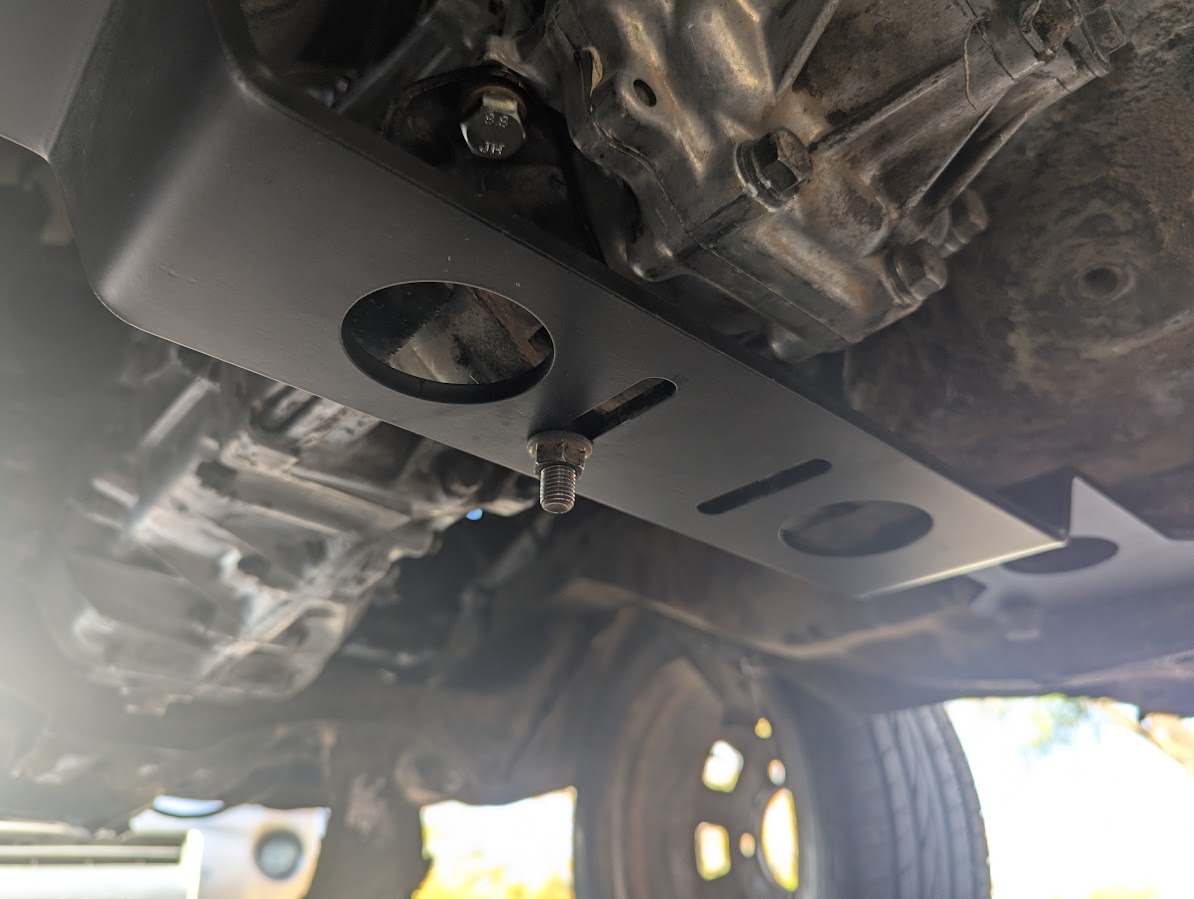 1 point