Captin Hook
Members
-
Joined
-
Last visited
-
No mine just bolted right up. The brackets that hold it to the bumper support were that hardest part.
-
.
-
Thanks for the heads up that was my next call over to delta and see if they have any ideas or pointers. After that is to find a machinist.
-
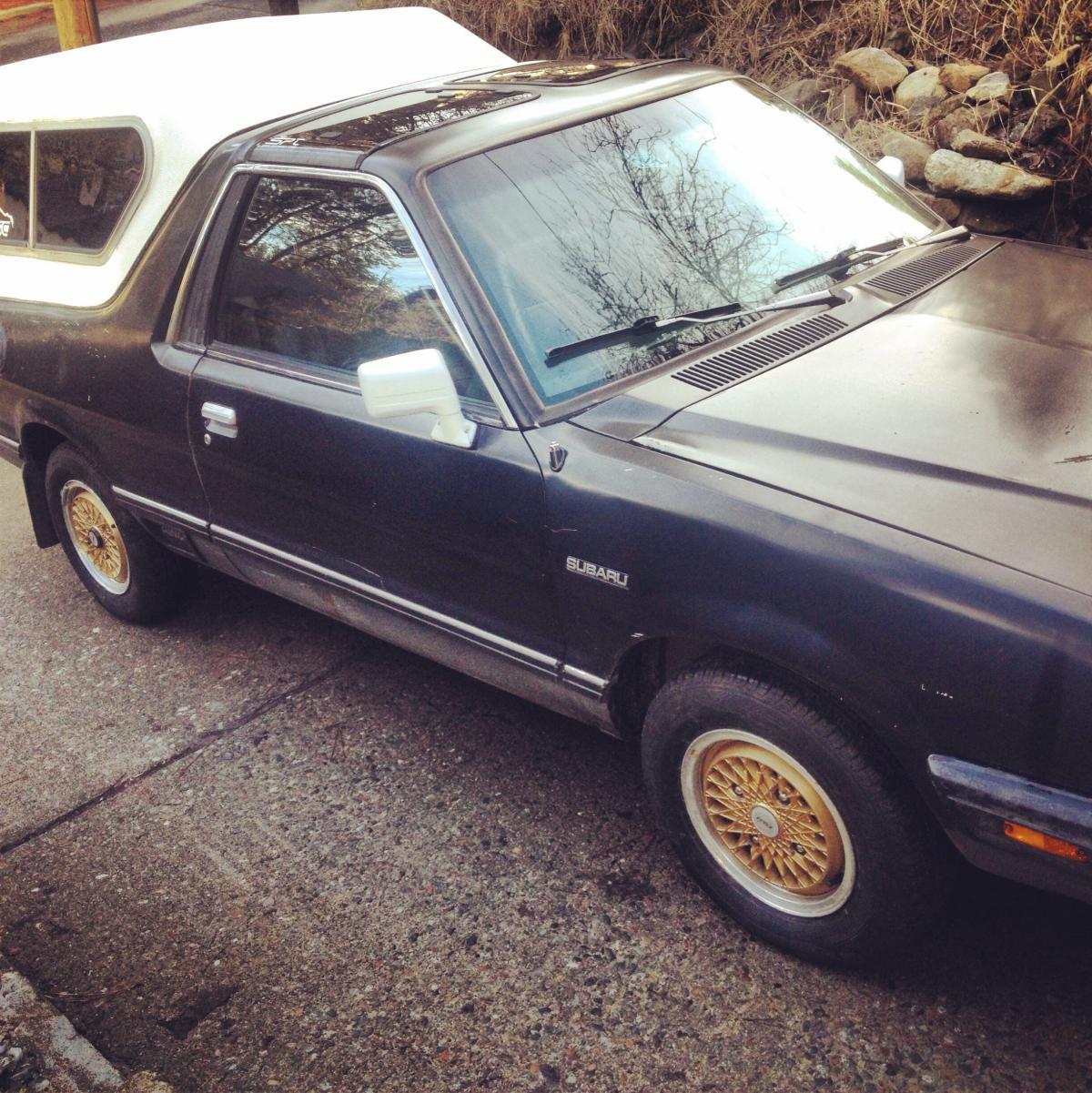
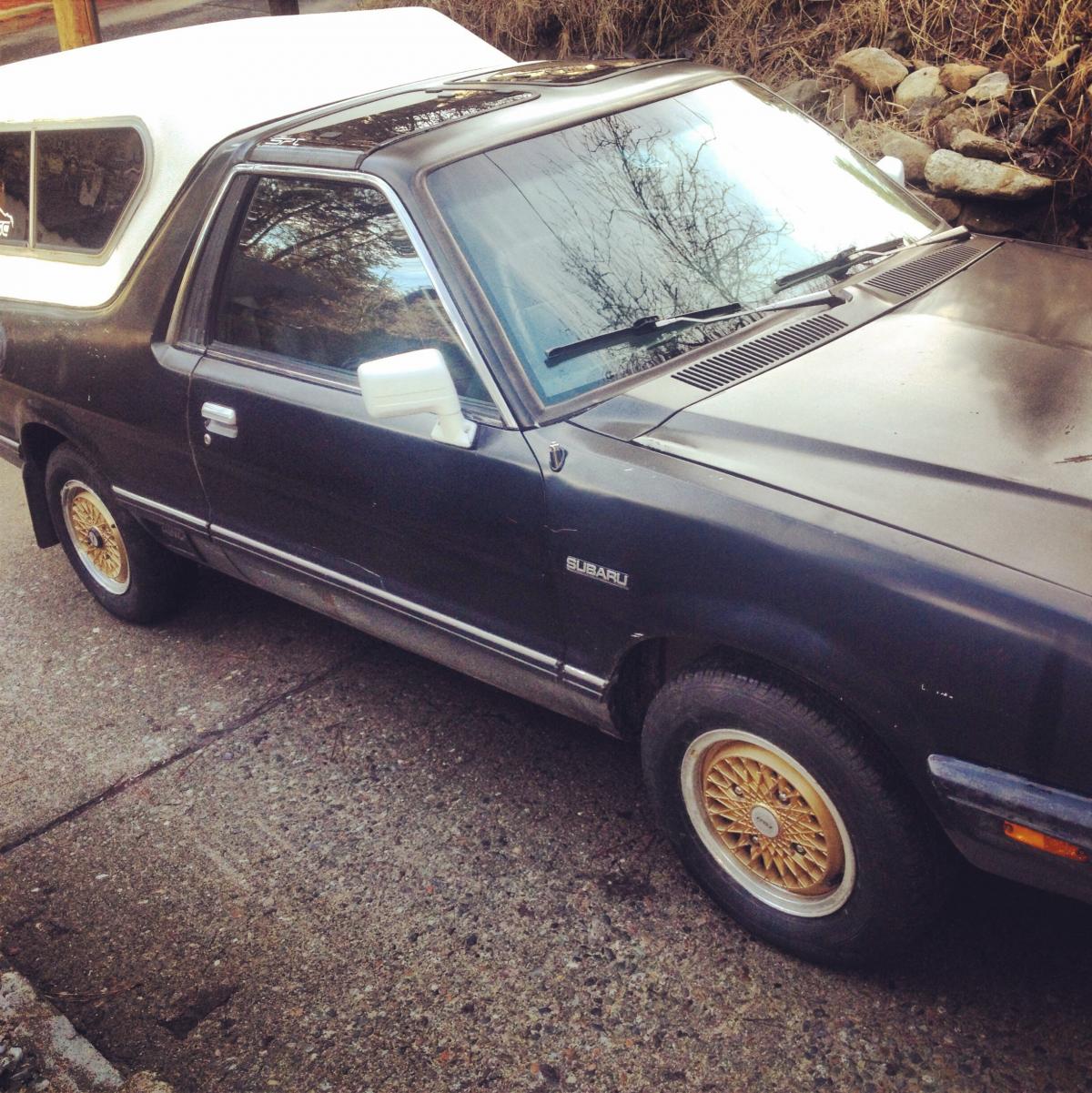
Got the wheels I got off of Qman ( thanks again) put on.
-
Alright that covers the rockers, what about lifter, and push rods? What ratio is the rocker, and what's the stud dia?
-
Most of the pictures didn't post.
-
Is it even possible? What is needed other then the obvious? Is it worth it?
-
Yep sure did, there's a perfect spot in the door for them, just put them back far enough so the window car roll down and your good to go.
-
^ Part # 6596 Euro installation kit. It only works with the 5 bolt signature series steering wheels. You might have to contact grant to get it I had to for my ea81 hub. Had it two days later.
-
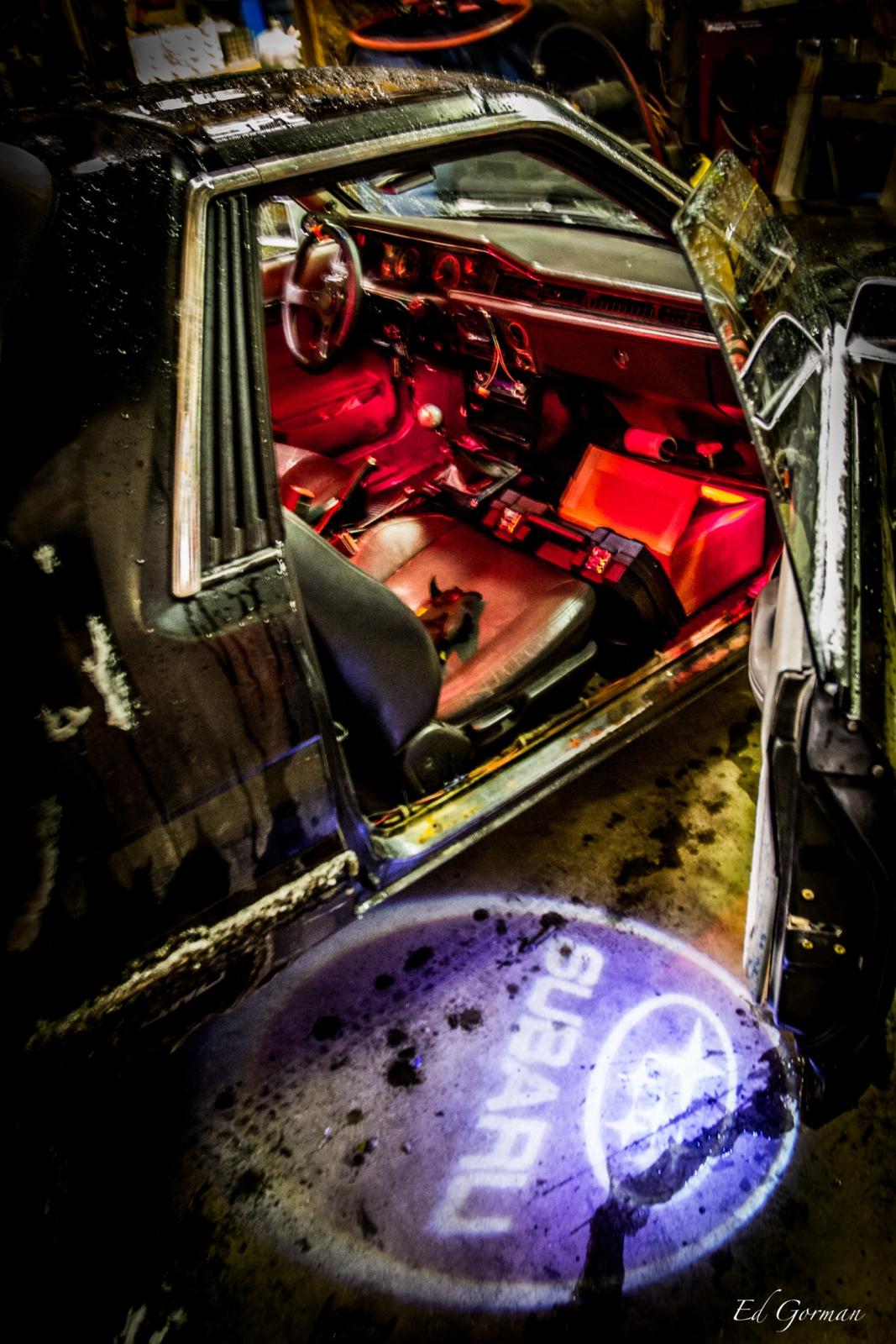
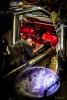
Some puddle lights I installed along with a ea82 done light upgrade, and red under dash lighting all tied in to the door switch.
-
Vdc stands for vechiel dynamics controll.
-
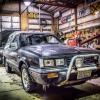
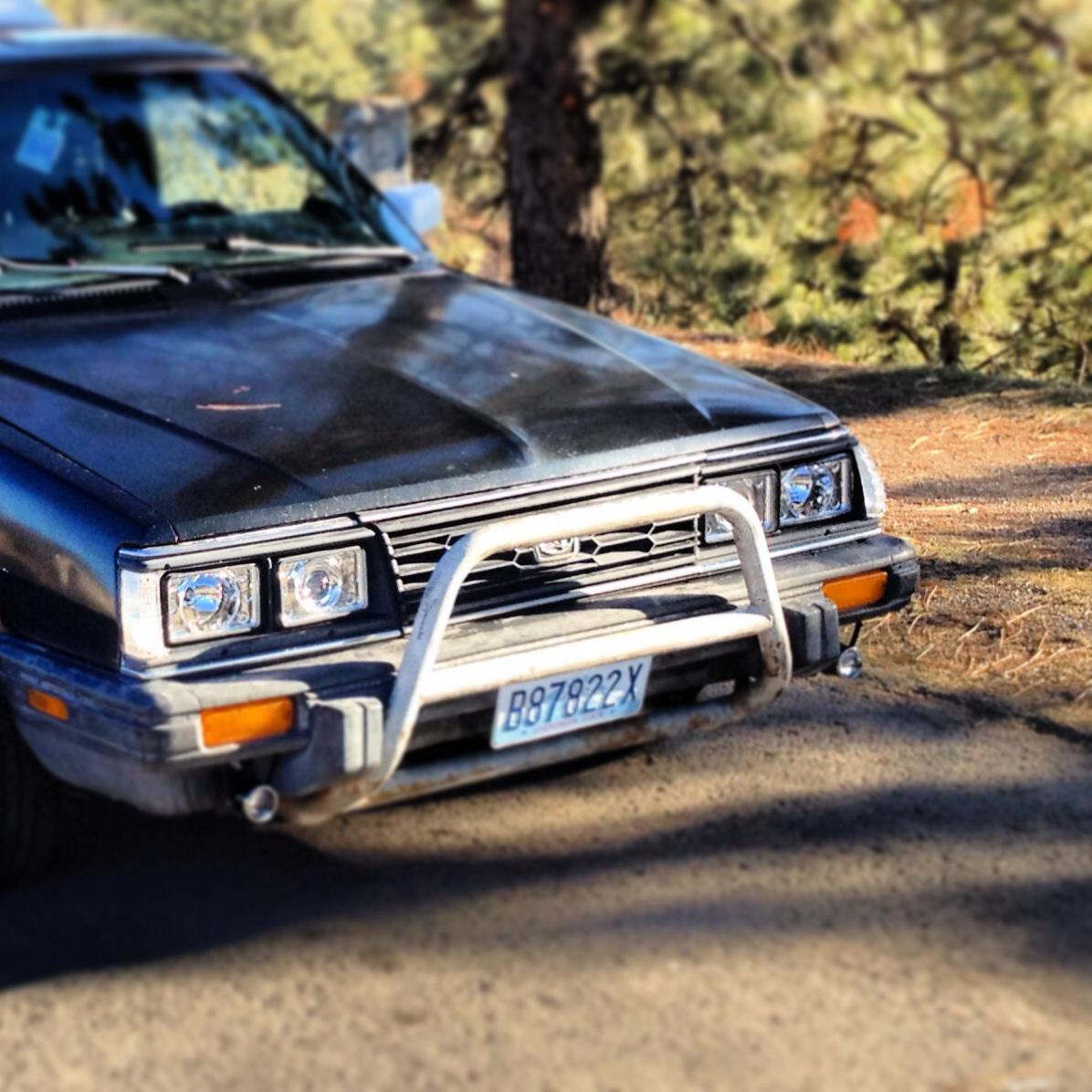
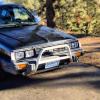
There it is on the front of my brat.
-
It a oe bull bar. The first one I got was for a first gen didn't work, found a secound gen one from a member on the board.
-
So it won't let me post a pic just pm me your email address and I'll send it right over.
-
Would help if I had posted the picture to go with it.