SubDrew207
Members
-
Joined
-
Last visited
Everything posted by SubDrew207
-
SubDrew207 replied to SubDrew207's topic in 1990 to Present Legacy, Impreza, Outback, Forester, Baja, WRX&WrxSTI, SVXUpdate: ok so I found a 98 Subaru legacy outback ej25d with the heads done and timing belt water pump ect. will this bolt up to my 99 sus tranny. I think from the research i've don't that it should no problem including the wiring harness? I am paying 600$ and the guys gonna pull it from his car for me. In advance thanks all you Subaru techy
-
SubDrew207 replied to SubDrew207's topic in 1990 to Present Legacy, Impreza, Outback, Forester, Baja, WRX&WrxSTI, SVXcould I tap and die the egr port on a jdm engine and hook it up or does the engine not allow that? This is the engine link I have found some info on EGR installations to jdm motors. I want to be sure before I make a purchase that the 4 bolt engine will work with my tranny 8 bolts. http://cgi.ebay.com/ws/eBayISAPI.dll?ViewItem&item=231090939179&fromMakeTrack=true&ssPageName=VIP:watchlink:top:en Or could I take my ej25d manifold from the sus and install it on the jdm ej25d and tap and die the egr port? Thanks
-
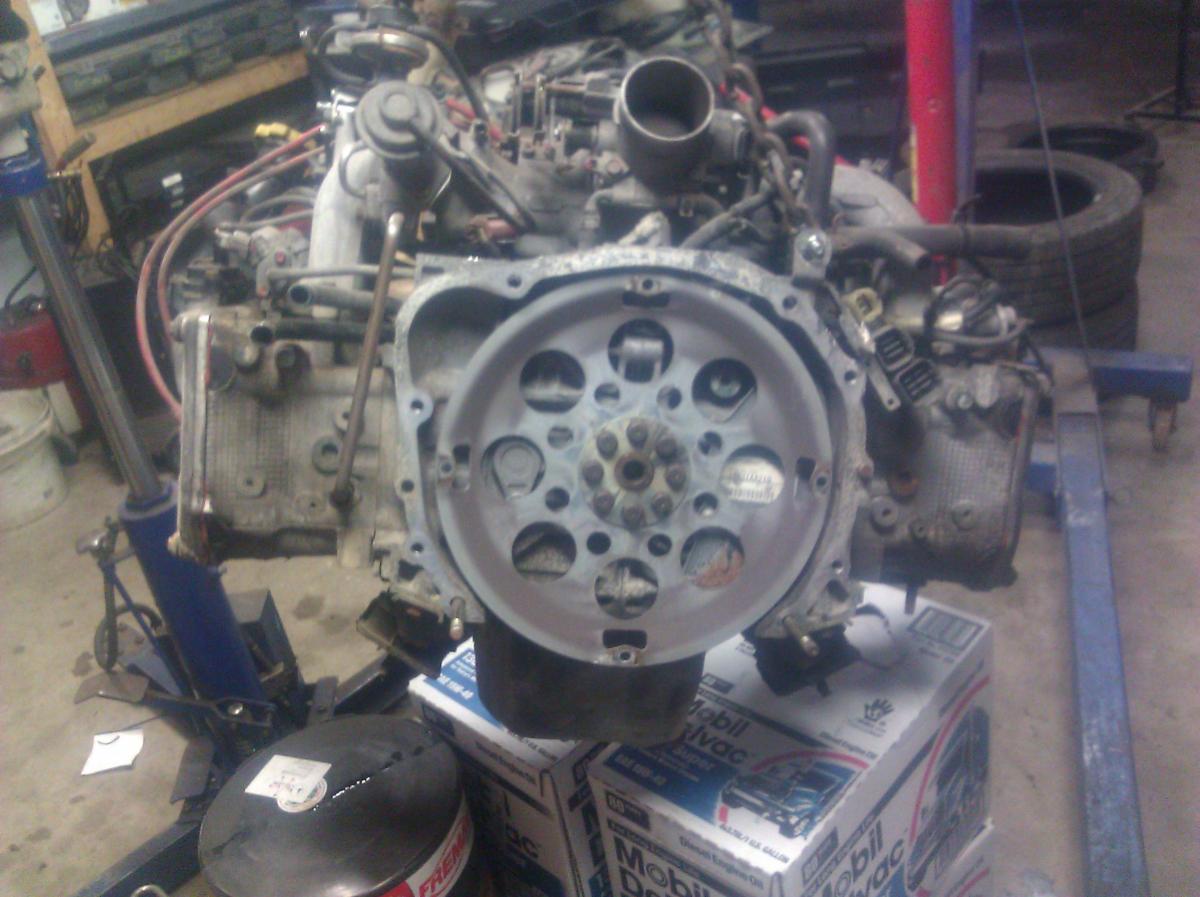
Ok so this is probably been answered someplace unknown to me. I have a 1999 Subaru legacy outback SUS EJ25D with the 8 bolt bell housing hookup. I continue to run into people saying that car is type specific as far as engines go. what are my options? can I use a JDM 4 bolt EJ25D or EJ22 because I cant seem to find a 25 that's not high miles and very expensive 1300$ was the best I could find. I am interested in these 4 bolt JDM motors. will they work Plug and Play with my 99 SUS? Thanks all this is the JDM I would like to use