
Leaderboard
-
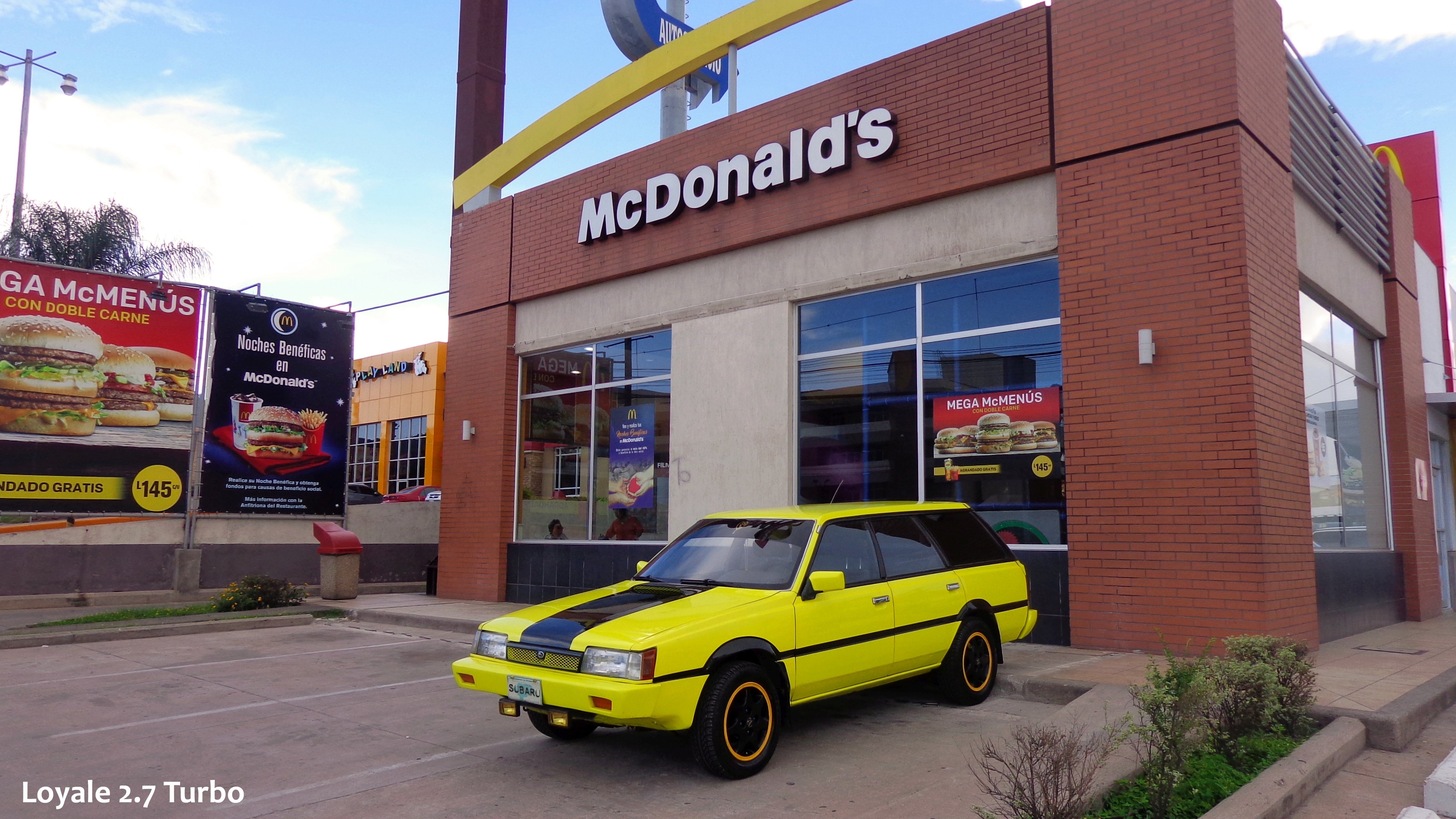
Loyale 2.7 Turbo
Members2Points7843Posts
Popular Content
Showing content with the highest reputation on 05/03/24 in all areas
-
1 point
-
1 pointSo, I did a Double challenge, long term experiment with these Coverless Timing Belts, One challenge was mileage lifespan (to reach certain Mileage) and the other challenge was time lifespan (Endurance in time); and the Coverless Belts definitely Surpassed both challenges by far, with flying colors, way better than the covered ones, due to multiple reasons; but someting to consider is that here, in Central America / Honduras, climate tend to be very Stable and Never Snows; however, the belts were exposed to mud, dust, small gravel, small branches and different fluid spills, even an accidental screwdriver dropage during this more than a decade long test / experiment, everything was Repelled by the spinning belts, even they cleansed by themselves, due to their centrifugal action. You can read Further, see photos and discuss the subject, Here: ~► https://www.ultimatesubaru.org/forum/topic/123470-timin-belt-covers/page/3/#elControls_1408538 Kind Regards.1 point