
Leaderboard


Popular Content
Showing content with the highest reputation on 03/03/25 in all areas
-
1 pointIt's a80 and brown has the roll bar. That's why I bought it for the silver one. Last thing done to silver was webber. There's the headlights.
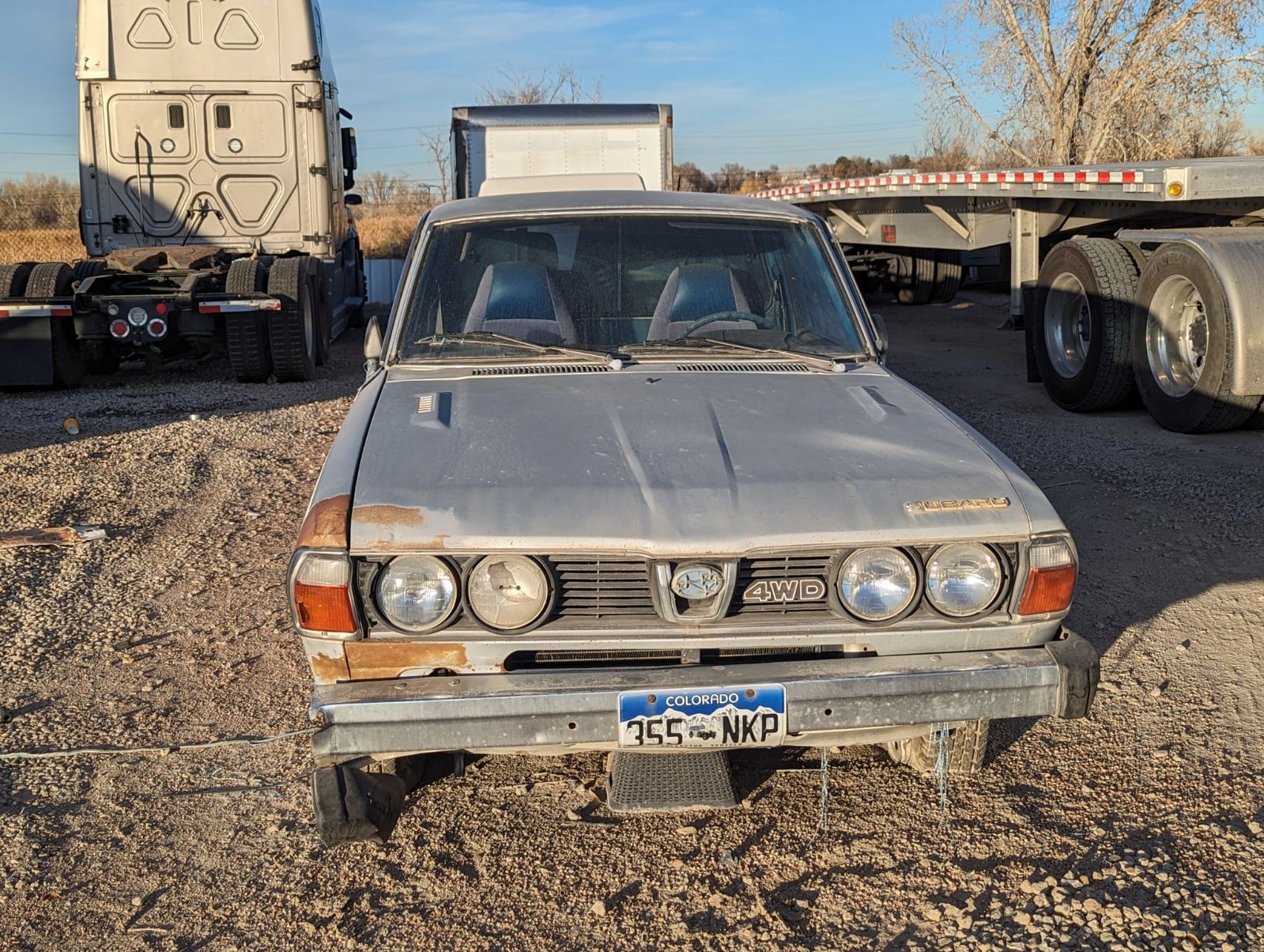 1 point
 -
AFAIK a timing kit is a timin kit. Just make sure you get a phase 1 or phase 2 kit as needed - and ensure you’re getting the correct tensioner design as they swapped in the phase 1 era and ran with that tensioner ever since. When you reconnect the battery and start the engine you shouldn’t touch the throttle - the ECU will change engine speeds as it works out it’s idle. I believe this is set as the engine comes up to full running temp. If it’s still stalling at times something else is at play. Clear and check codes again. If the fuel pump wasn’t replaced also consider this could be the issue. When a fuel pump dies it can do it randomly then start again, or it could completely dies. Also stale fuel can be problematic with getting the engine started. If it’s really bad you will smell a varnish like smell from the exhaust. Other thought with the poor idle is a sticky idle air control valve. Could be worth pulling and cleaning up. Do not remove the top cap as that’s the idle set from factory. Apparently you can adjust this once the engine is up to full temp to set the engine idle speed - but it typically doesn’t need to be touched. That’s all I can come up with - I hope some of it at the least is useful! Cheers Bennie1 point